...
The AutoSwim algorithm settings (activated after plane adjustment) are now accessible in the main toolbar.
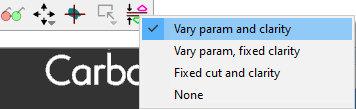
Available modes:
| Vary param and clarity | Maximizes solution value by optimizing polished diamond parameters and evaluating multiple clarity groups (inclusion sets). Default mode. |
| Vary param, fixed clarity | Optimizes solutions by adjusting polished diamond parameters only (current clarity group remains unchanged). |
| Fixed cut and clarity | Uses predefined fixed polished diamond parameters and the current clarity group. |
| None | No automatic optimization after plane movement. |
Detailed solution information in the Scene
...
| Video | Axes rotation modificator - rotation along Ox/Oy/Oz axes | ||||||||||
|---|---|---|---|---|---|---|---|---|---|---|
| Published: | 2024, December 13 | Last Updated: | 2024, December 13 | v.1.0 | ||||||
| ||||||||||
Video summary: To rotate along those axes, simply press the H (Horizontal), V (vertical) or С (Center) keyboard button respectively and rotate the scene
| ||||||||||
| Video keywords: rotation, scene, axes | ||||||||||
Data | ||||||||||
| Published in: | Release Notes | 2025-08-27 - HP Carbon 2.2.16 | ||||||||
| Documentation | NA | |||||||||
| Playlists | NA | |||||||||
...
- Dimension “A” - "HEART_GROOVE_WIDTH_MM", "HEART_GROOVE_WIDTH_PC"
- Dimension “B” - "HEART_GROOVE_DEPTH_CRN_MM", "HEART_GROOVE_DEPTH_CRN_PC"

- Dimension “C” - "HEART_GROOVE_DEPTH_PAV_MM", "HEART_GROOVE_DEPTH_PAV_PC"

- Dimension “D” - "HEART_GROOVE_HEIGHT_MM", "HEART_GROOVE_HEIGHT_PAV_PC"

Preplan updates
Preplan Creation Improvements
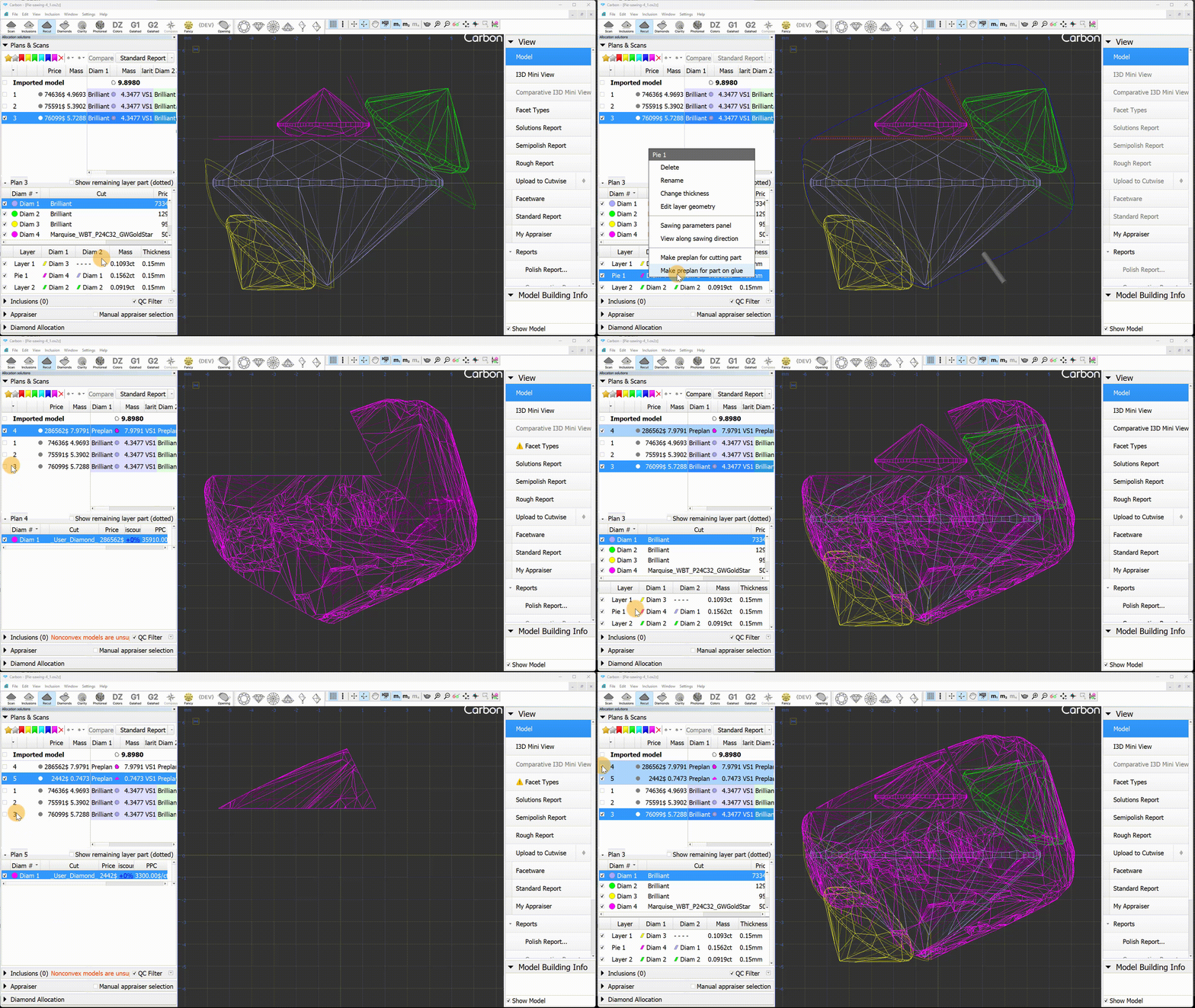
The preplan creation process has been enhanced and stabilized. The "Create sawing preplan" feature now fully supports half-planes, pies, and shapings, including imported Sarin projects.
New Preplan Creation Methods
Two additional ways to create a preplan have been introduced: from the layer's context menu, you can select "Make preplan for cutting part" and "Make preplan for part on glue." "Make preplan for cutting part" creates a preplan for the part of the rough that should be cut off by the sawing. Typically, this is a sawing preplan for the diamond being cut. "Make preplan for part on glue," on the other hand, creates a preplan for the remaining rough part. This is the part of the rough, that remains at the glue point after being cut by this layer.
Fixed problems and improvements
...
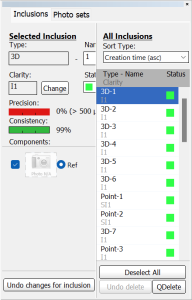
- In the Inclusions mode, the inclusion color statuses were not updating correctly in the list.
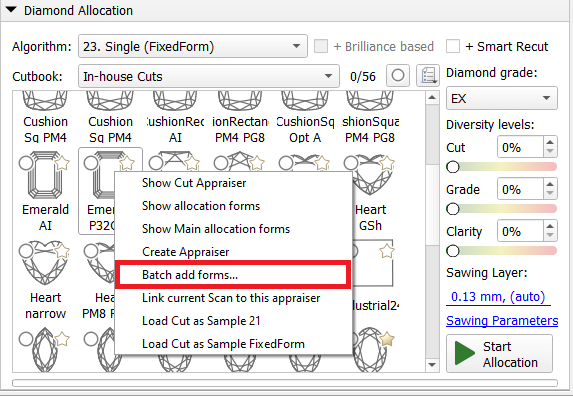
- Improved facet marking transfer stability during "Batch add forms..." command. Fixed facet marking transfer bugs that made some forms unusable
- SmartNormalize algorithm is improved for complex non-convex cuts.
- Uploading data to Cutwise is significantly accelerated
Bug fixes in Inclusions mode:
Resolved an issue where the color status of newly created inclusions was not updating correctly when accessed via the context menu in the list.
Fixed a problem that prevented the removal of inclusions from the scene in scenarios involving Cracks (with auxiliary inclusions such as deep point.
Fixed crash when deleting inclusions in a certain scenario and project.
Sandwich Updates (Bug Fixes and Improvements):
The sandwich's saw plane normal is now directed toward the nearest diamond and is parallel to its closest facet.
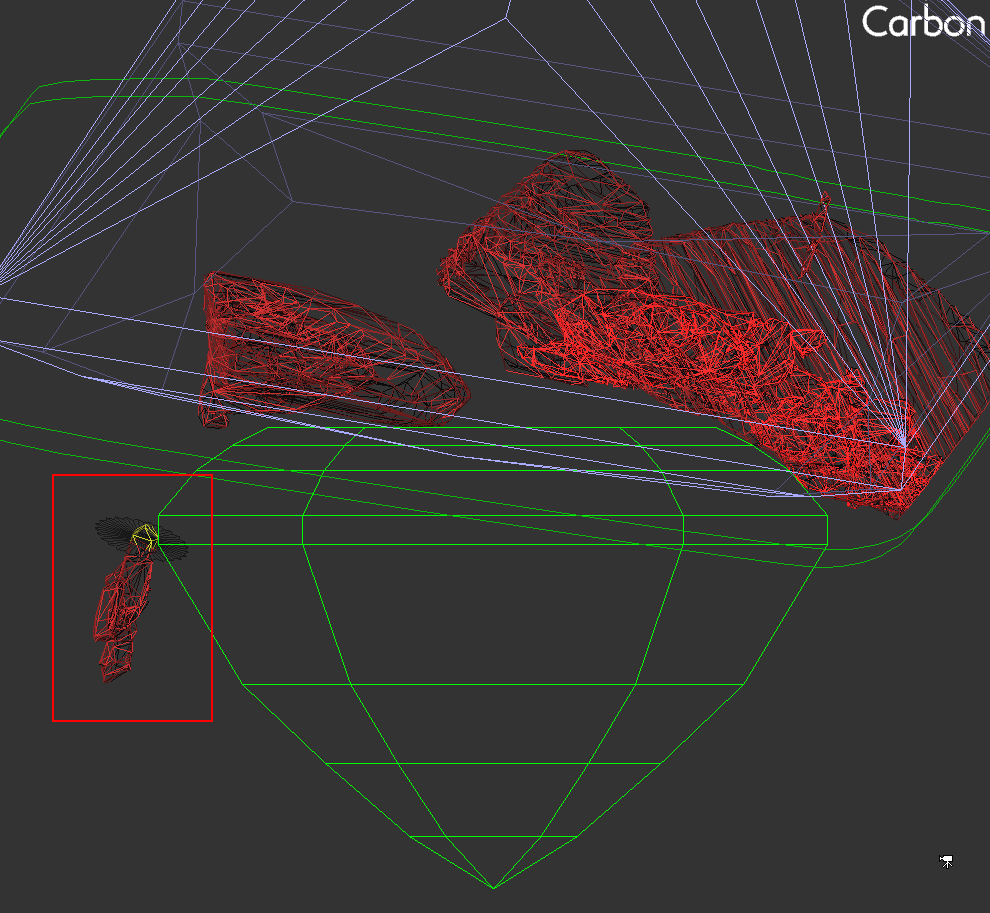
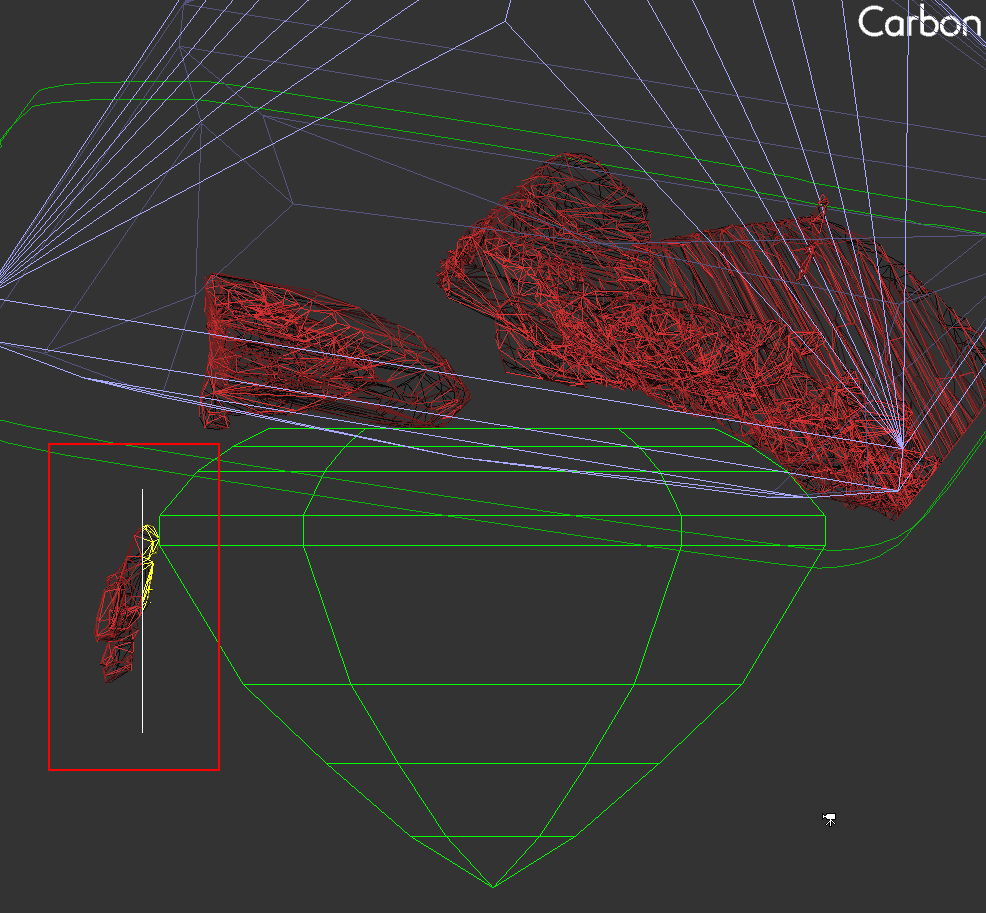
The sandwich's saw disk has been enhanced for better visibility and size. Its minimum size is now larger than the size of the inclusion.
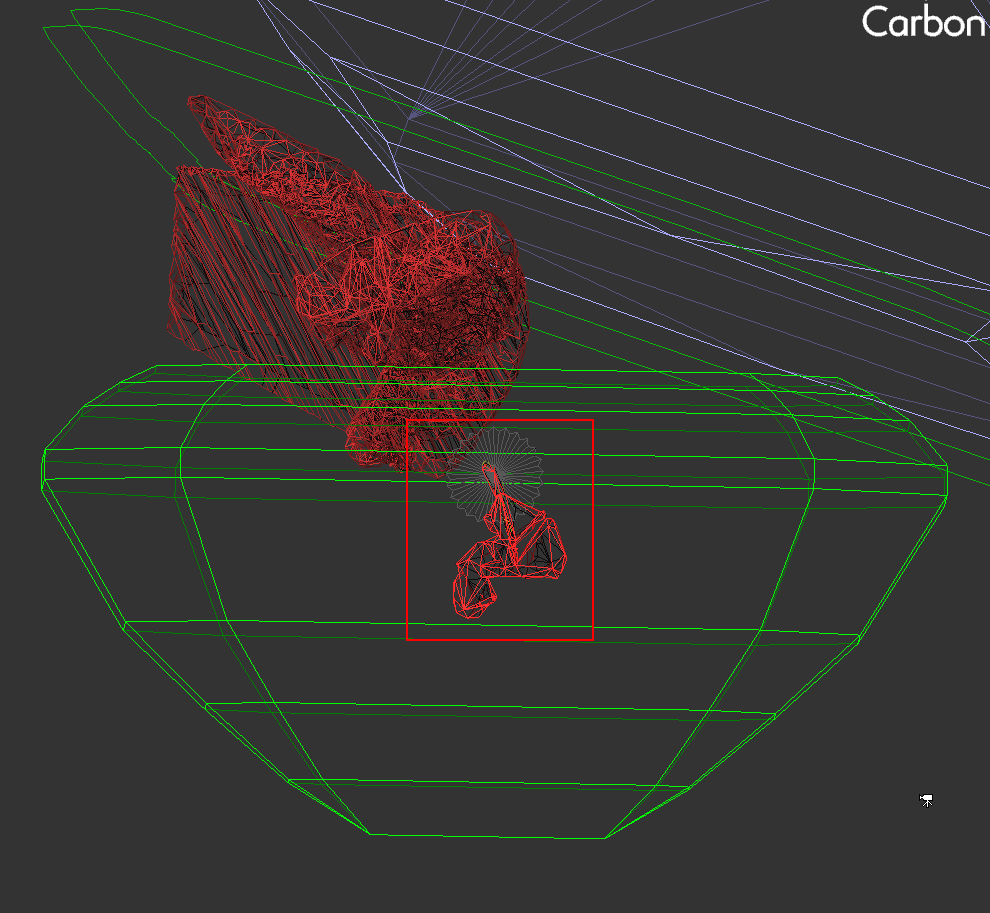
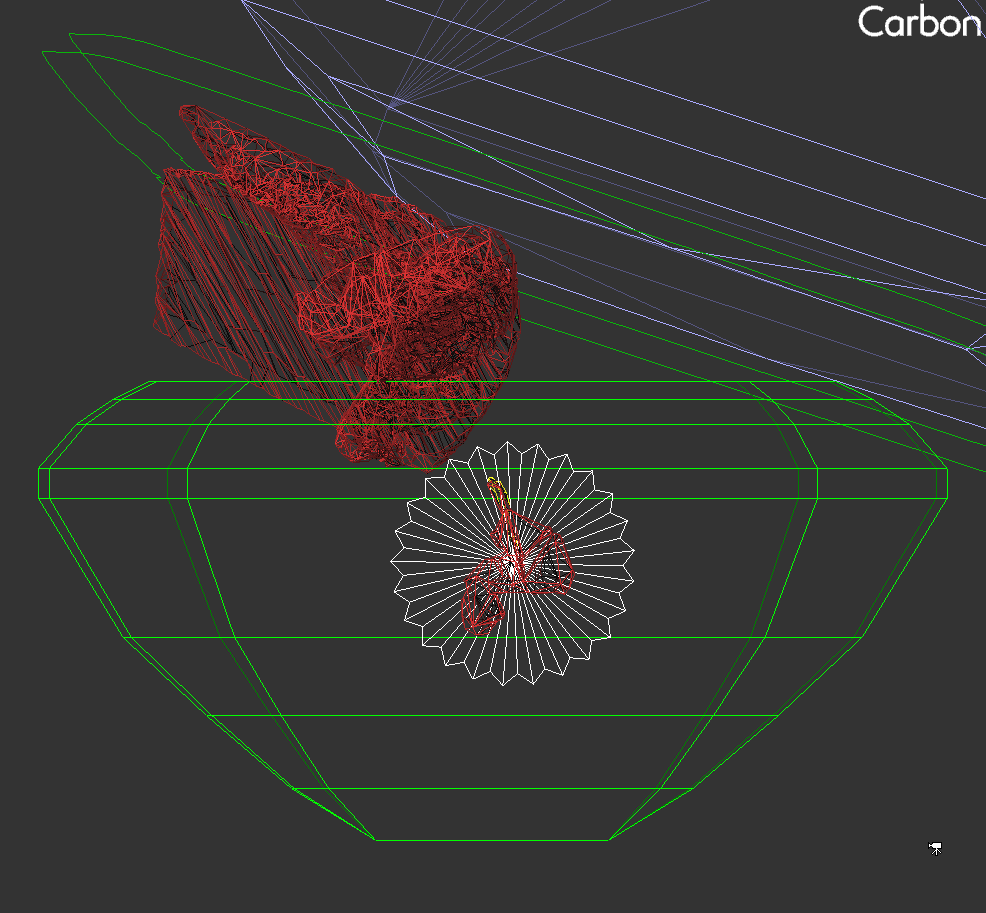
Resolved conflicts that occurred during simultaneous movement of the "diamond/saw disk" and "layer/saw disk" pairs with the object movement (hand) tool.
The pop-up window for the "Change layer thickness" command now correctly:
Responds to the Esc key
Handles default values properly when opened
- Fixed an issue where right-click + mouse wheel would move objects instead of zooming when object movement mode was active
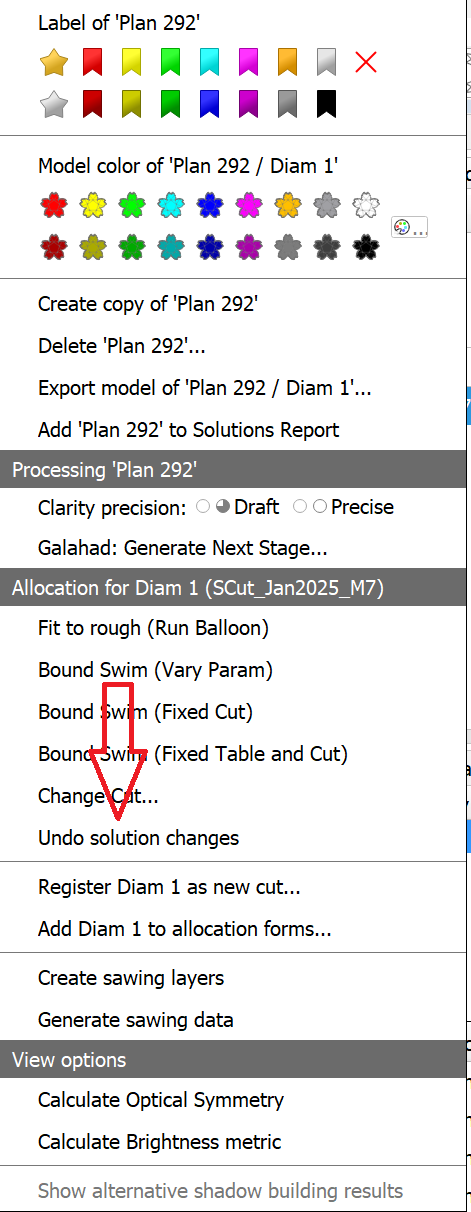
- The "Undo solution changes" function now works consistently in all scenarios, including when any layer is selected in the solution.