...
1. Creating a sandwich.
A sandwich can be created in two ways:
- Using the context menu in the scene (the selection mode must be activated in the scene for this).
- Using the context menu in the inclusion list.
|
|
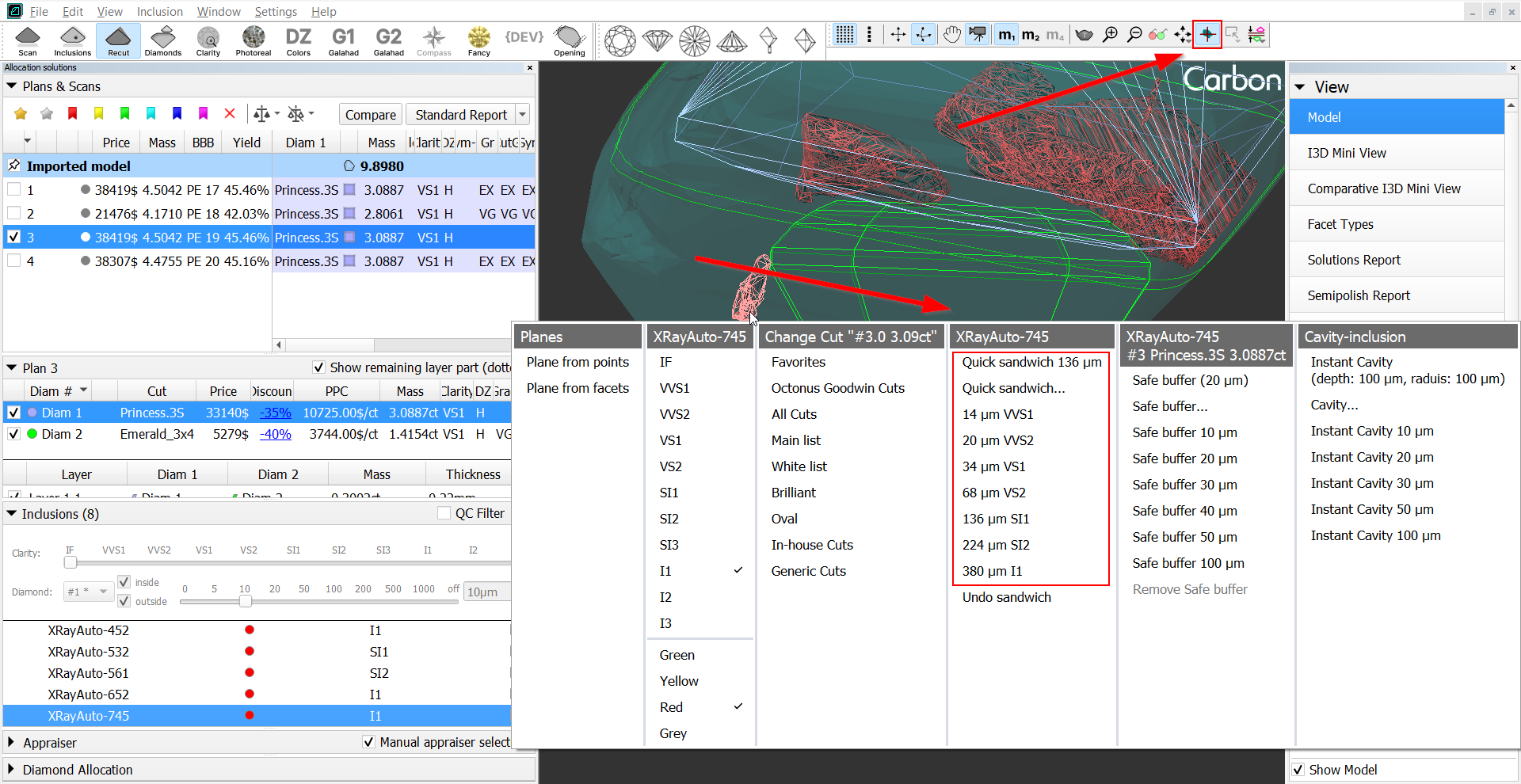
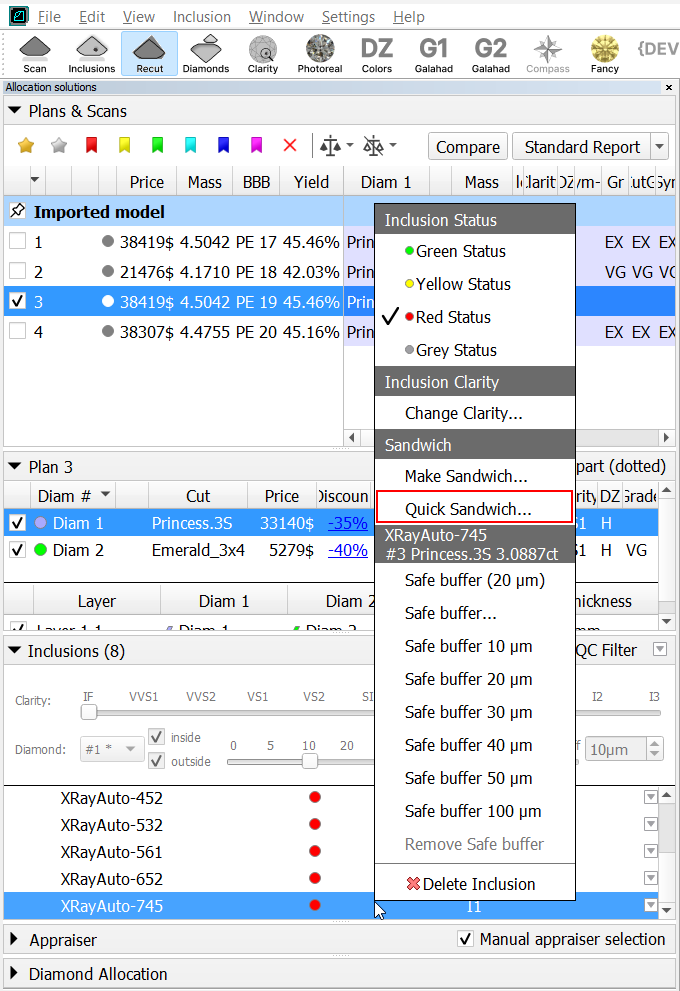
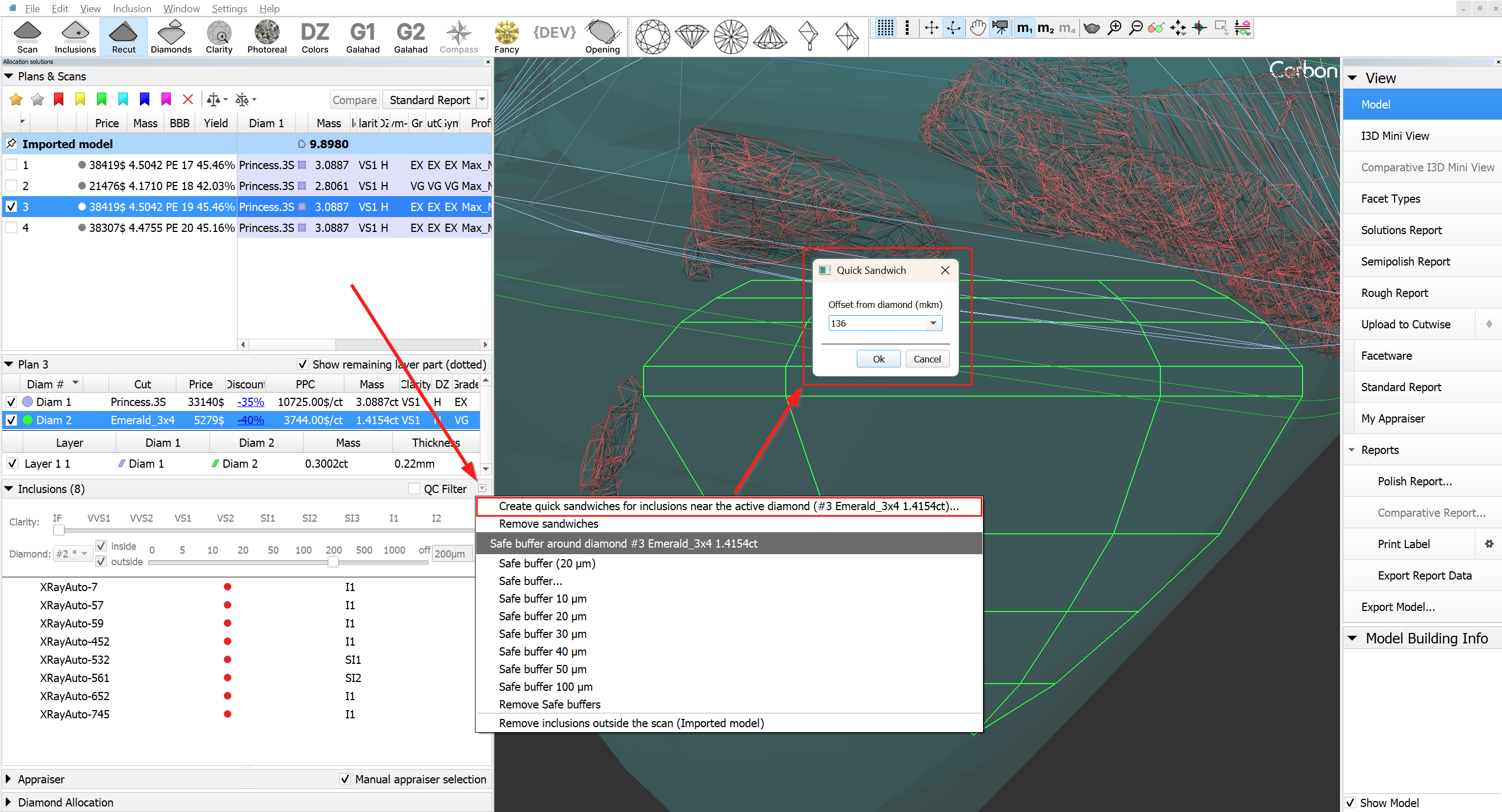
When you select the "Quick sandwich..." menu item, a dialog box will be displayed where you can manually enter the desired offset value.
...
2. If it is necessary to change the position of the saw disk, you need to activate object move mode (hand icon on the toolbar). After that, the saw disk can be moved similarly to other objects in "hand" mode. This means using: Shift for flat-parallel movement, 'v' for rotation around the vertical axis, 'h' for rotation around the horizontal axis, and 'c' for rotation around the axis normal to the scene.
|
|
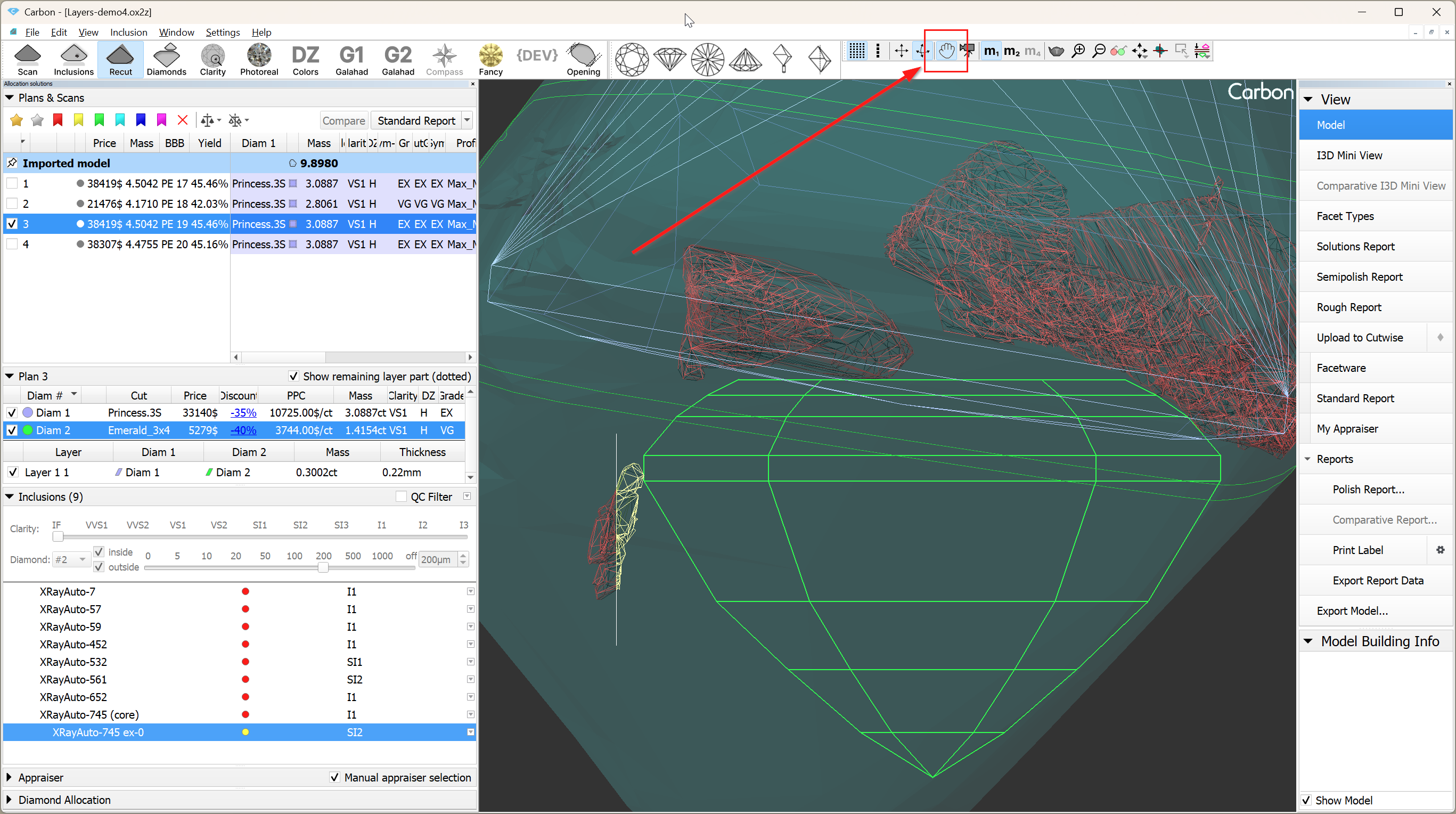
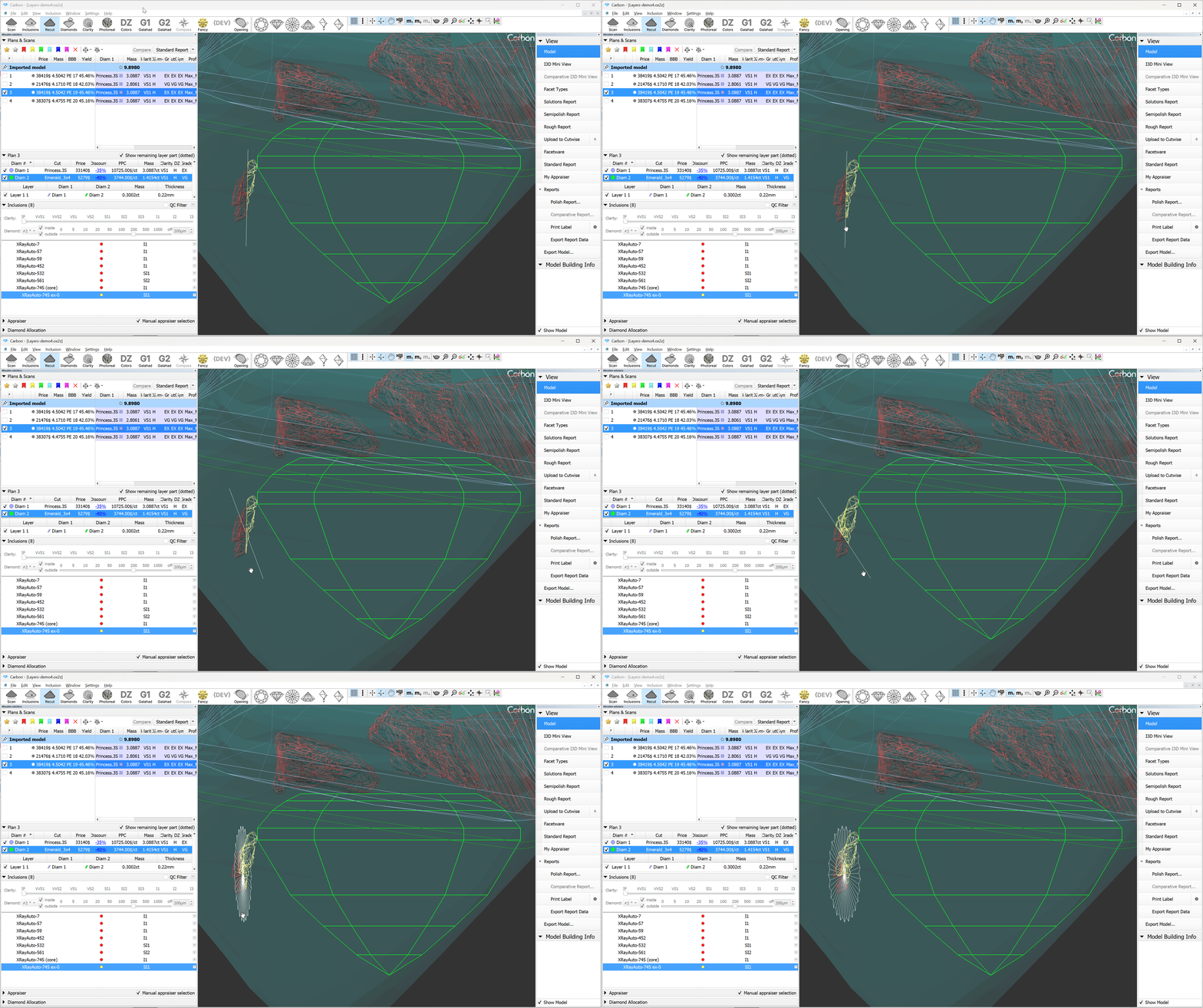
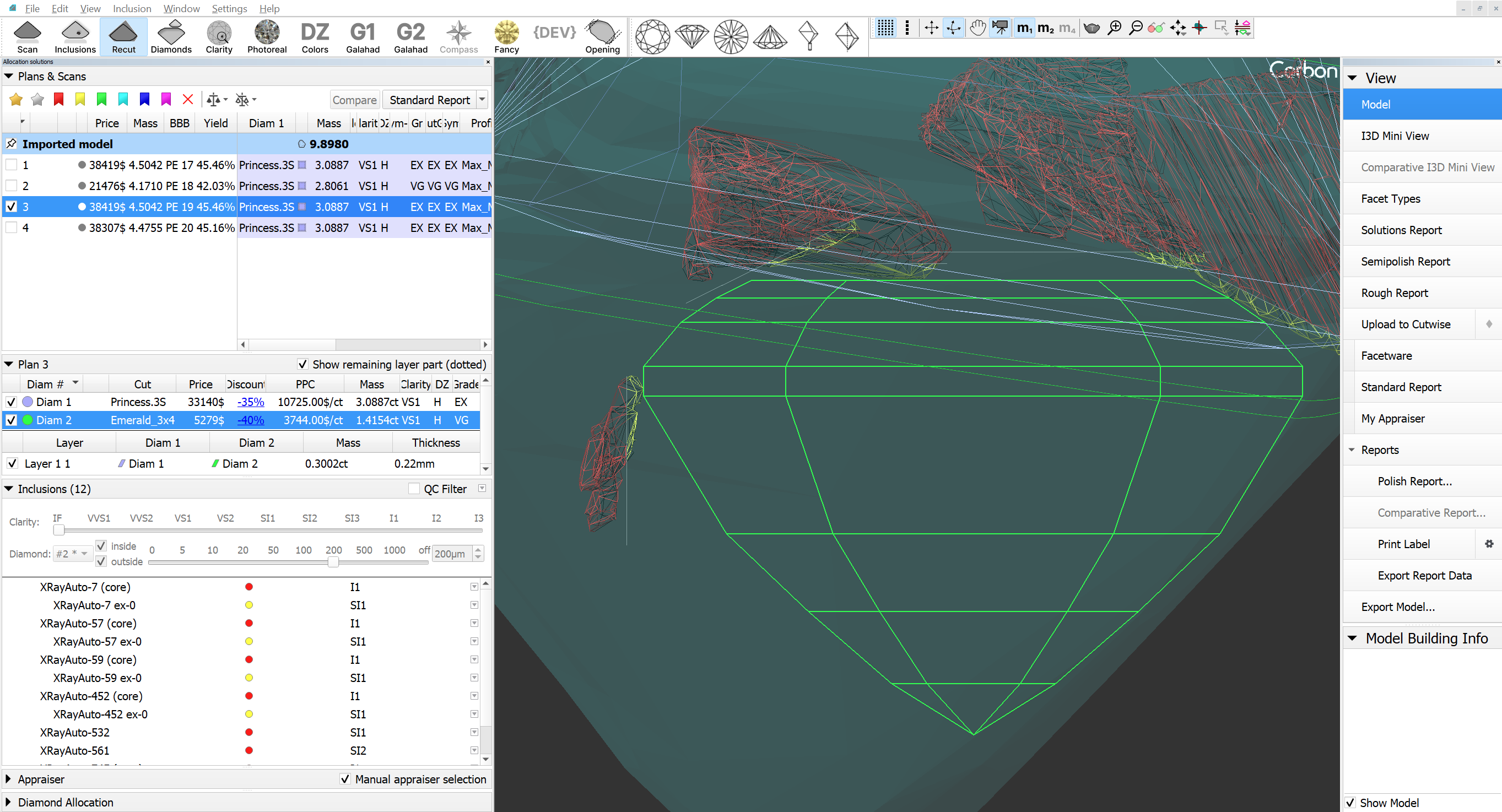
3. Additionally, there is an option to apply the Quick Sandwich to all inclusions near the active diamond.
|
|
Appraisers&Pricelists
Link current Diamond to this appraiser
...
- SmartNormalize algorithm is improved for complex non-convex cuts.
- Uploading data to Cutwise is significantly accelerated
Bug fixes in Inclusions mode:
Resolved an issue where the color status of newly created inclusions was not updating correctly when accessed via the context menu in the list.
Fixed a problem that prevented the removal of inclusions from the scene in scenarios involving Cracks (with auxiliary inclusions such as deep point.
Fixed crash when deleting inclusions in a certain scenario and project.
Sandwich Updates (Bug Fixes and Improvements):
The sandwich's saw plane normal is now directed toward the nearest diamond and is parallel to its closest facet.
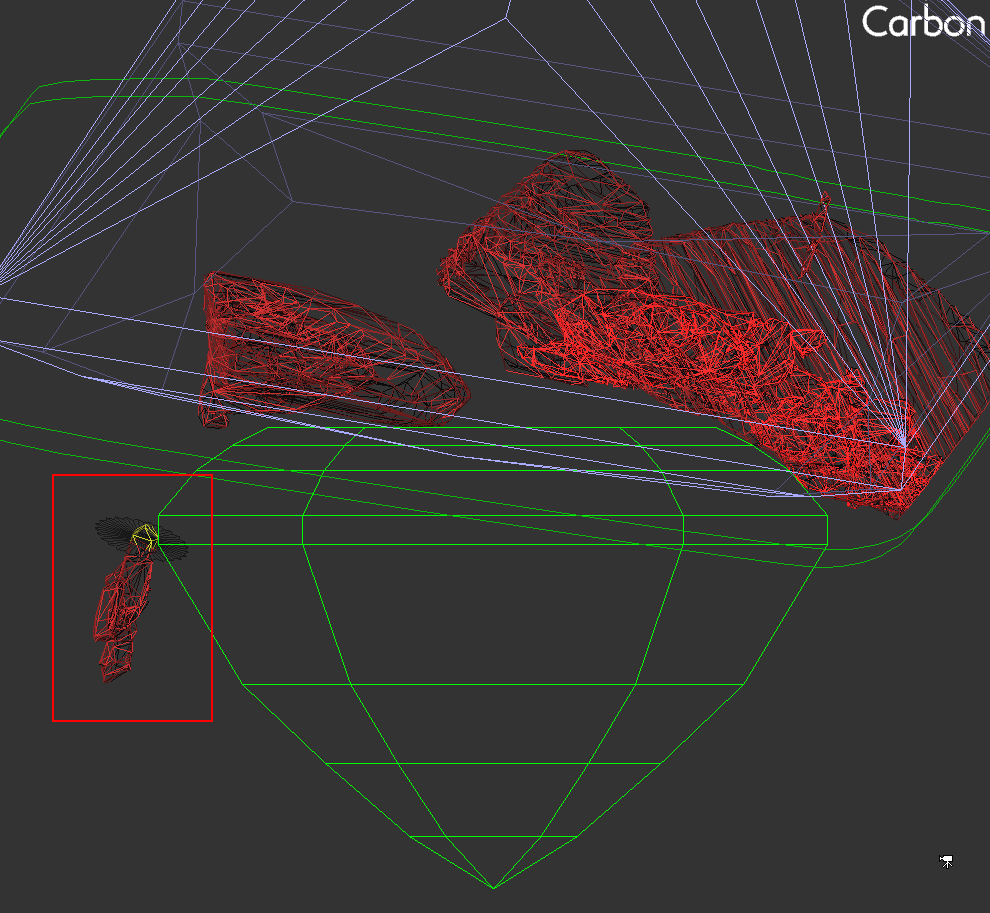
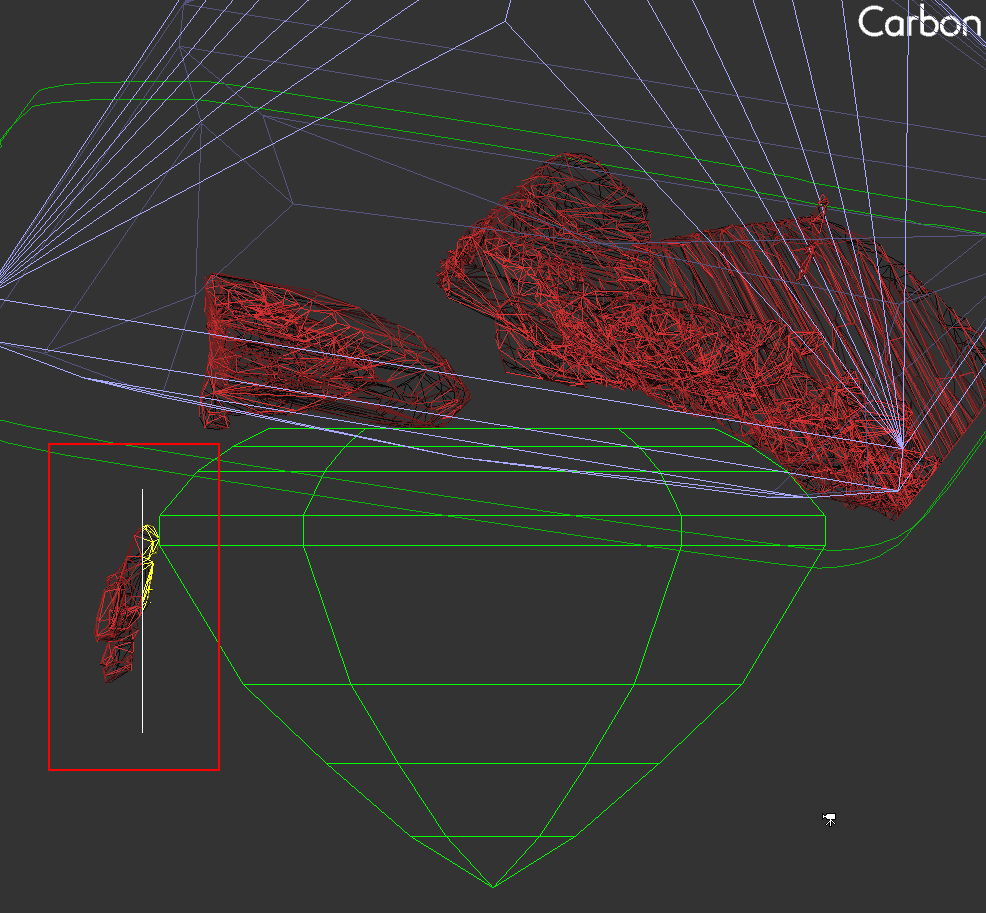
The sandwich's saw disk has been enhanced for better visibility and size. Its minimum size is now larger than the size of the inclusion.
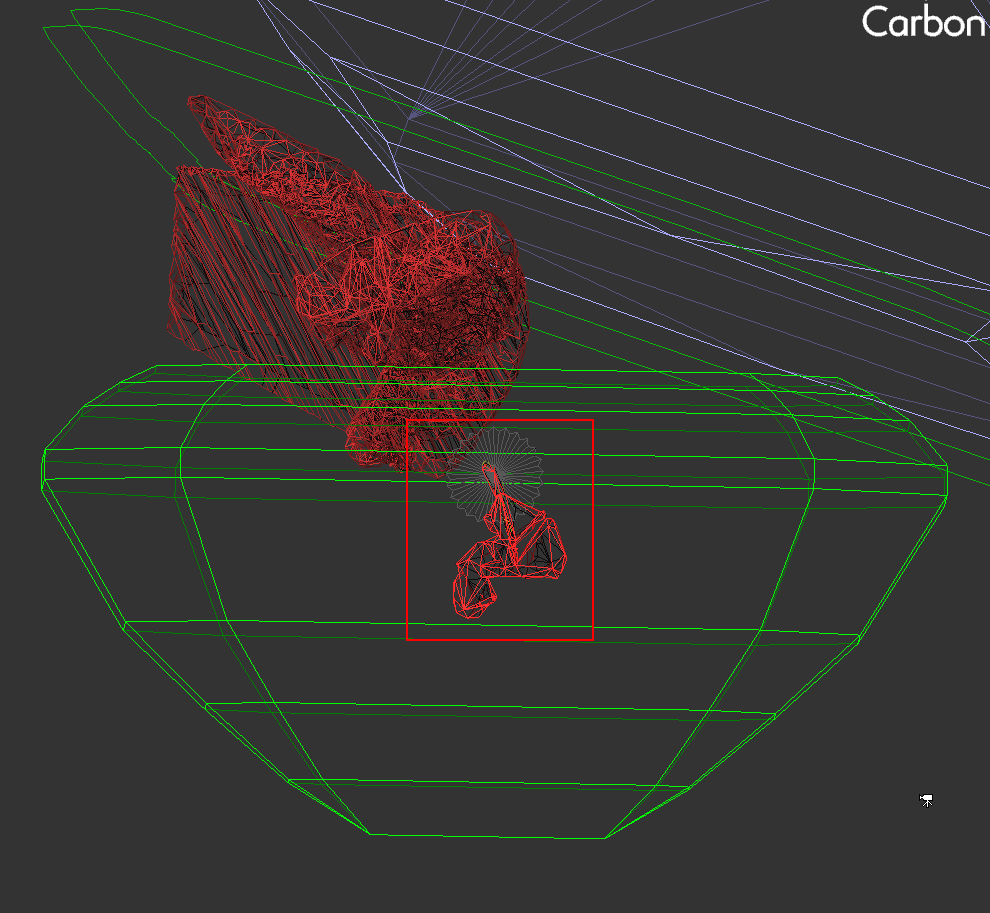
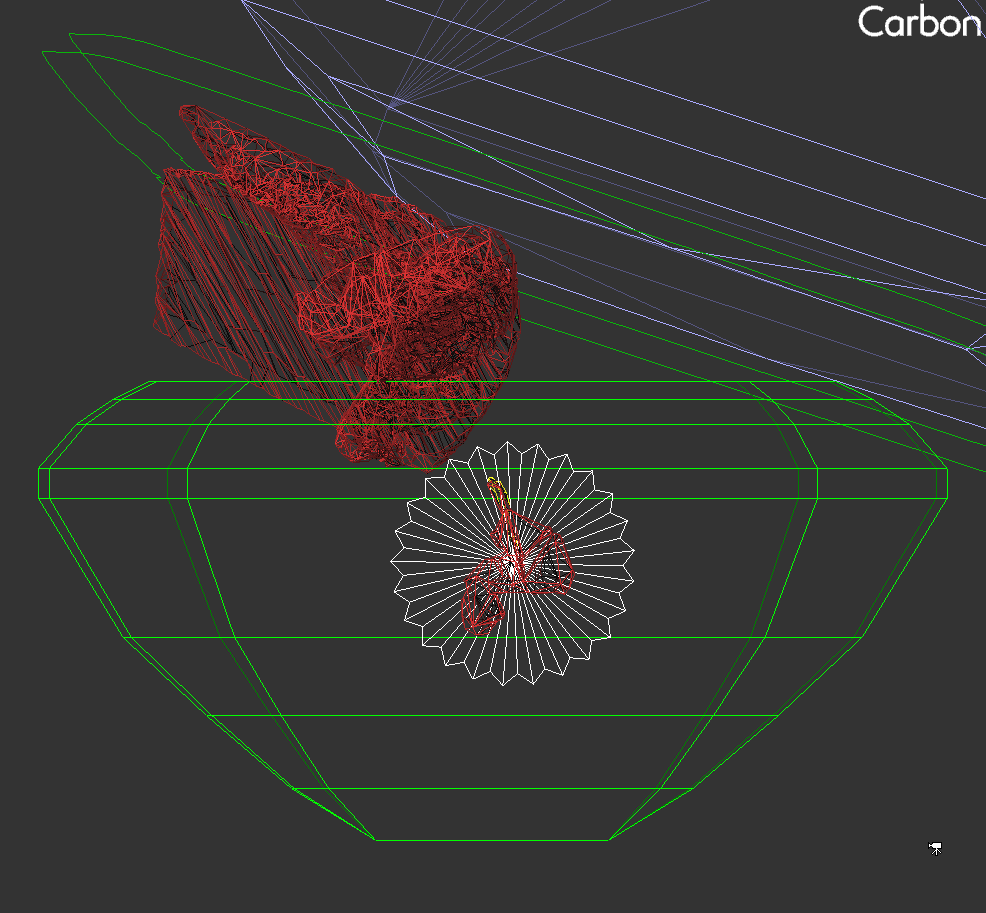
Resolved conflicts that occurred during simultaneous movement of the "diamond/saw disk" and "layer/saw disk" pairs with the object movement (hand) tool.
The pop-up window for the "Change layer thickness" command now correctly:
Responds to the Esc key
Handles default values properly when opened
- Fixed an issue where right-click + mouse wheel would move objects instead of zooming when object movement mode was active
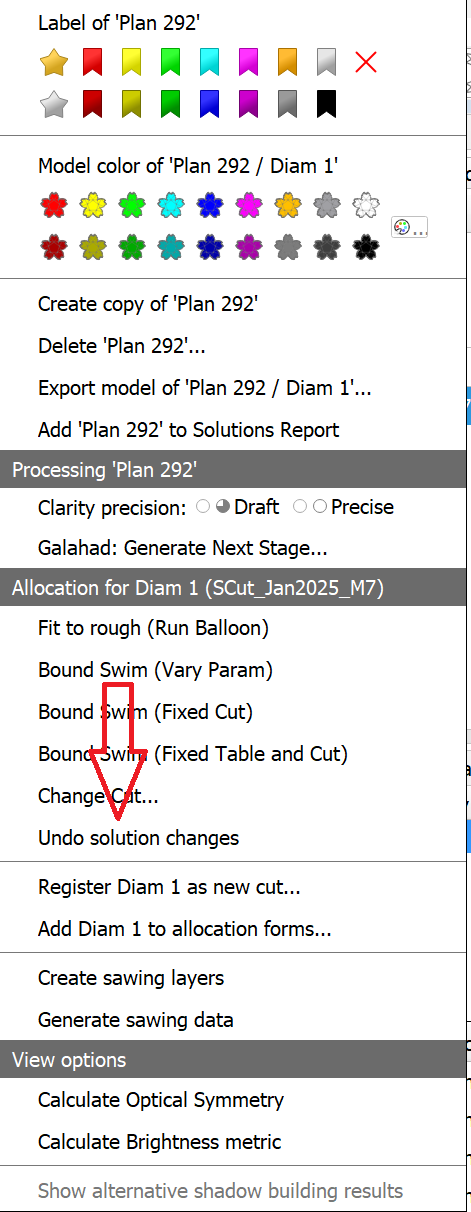
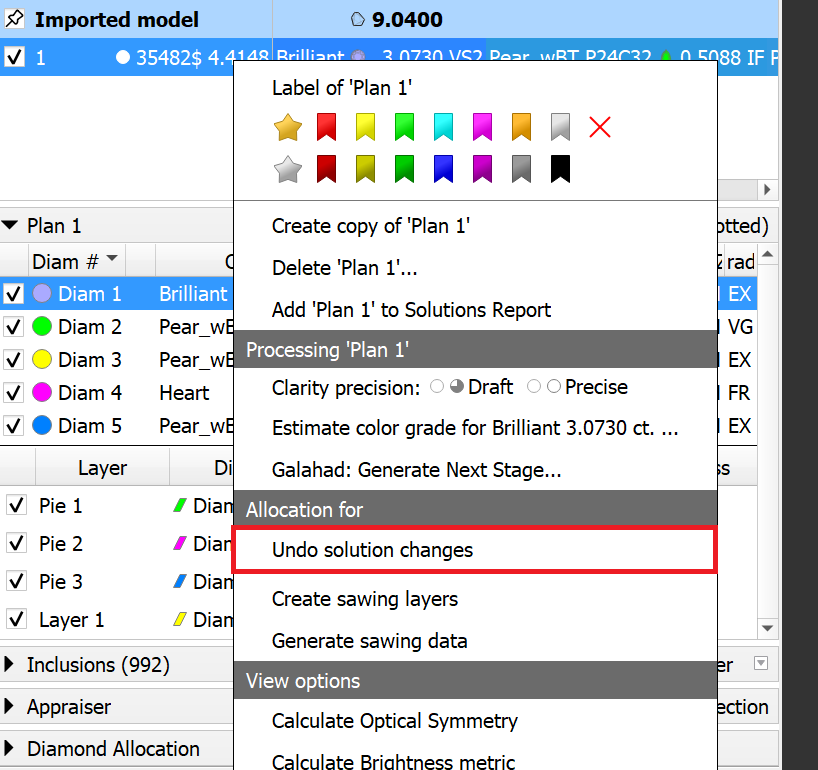
- The "Undo solution changes" function now works consistently in all scenarios, including when any layer is selected in the solution.
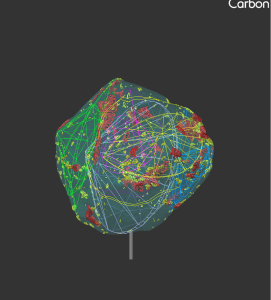
Glue Point Orientation button now centralizes the solution
Before Now 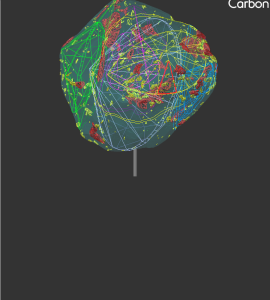
- Fixed unwanted scene rotation when closing the scene context menu
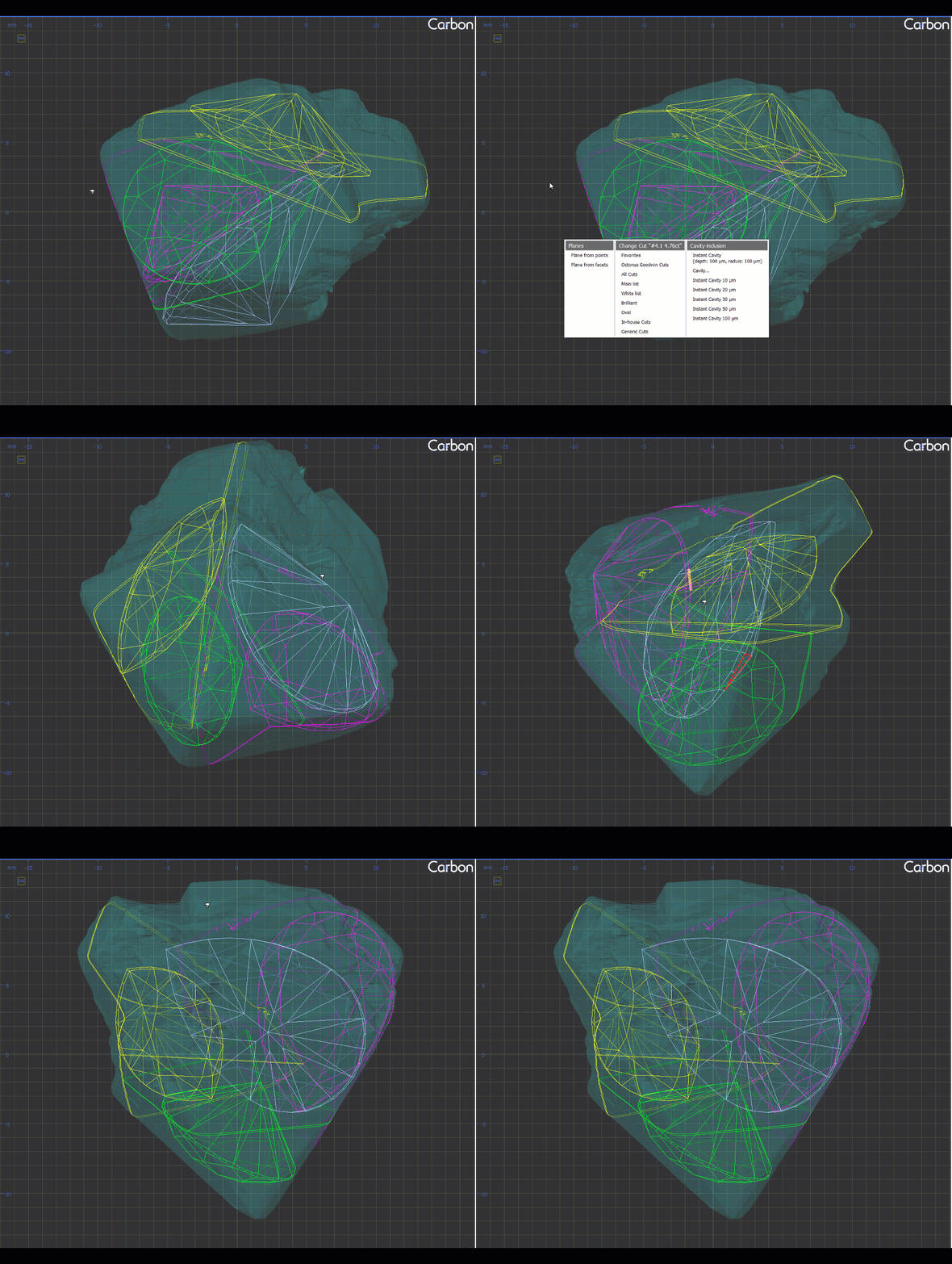
- Facet Types no longer disappear during certain actions as before:
- Adding/deleting a layer.
- Using "Create Sawing Data" or "Create Sawing Layers".
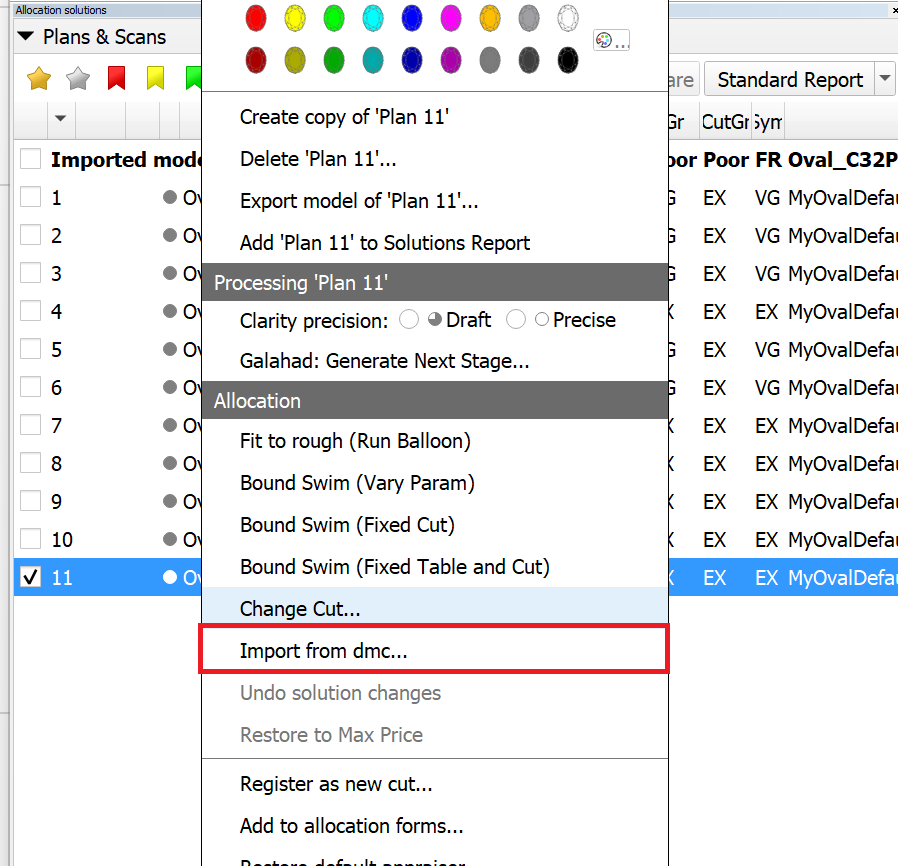
- The "Import from dmc..." item has been moved to the main context menu.
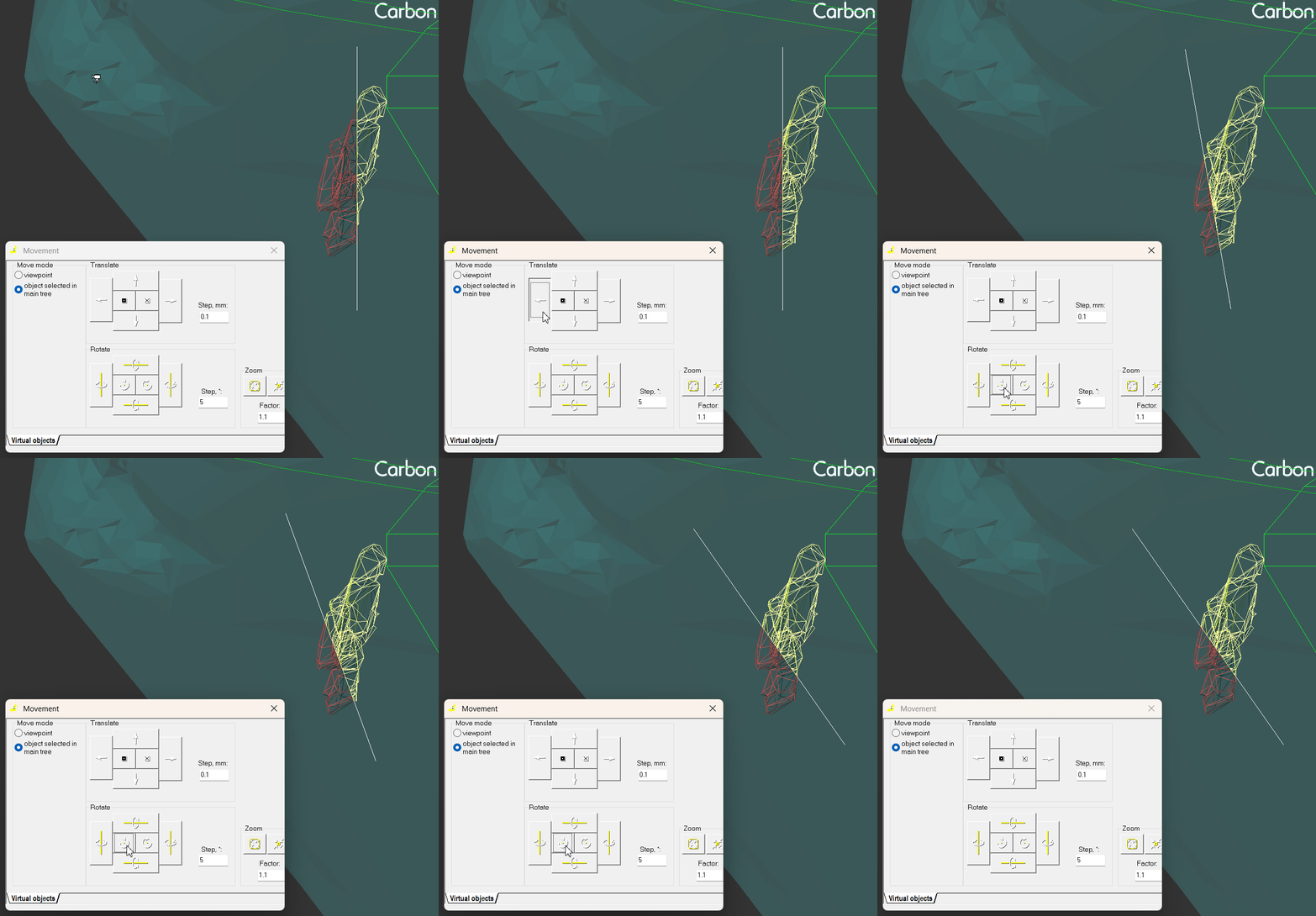
Sandwich is now recalculated after moving the saw plane via the Movement Panel
was now 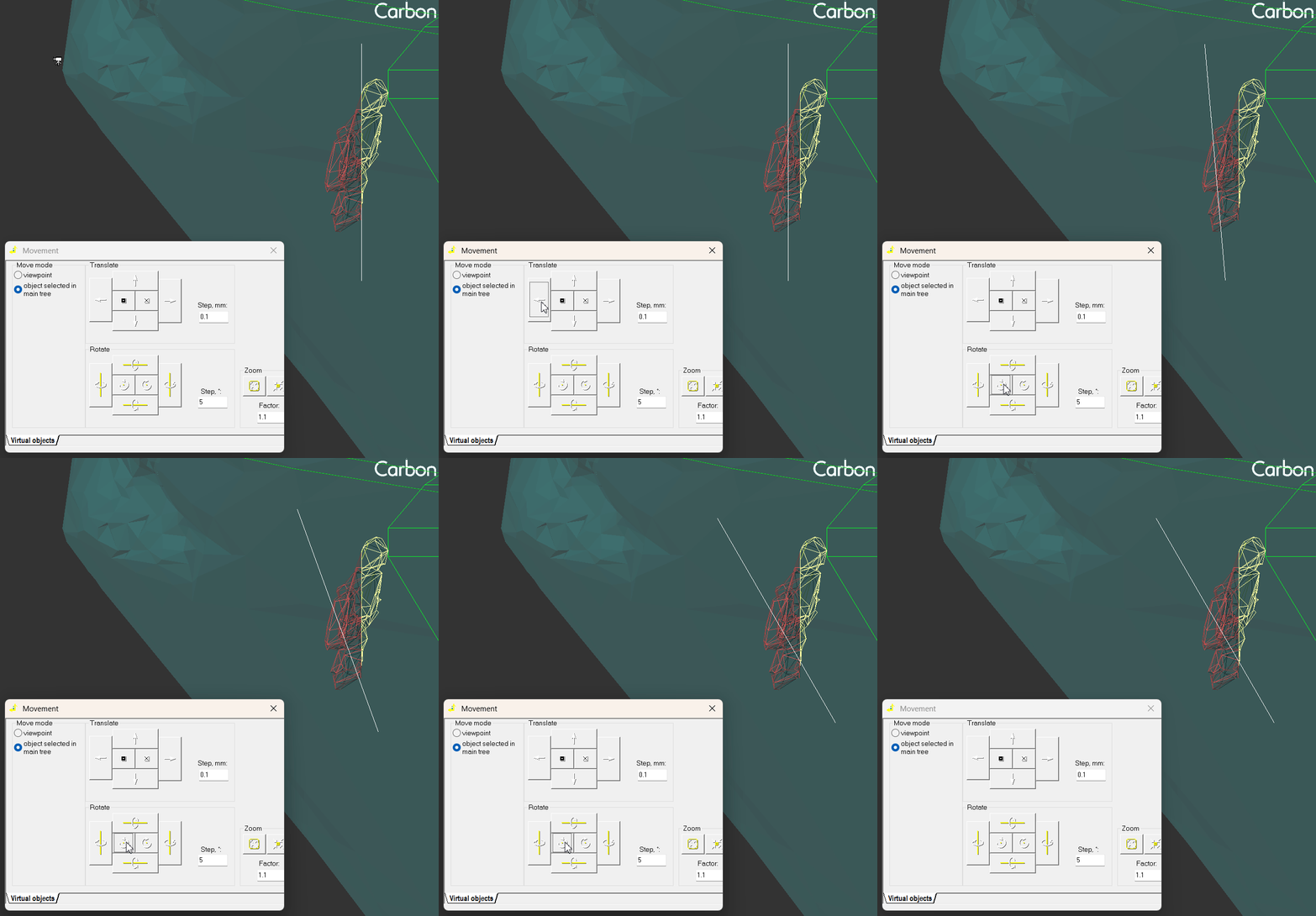
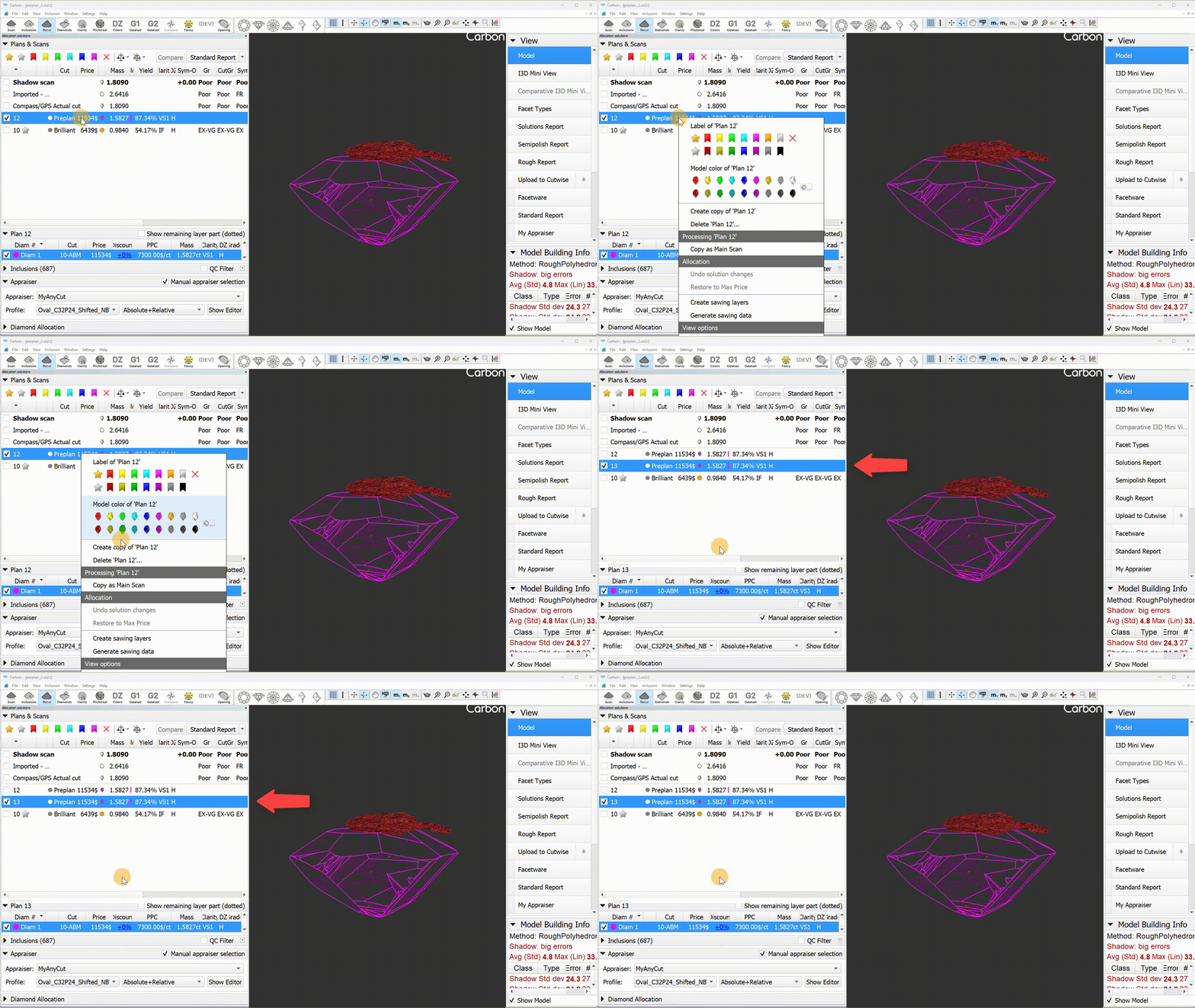
Fixed the copying of preplans. Now, a copied preplan remains a preplan.
was now 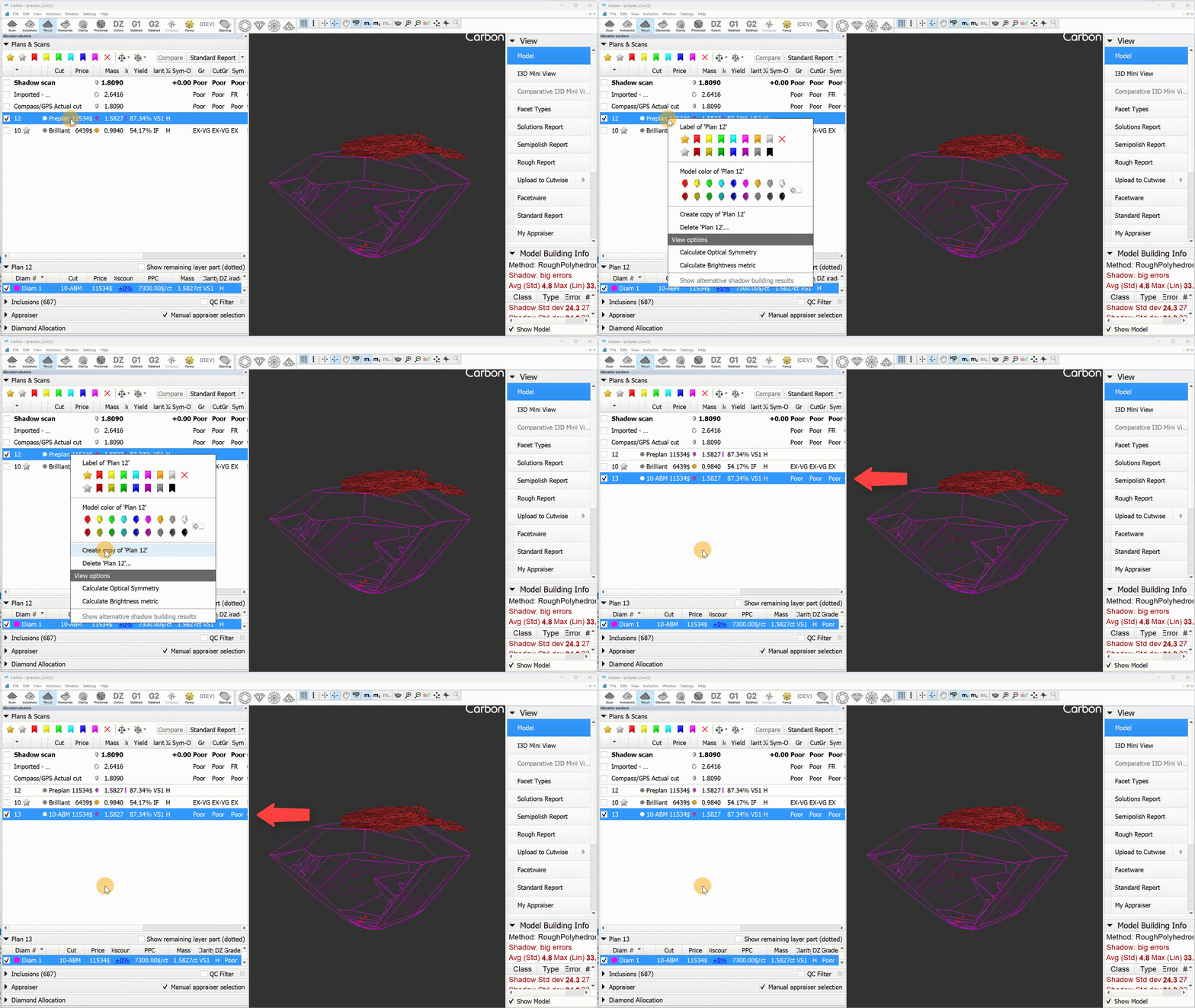
- The "Undo Solution Changes" context menu option is now available after deleting a layer or a diamond.
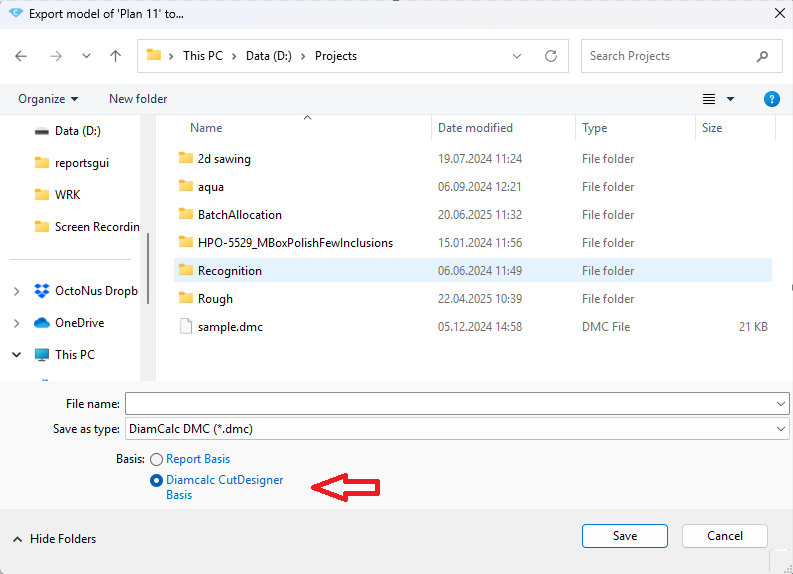
An export option "Diamcalc CutDesigner Basis" was added to HPC to address the axis misalignment between HPC and CutDesigner. Previously, DMC files exported from HPC used a coordinate basis where pear-shaped diamonds were oriented nose-down, whereas CutDesigner expects the orientation to be right-facing.