
...
1. Creating a sandwich.
A sandwich can be created in two ways:
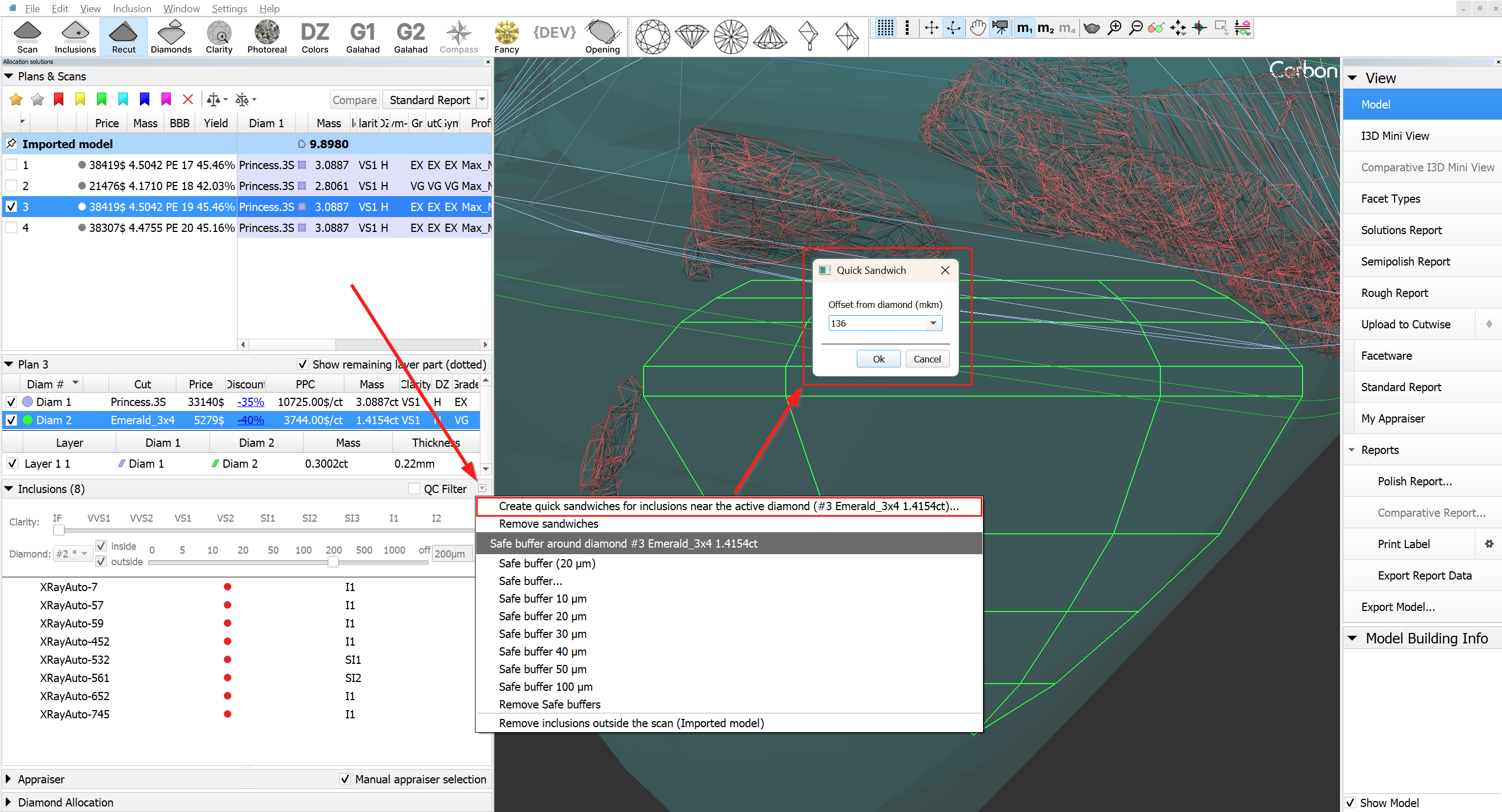
- Using the context menu in the scene (the selection mode must be activated in the scene for this).
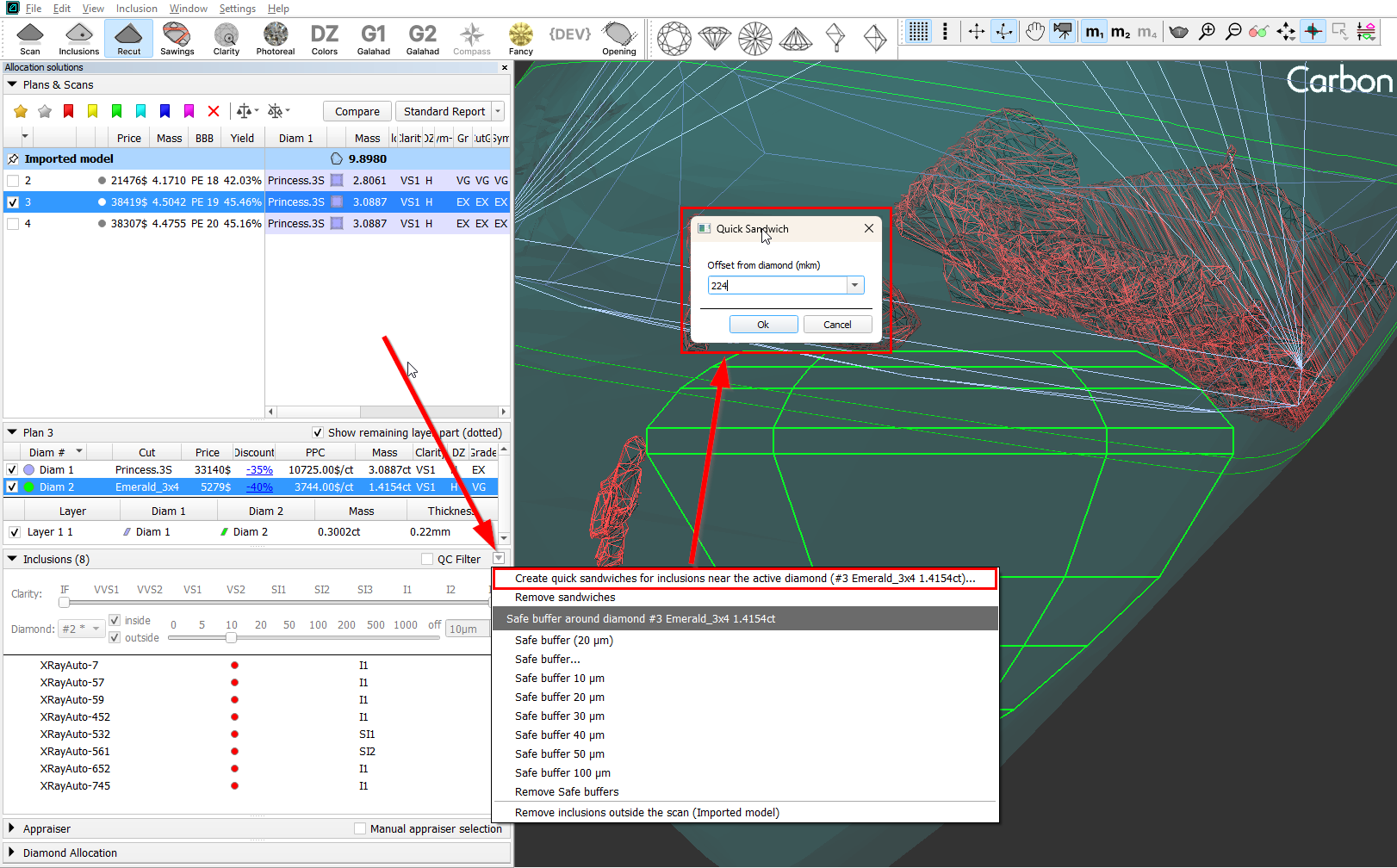
- Using the context menu in the inclusion list.
|
|
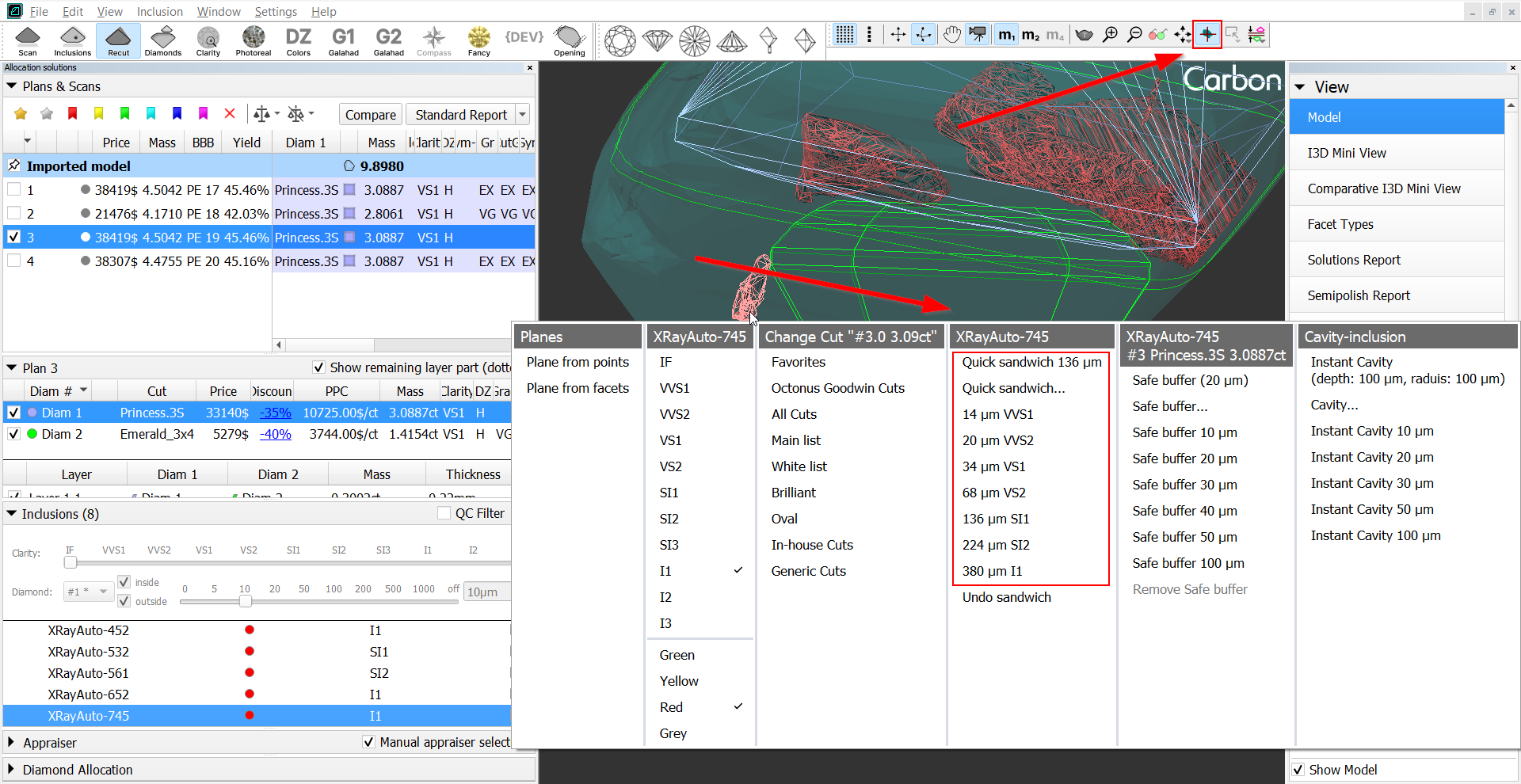
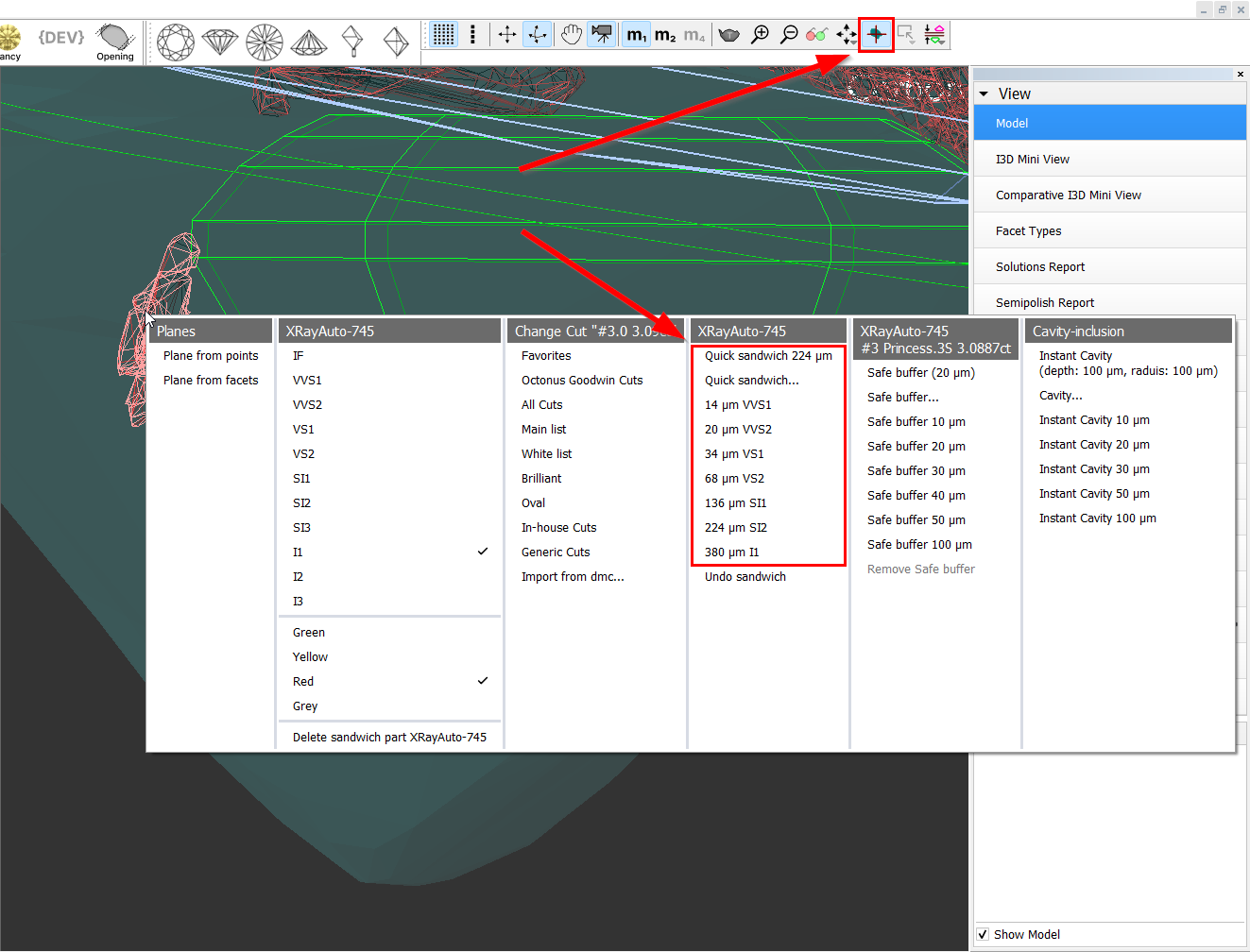
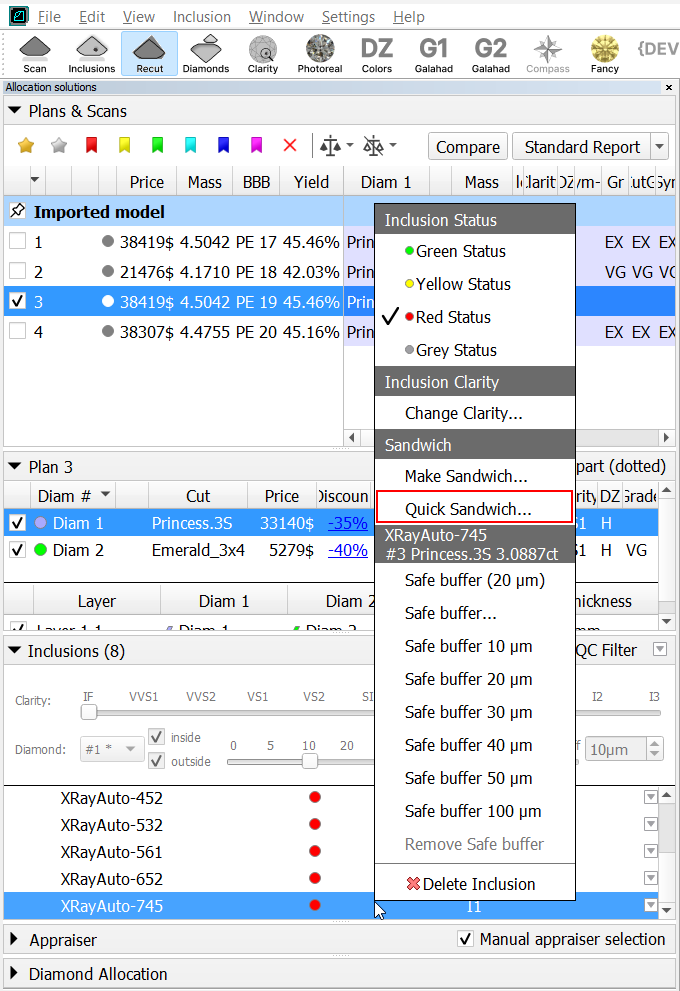
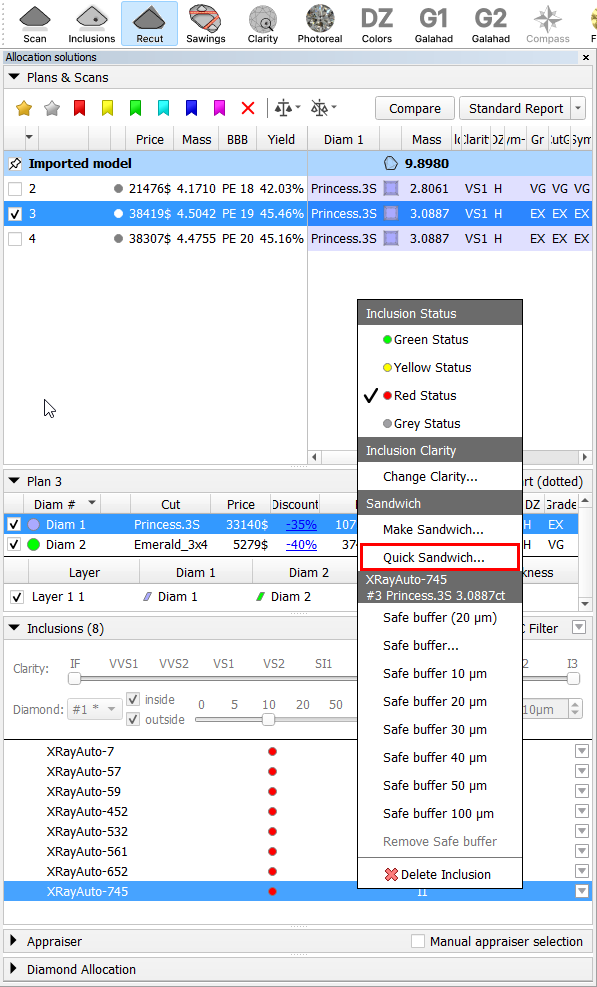
When you select the "Quick sandwich..." menu item, a dialog box will be displayed where you can manually enter the desired offset value.
...
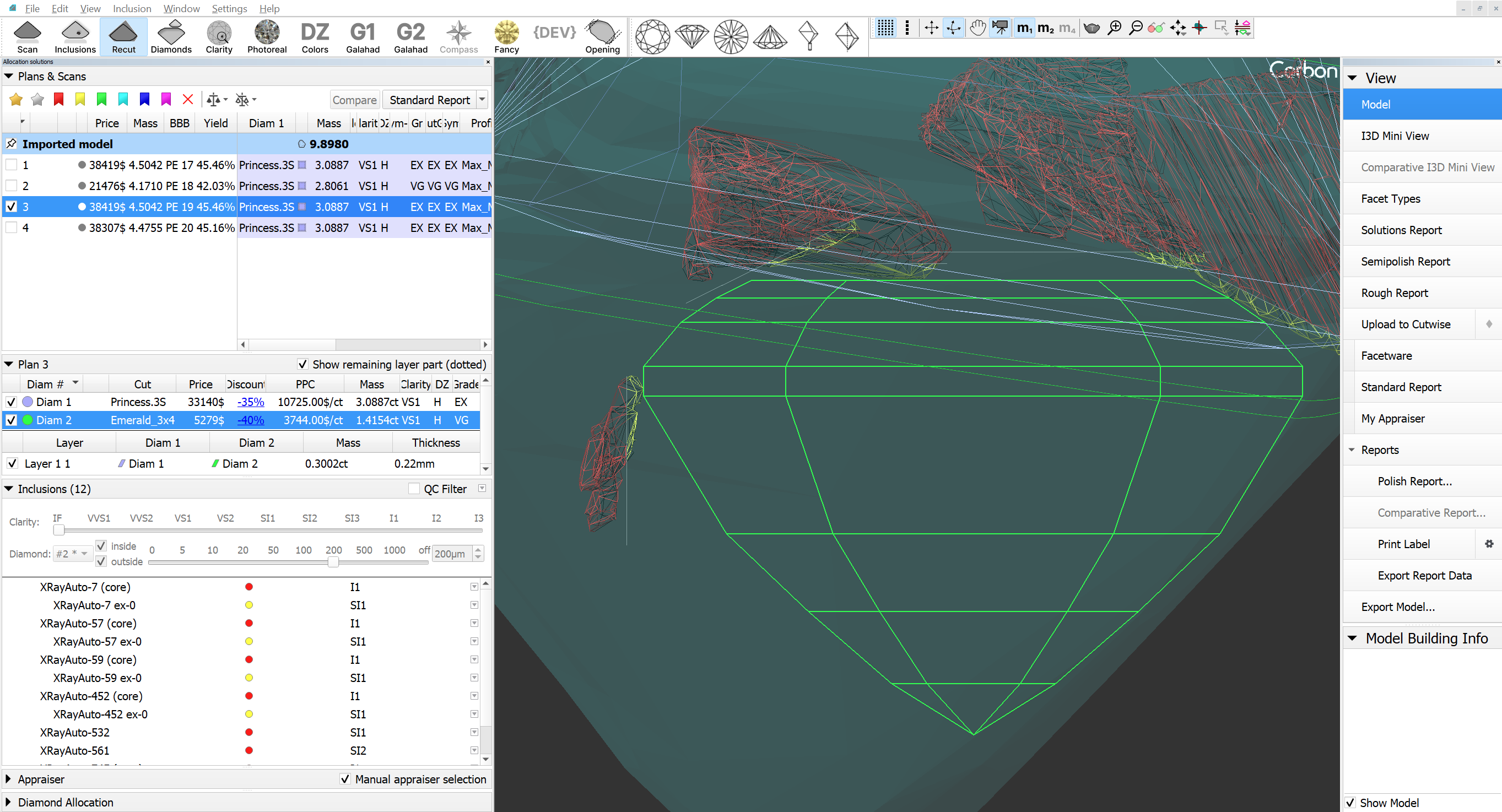
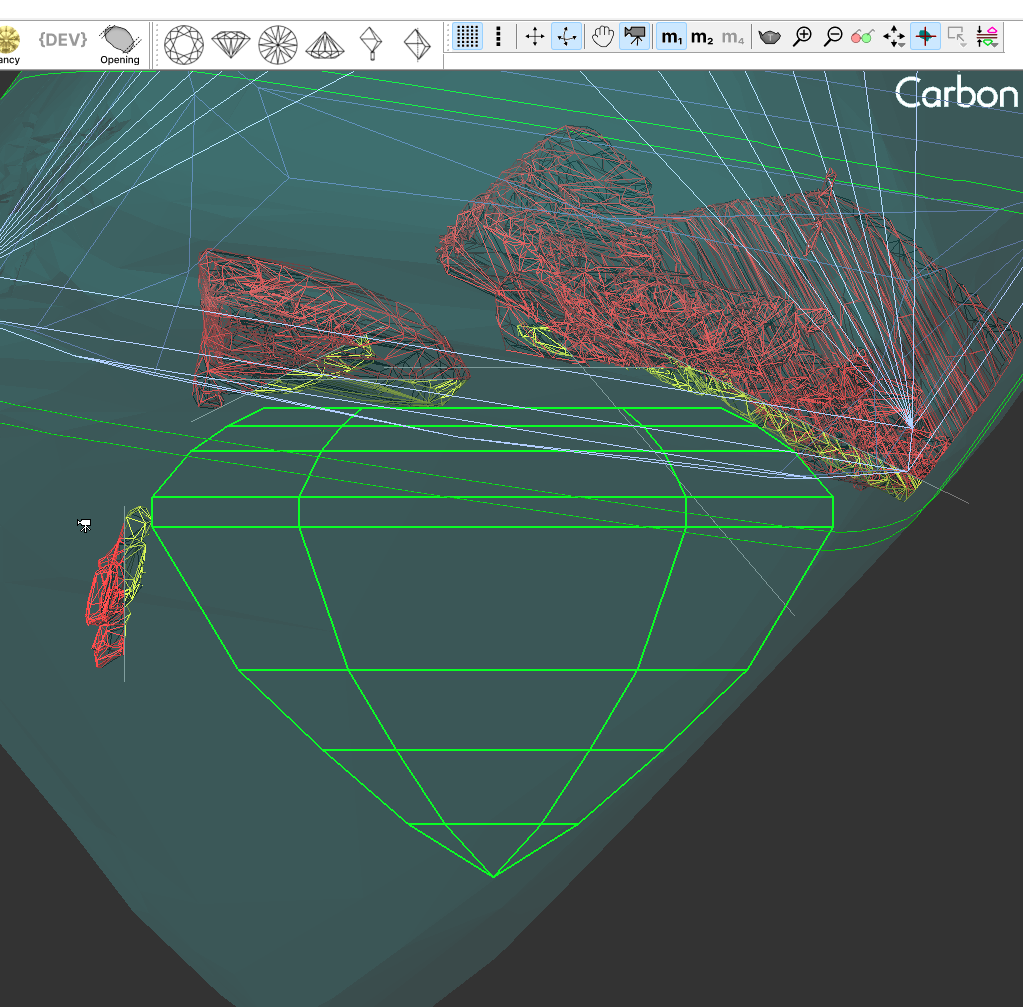
The saw disk of the sandwich will be created relative to the nearest diamond and positioned parallel to its nearest facet at the distance specified during the sandwich creation.
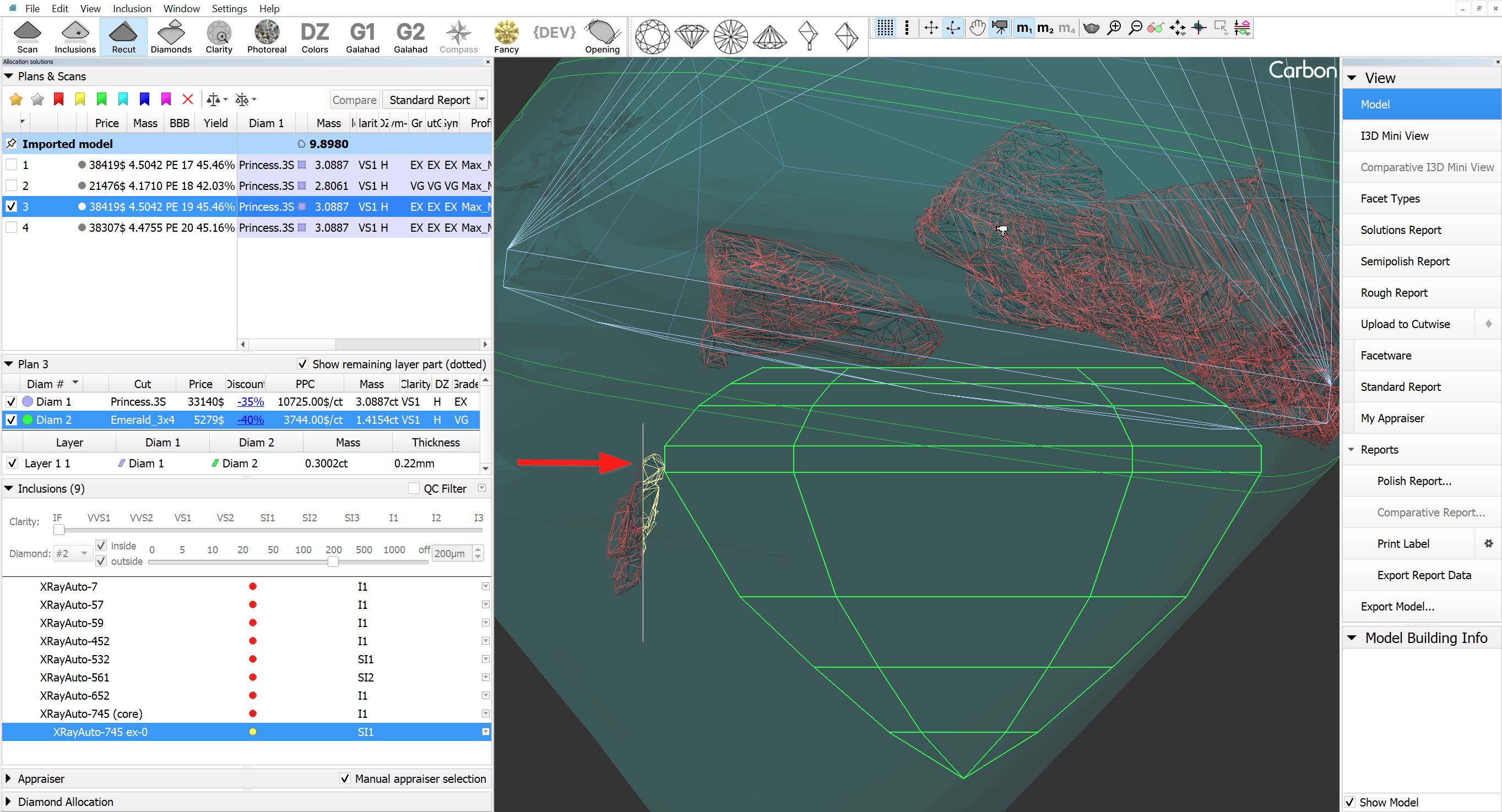
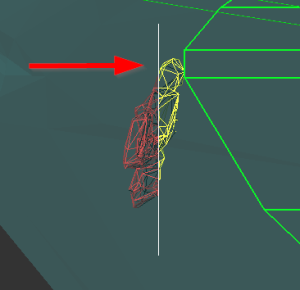
After creation expart sandwich becomes active.
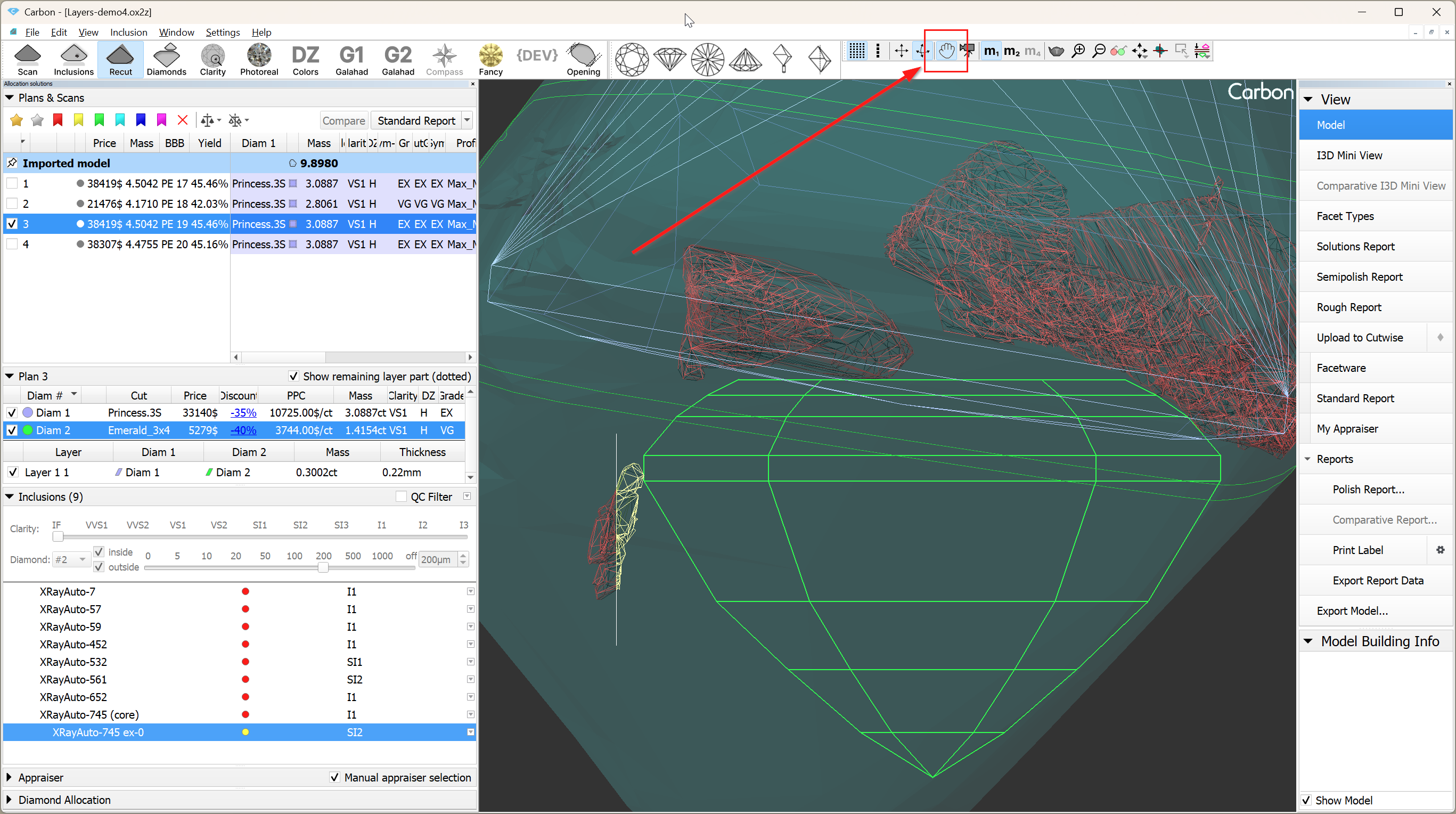
2. If it is necessary to change the position of the saw disk, you need to activate object move mode (hand icon on the toolbar). After that, the saw disk can be moved similarly to other objects in "hand" mode. This means using: Shift for flat-parallel movement, 'v' for rotation around the vertical axis, 'h' for rotation around the horizontal axis, and 'c' for rotation around the axis normal to the scene.
|
|
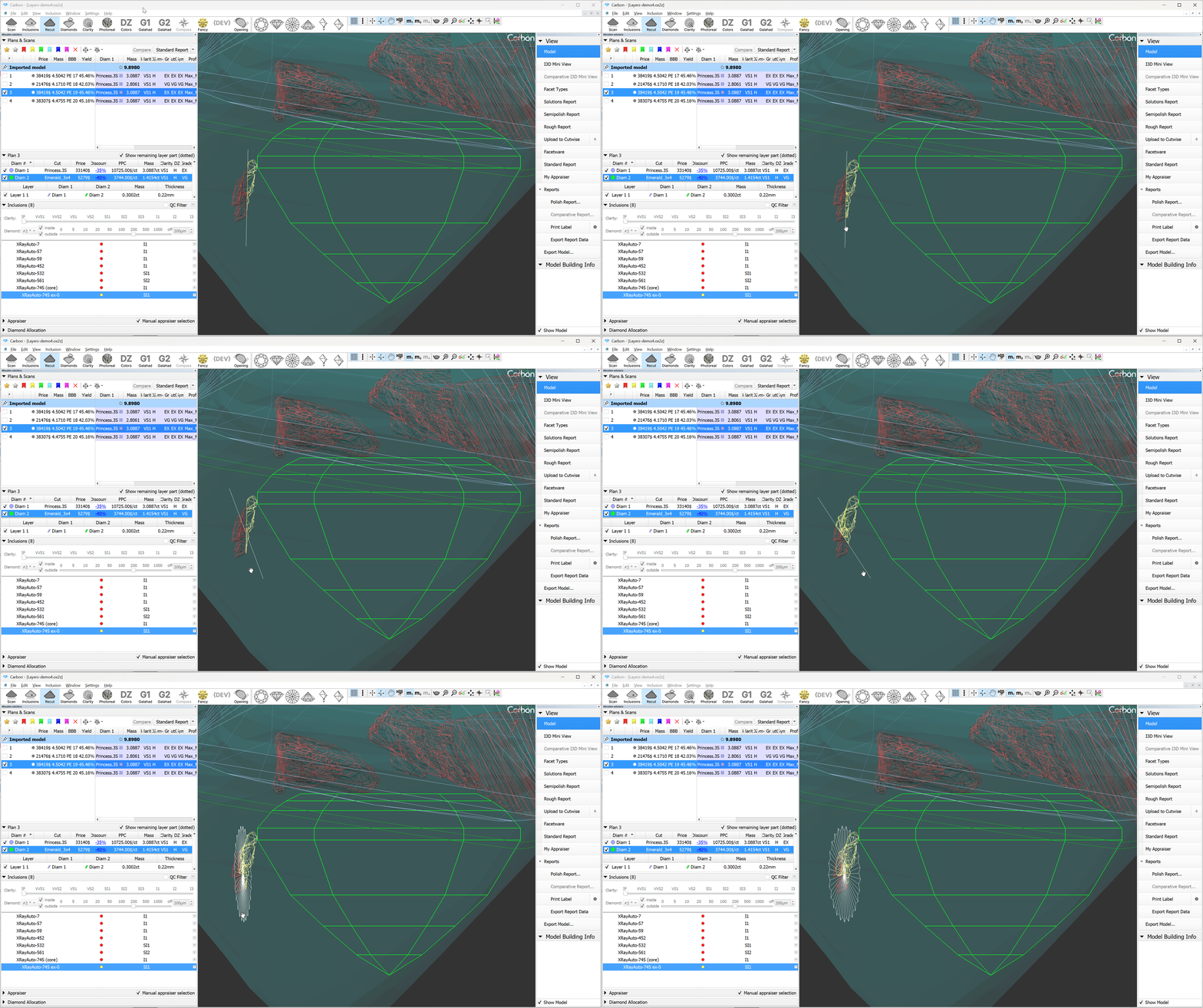

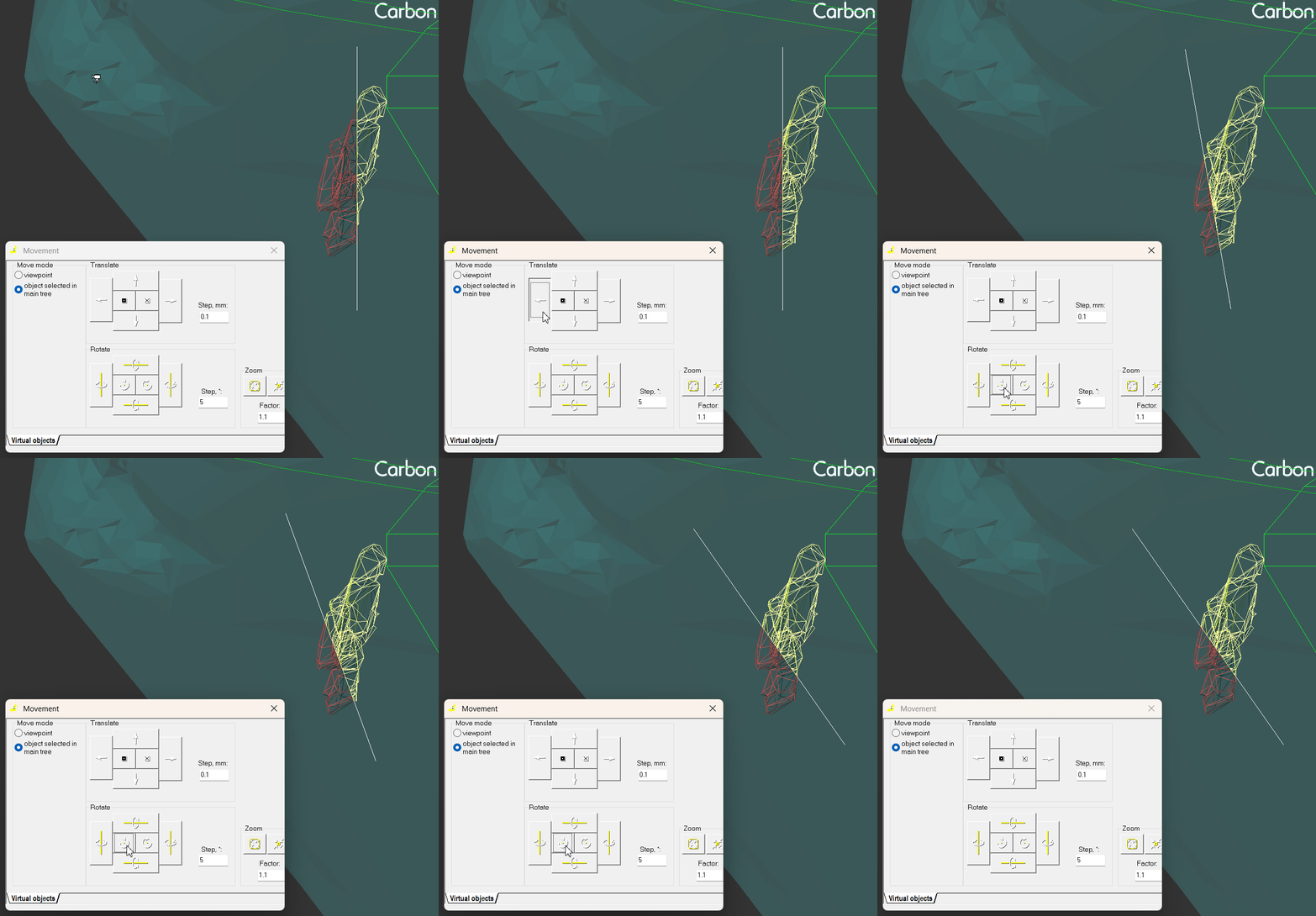
The position of saw disk also could be changes vide via Movevemt panel:
3. Additionally, there is an option to apply the Quick Sandwich to all inclusions near the active diamond.
|
|
Reports Improvements
...