
...
Users can specify the number of diamonds they want in a solution and the algorithm will find that many diamonds in the scan model.
When searching for the three largest diamonds, the algorithm prioritizes maximizing price. From 4 diamonds onwards, the algorithm also considers the need for existing sawing.
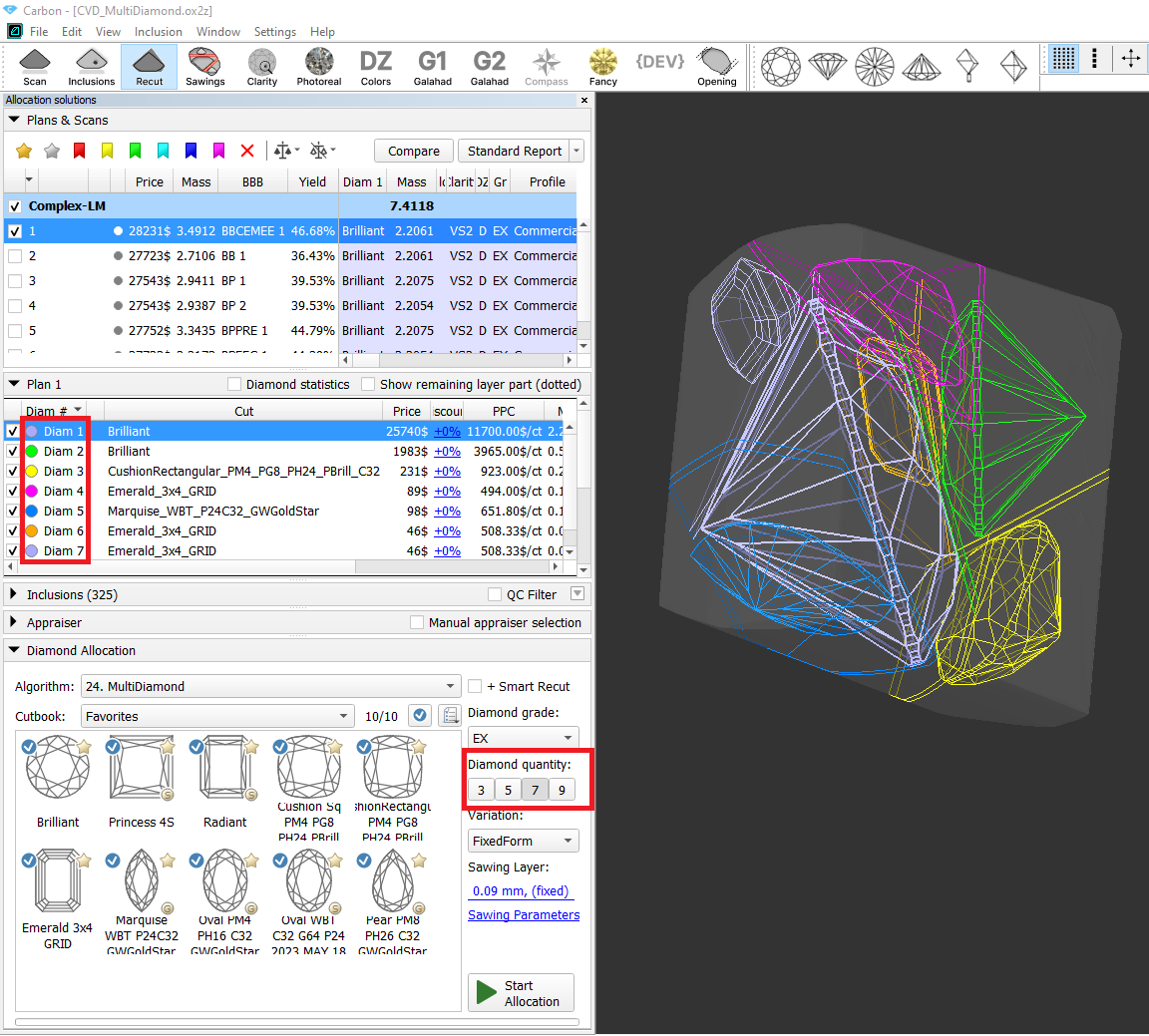
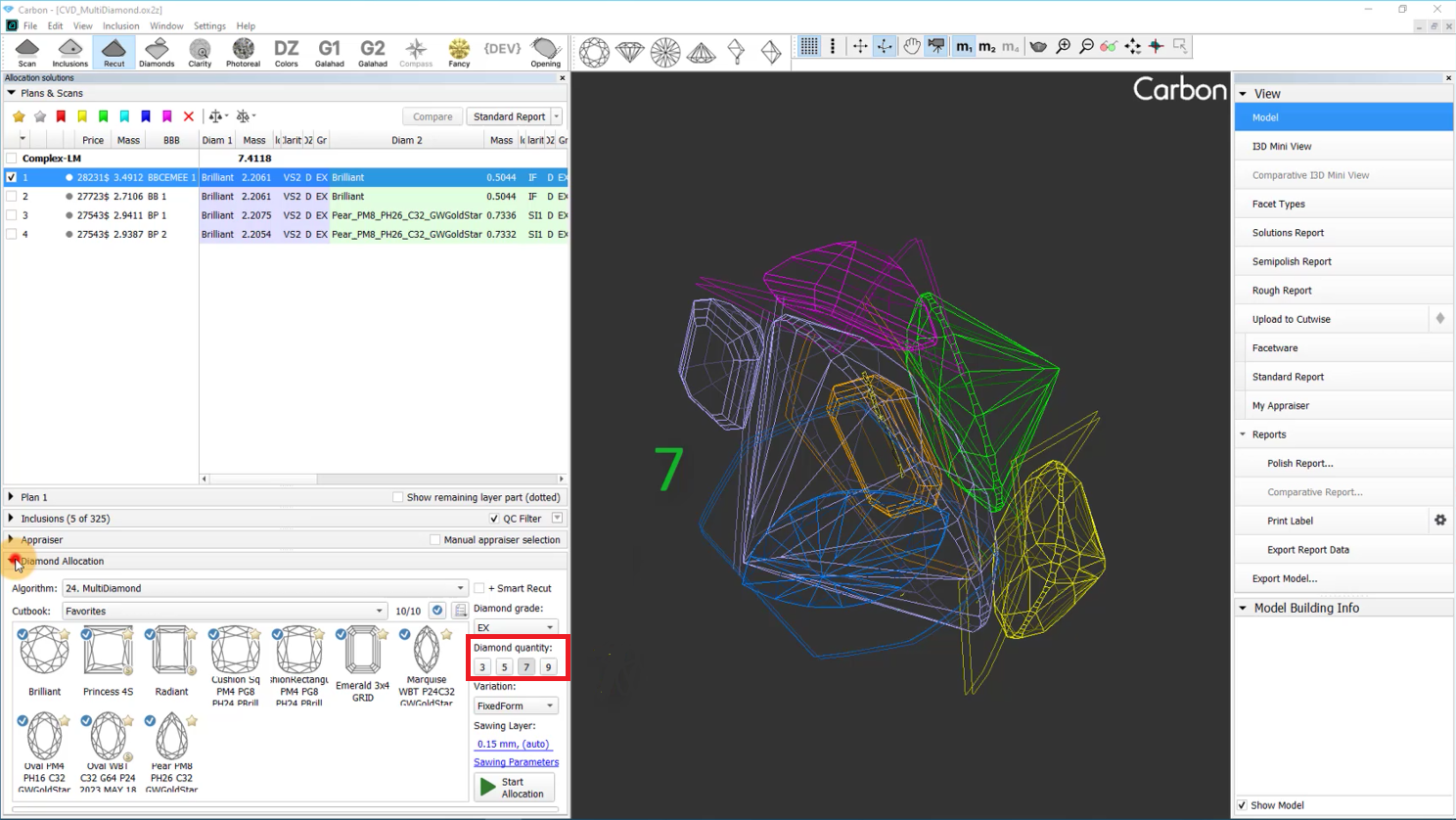
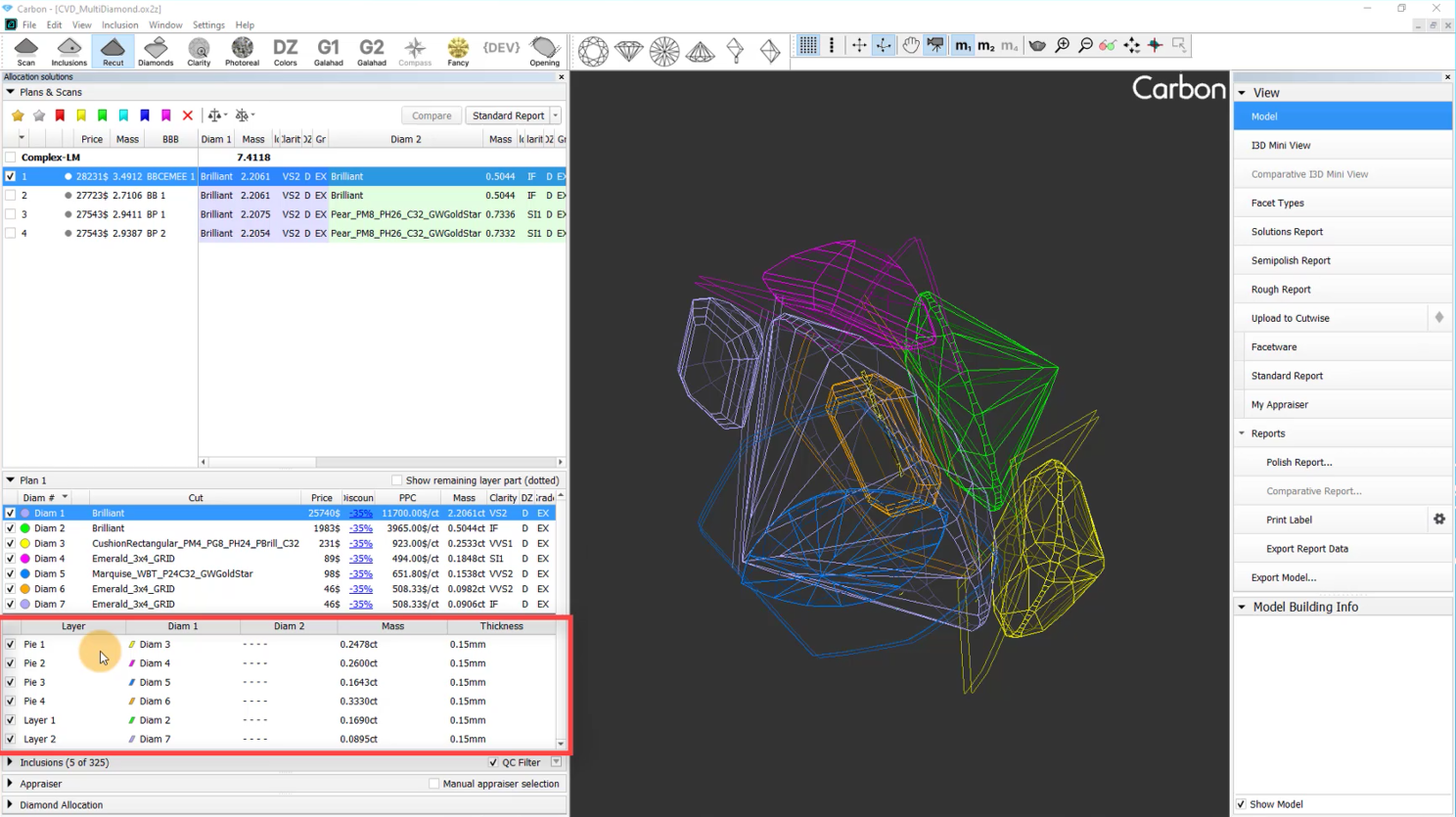
Furthermore, users can adjust the thickness of sawing planes used in the optimization process, and choose the "Variation" mode. Currently, two options are available:
"FixedForm" to produce solutions exactly of the same form as the allocation forms registered within the cut. Only scale or position may be changed
"FlexibleForm" to produce solutions in the limits specified by the appraiser.
...
| Video | Axes rotation modificator - rotation along Ox/Oy/Oz axes | ||||||||||
|---|---|---|---|---|---|---|---|---|---|---|
| Published: | 2024, December 13 | Last Updated: | 2025, September 03 | v.1.3 | ||||||
| ||||||||||
Video summary: To rotate along those axes, simply press the H (Horizontal), V (Vertical) or С (Center) keyboard button respectively and rotate the scene
| ||||||||||
| Video keywords: rotation, scene, axes | ||||||||||
Data | ||||||||||
Layer selectable from the panel
Layers are now selectable like diamonds, enabling the use of object movement tools on the selected layer.
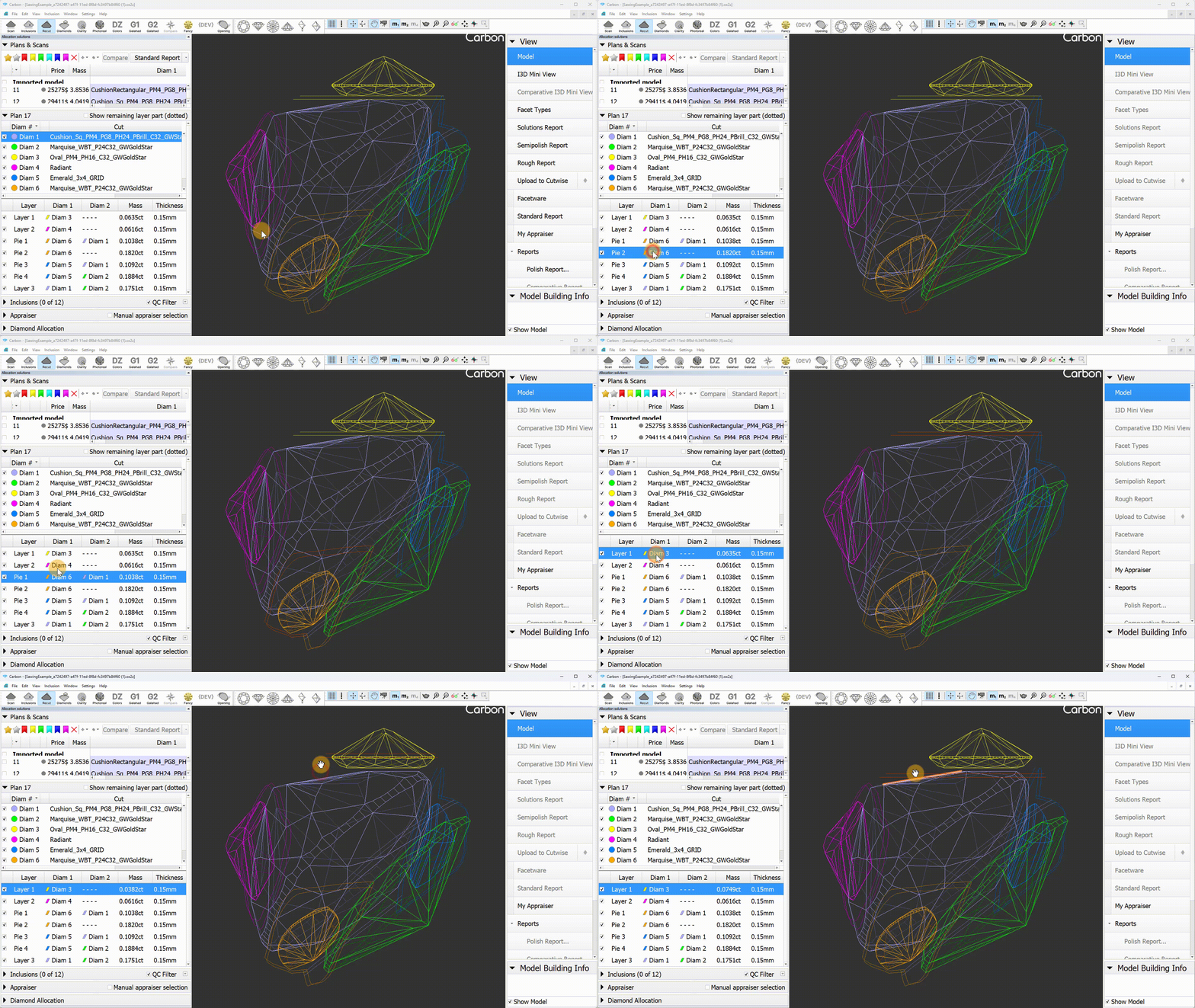
Objects selection tool
You can now select sawings directly on the scene with a simple click, just like diamonds. This is also useful for opening the context menu, which appears for the active diamond. In Lines mode, the active diamond is now visually distinguished on the scene with thicker lines.
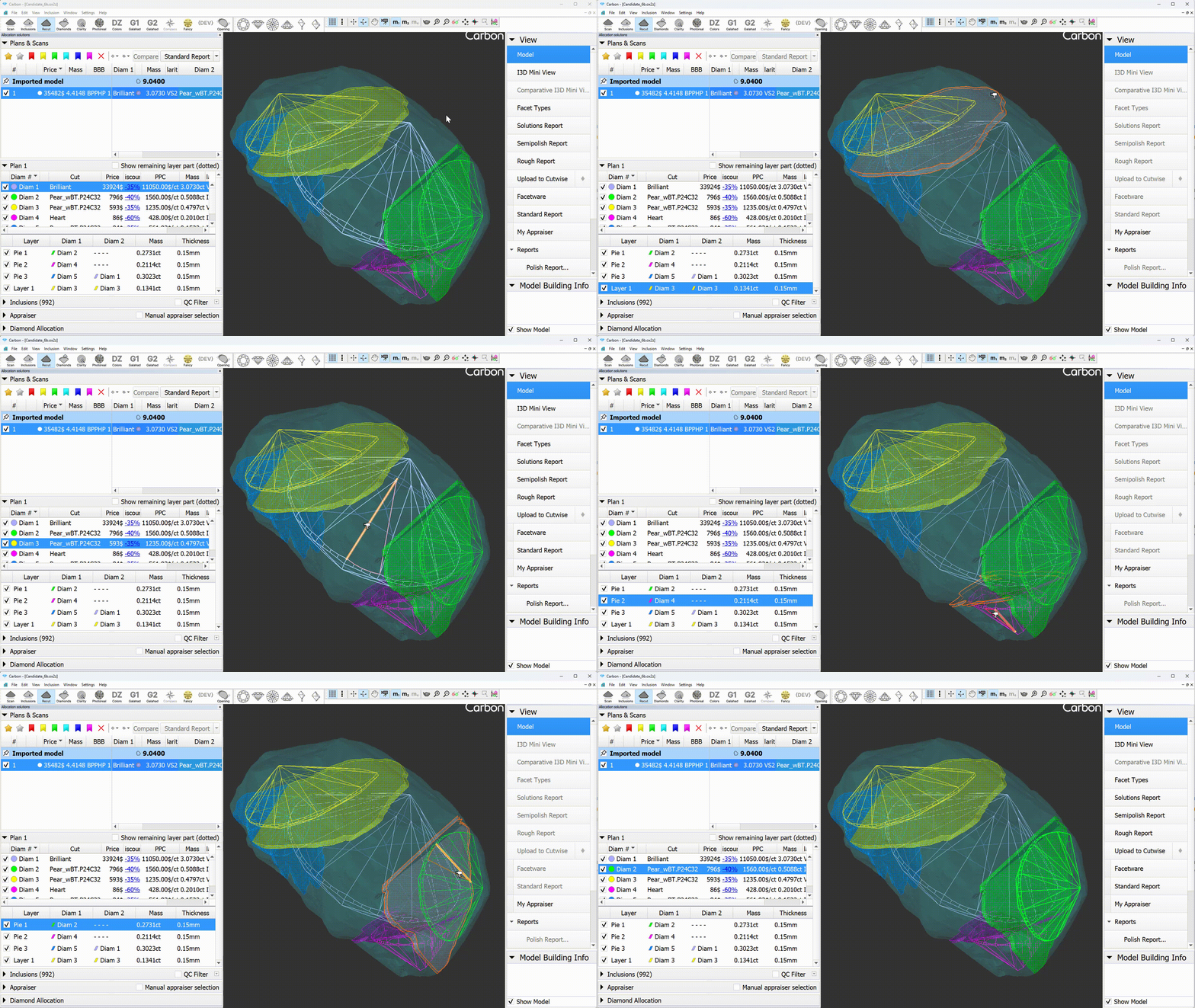
Layer selectable from the panel
Layers are now selectable like diamonds, enabling the use of object movement tools on the selected layer.
Operation "View along sawing direction"
...