
...
Users can specify the number of diamonds they want in a solution and the algorithm will find that many diamonds in the scan model.
When searching for the three largest diamonds, the algorithm prioritizes maximizing price. From 4 diamonds onwards, the algorithm also considers the need for existing sawing.
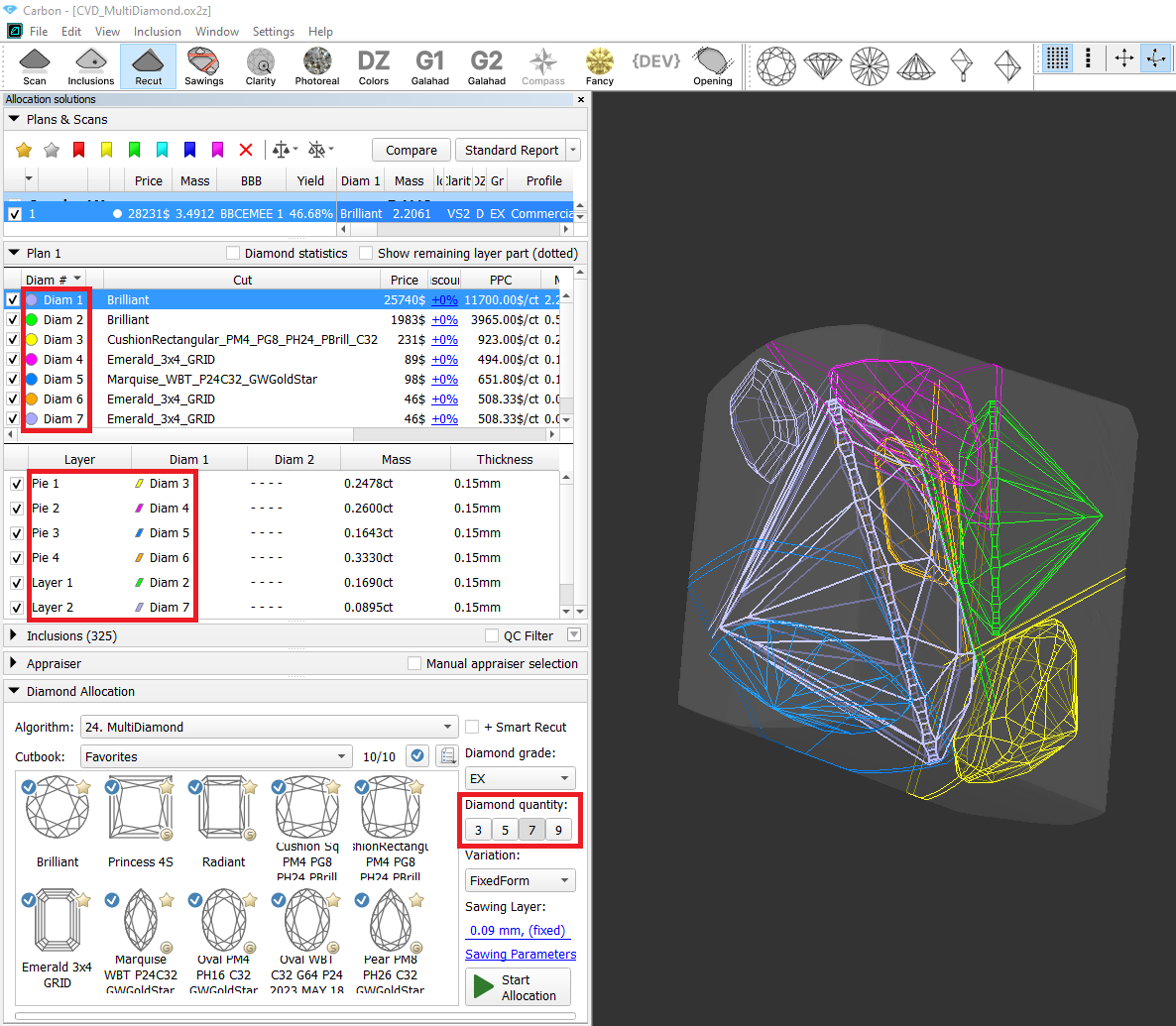
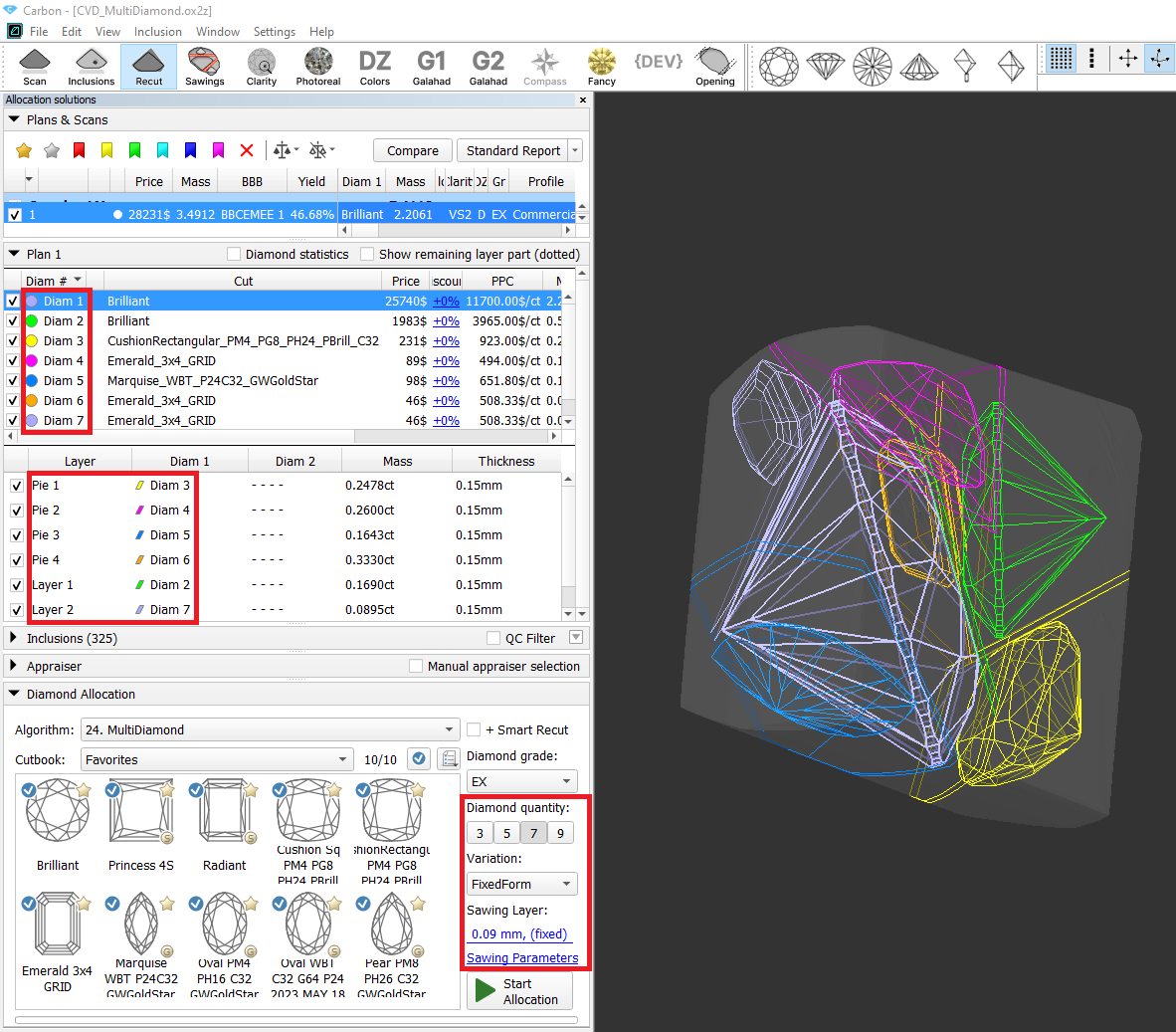
Furthermore, users can adjust the thickness of sawing planes used in the optimization process, and choose the "Variation" mode. Currently, two options are available:
"FixedForm" to produce solutions exactly of the same form as the allocation forms registered within the cut. Only scale or position may be changed
"FlexibleForm" to produce solutions in the limits specified by the appraiser.
...
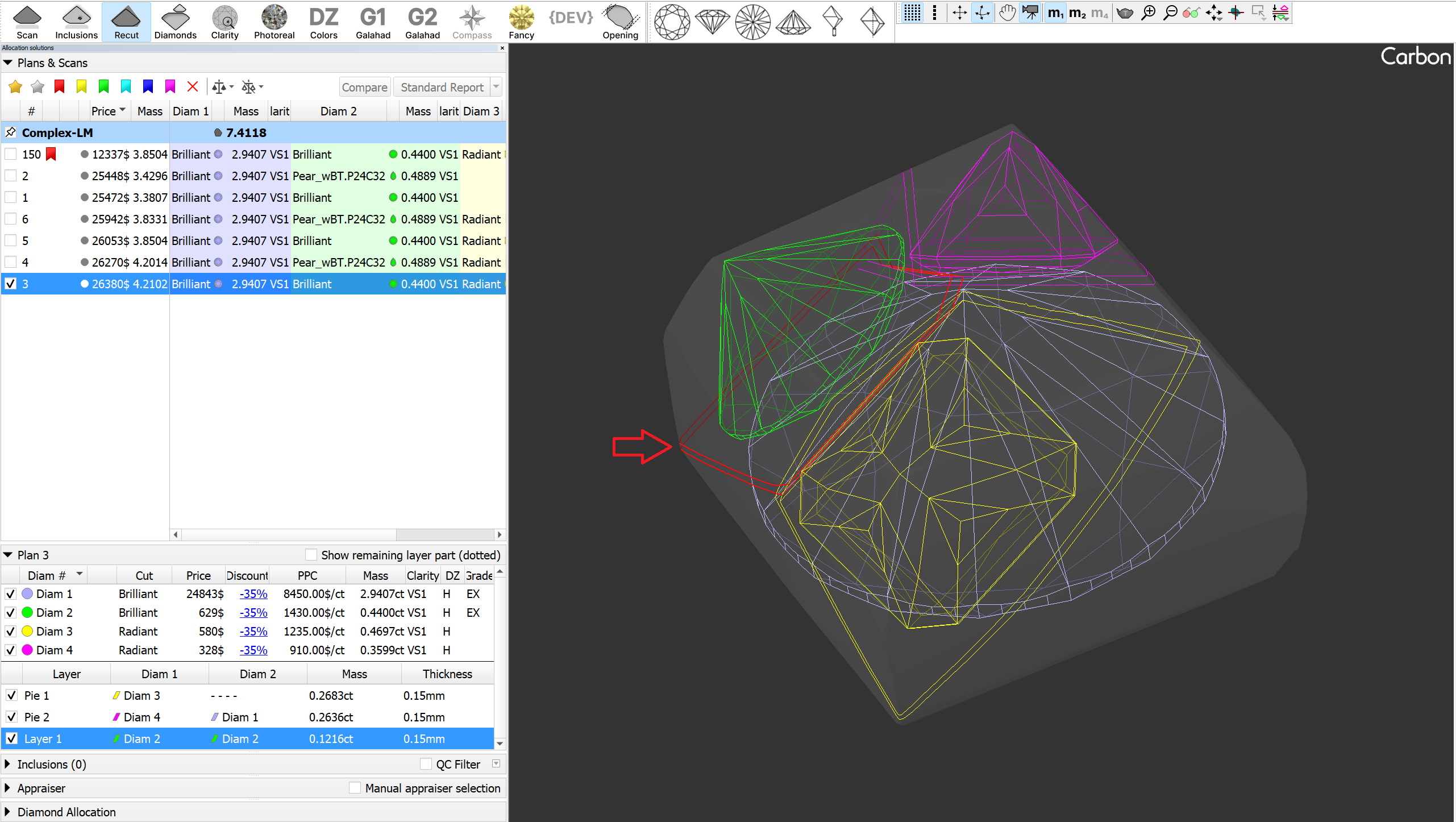
Saw rendering has been improved: non-visible parts are now shaded, and the active layer is highlighted in red with thicker lines. For users who prefer solid mode, this option can now be applied to layers(planes) in the Rendering Settings.
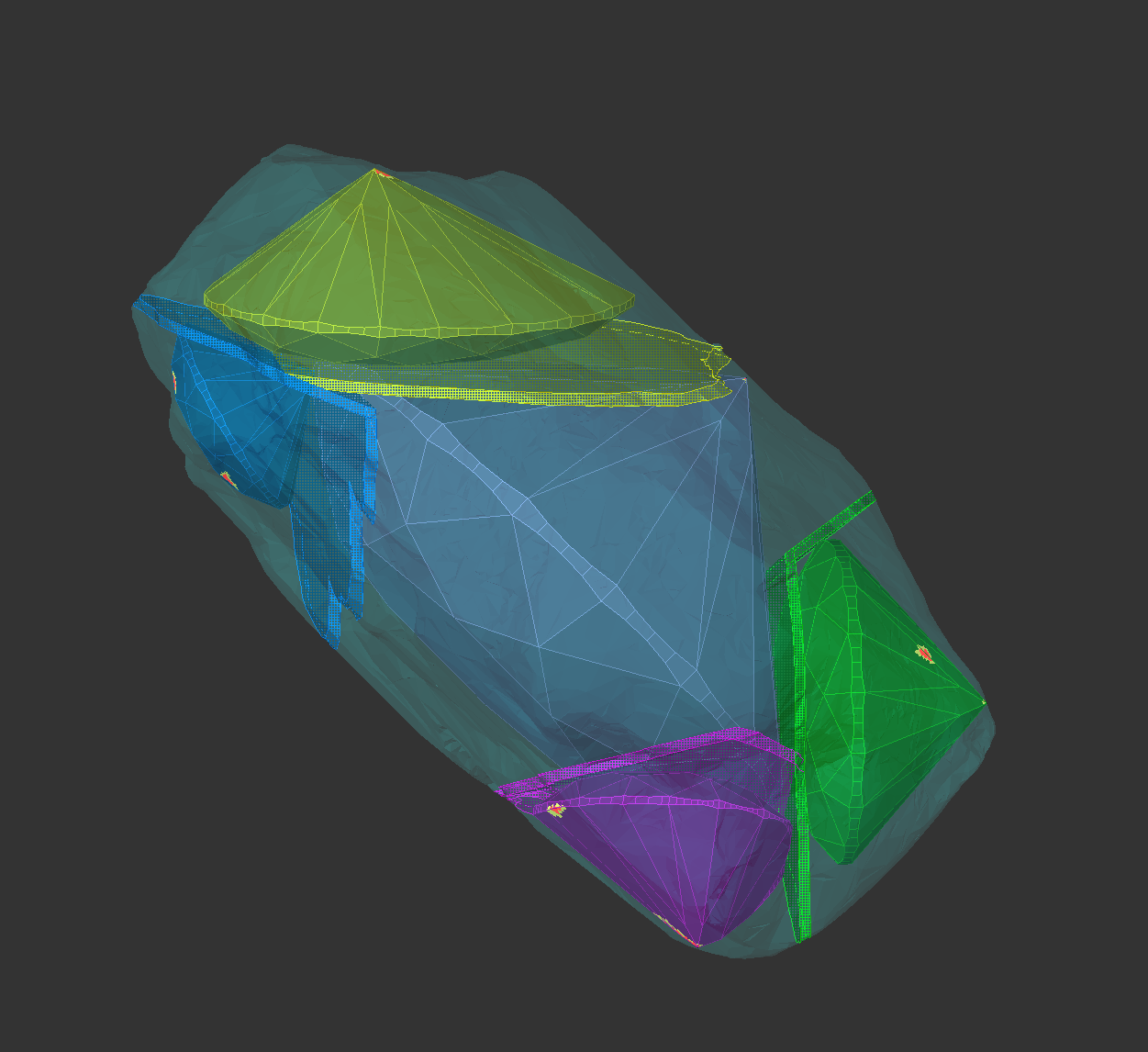
Sample Facet Types
When editing the Facet Types of a sample, the modified types are not saved to the sample file by default. However, this feature proves to be quite useful and convenient. Therefore, this functionality has been implemented.
...