
...
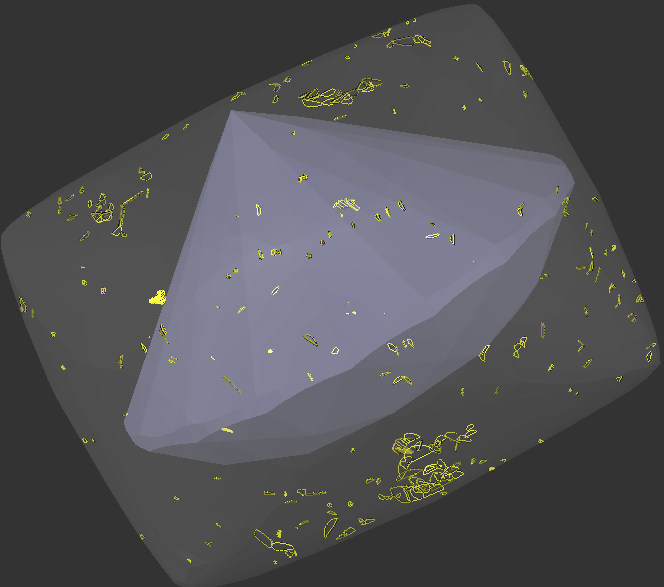
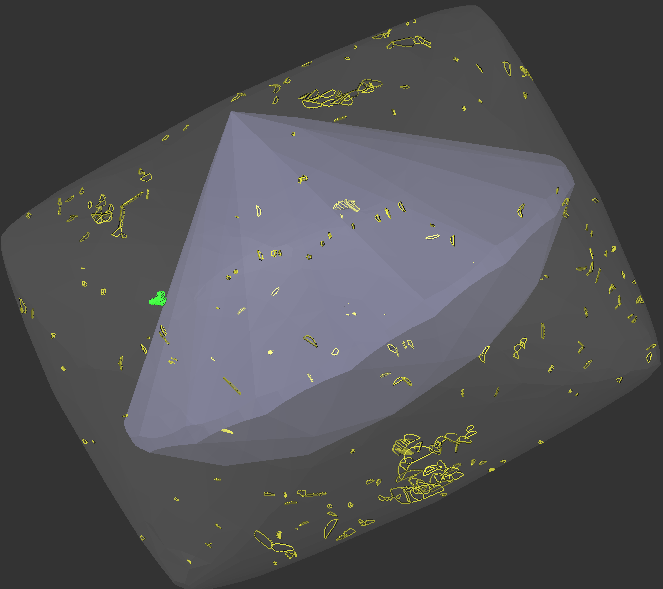
Some customers evaluate results using external price lists that our algorithms cannot access. They need a simpler, faster way to manually guide the allocation algorithms. Specifically, they want direct control over which inclusions are prohibited in solutions and which ones factor into the final price. In earlier versions, users marking inclusions as green expected a maximum-volume solution, ignoring the "permitted green" inclusions. However, the algorithm instead reduced volume to create a cleaner, more expensive result per its built-in pricing.
Thre is example where bahavour the change in behavour of green inclusions is shown obviously:
Carbon3.0.3_GreenInclusions_Demo.ox2z
| Before | |
|---|---|
| Green and Yellow inclusions produces same result | |
|
|
|
|


...
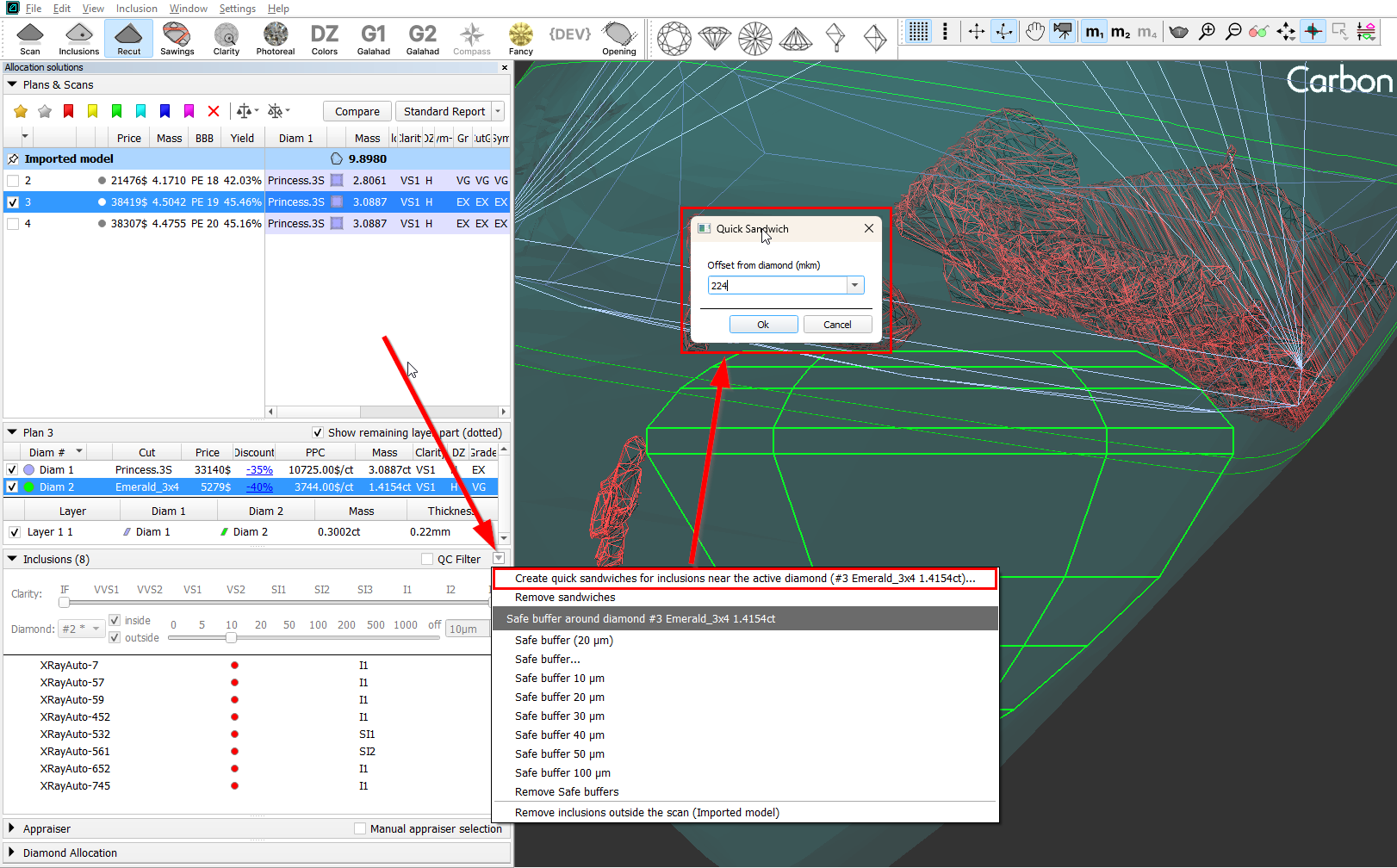
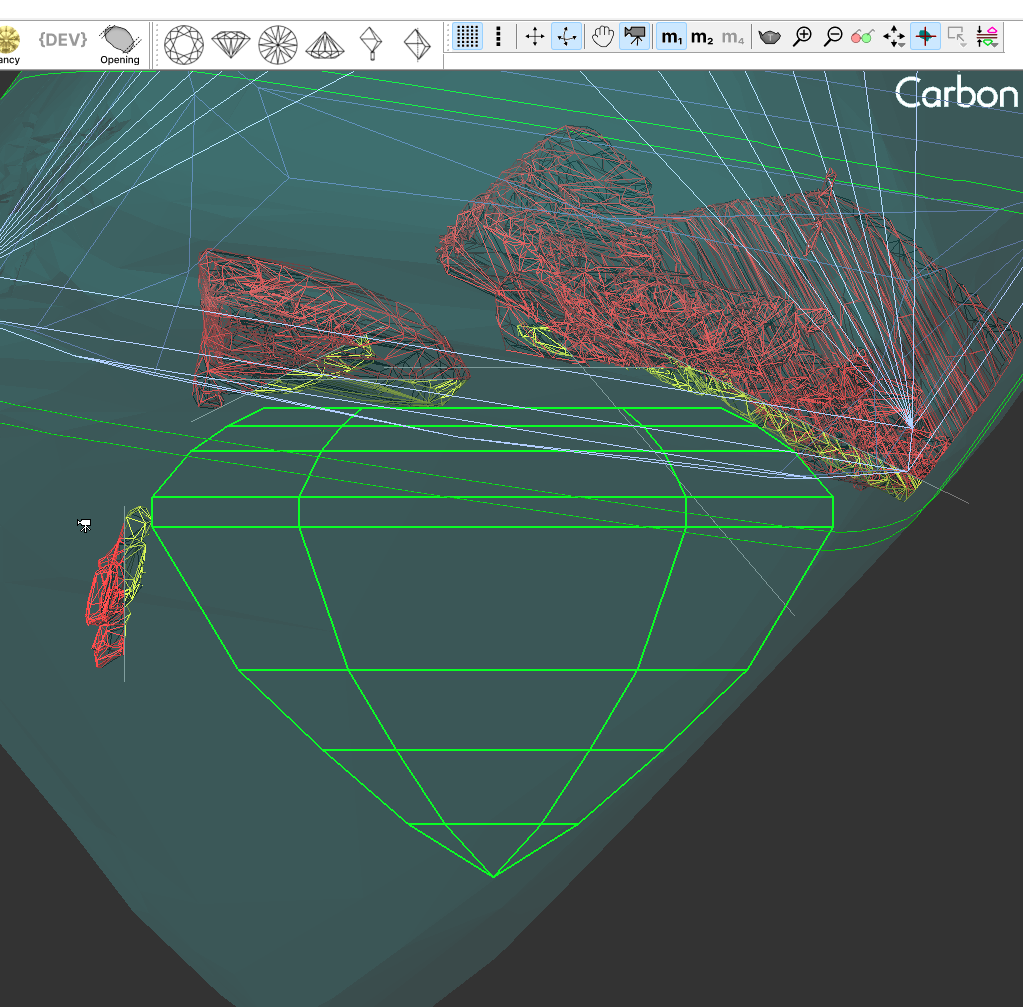
3. Additionally, there is an option to apply the Quick Sandwich to all inclusions near the active diamond.
|
|
Tools:
...
Equal Price Pair (Swim), Twin (Swim), Bound Swim (Vary Forms and Params)
Several new dialog-based optimization algorithms have been introduced:
Symmetry Solution Equal Price Pair (Swim) - tries to adjust the solution so that all diamonds have the same value.
Ultra Symmetry SolutionTwin (Swim) - performs everything the Symmetry Solution does, but also equalizes the diamonds’ parameters.
Diam1 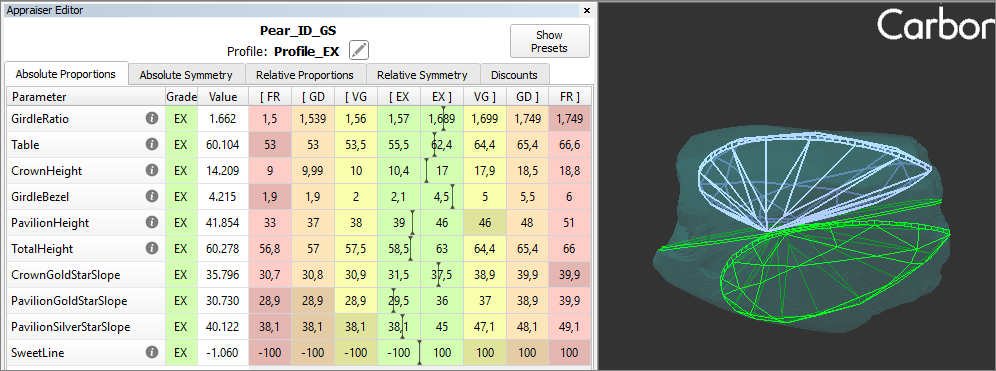
Diam2 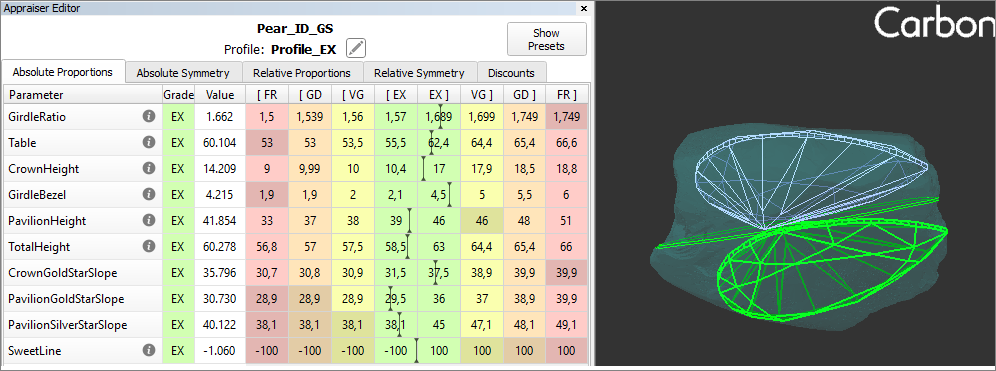
Bound Swim (Vary Forms and Params) - an extended version of Bound Swim (Vary Params) that additionally iterates through different forms.
These algorithms are available in several places:
Symmetry Solution and Ultra Symmetry Solution Equal Price Pair (Swim) andTwin (Swim) - available only in the solution context menu.
Bound Swim (Vary Forms and Params) - available in three locations:
in the diamond context menu - applies to the selected diamond,
in the solution context menu - applies to all diamonds in the solution,
in the layer context menu - applies to diamonds linked to that layer.
...