
...
Carbon3.0.3_GreenInclusions_Demo.ox2z
| Before | |
|---|---|
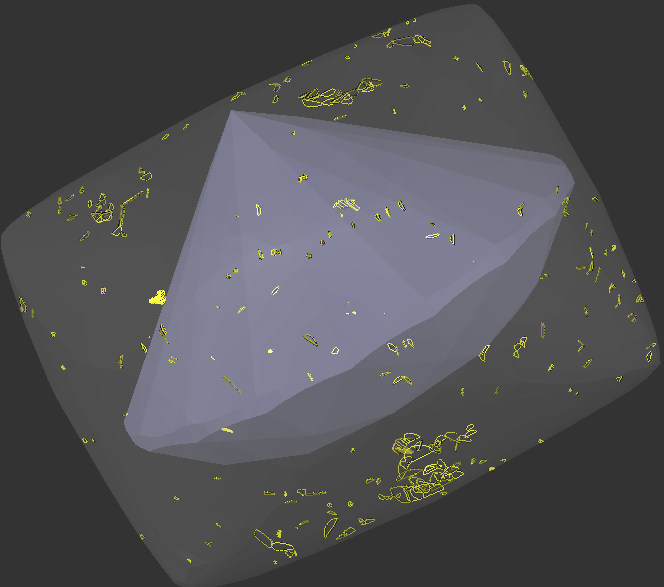
| Green and Yellow inclusions produces same result | |
|
|
|
|


| Now | |
|---|---|
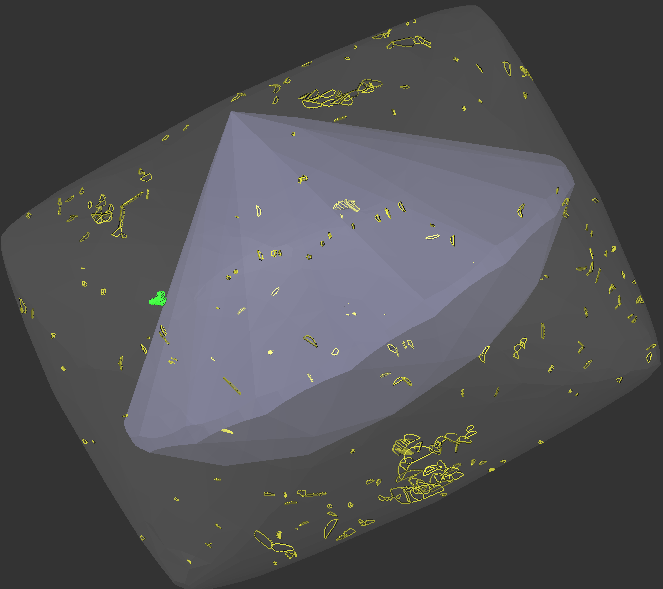
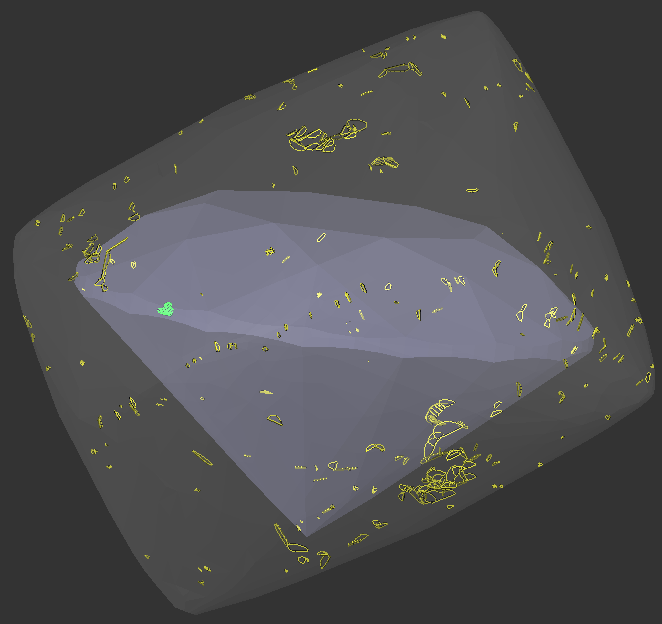
| Yellow | Green. According to user goal |
662px |
|
|
|

What's new?
To resolve this and support different users workflows, we have changed the behavior of green inclusions in the allocation algorithms. Each Inclusion Color Status now has a unique role and you can choose which inclusion color statuses are convenient for you to use.
...
A complete table of properties for each color status in Carbon 2.3.2 is provided below.
| Gray | Ignore | Ignore |
| Green | Ignore | Consideration |
| Yellow | Algorithmic choice | Consideration |
| Red | Forbid | Consideration |
In versions prior to Carbon 2.3.2, green inclusions behaved identically to yellow ones.
If you were satisfied with the old behavior, your new effective color set is Gray, Yellow, and Red. Simply recolor your old green inclusions to yellow.
...
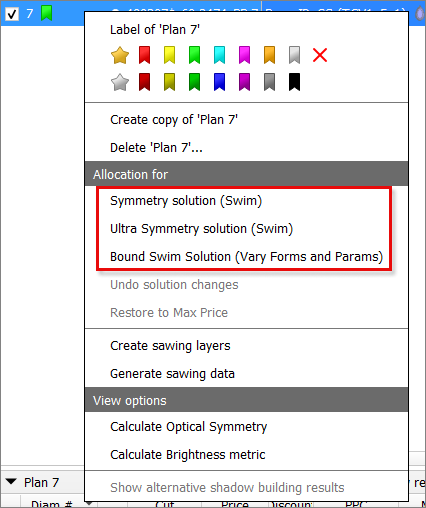
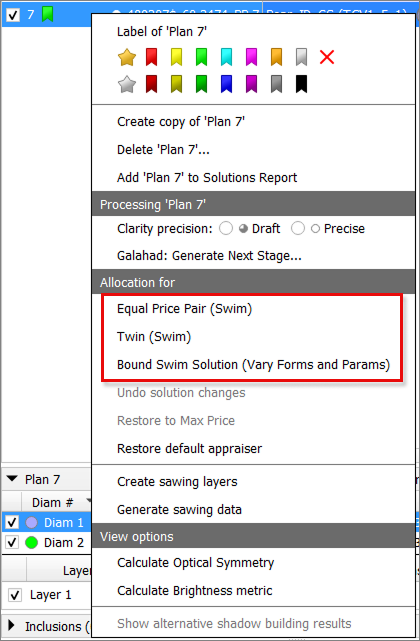
Equal Price Pair (Swim) - tries to adjust the solution so that all diamonds have the same value.
Twin (Swim) - performs everything the Symmetry Solution does, but also equalizes the diamonds’ parameters.
Diam1 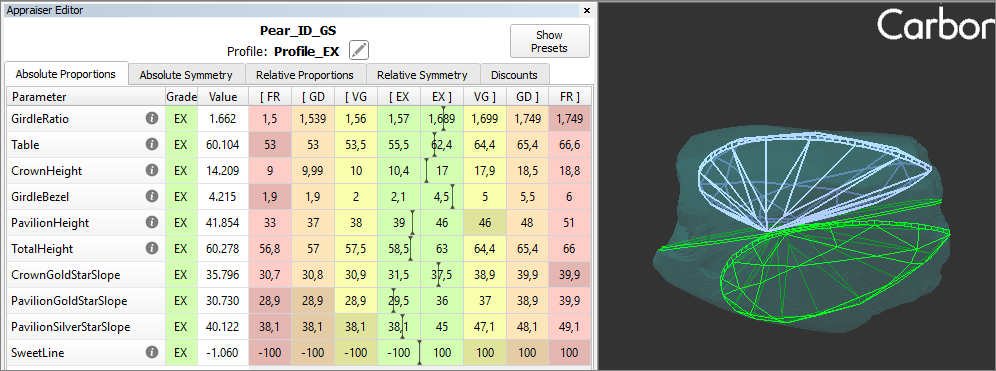
Diam2 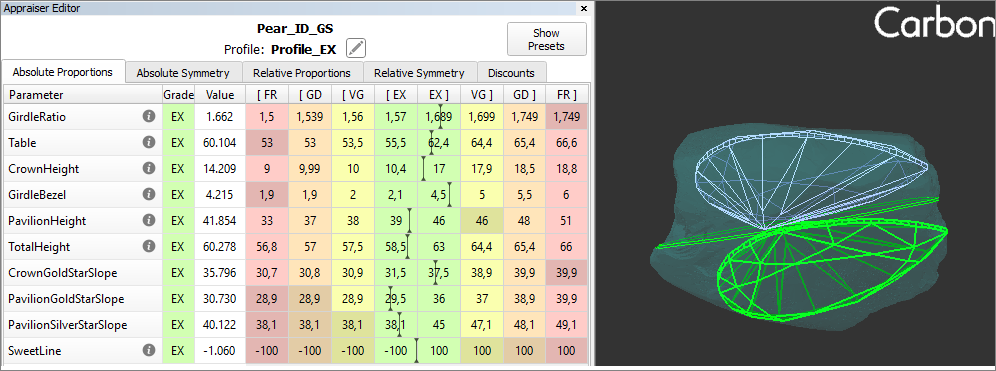
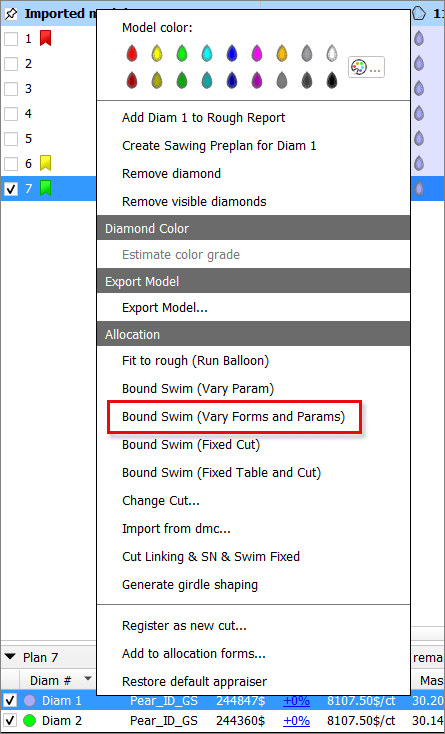
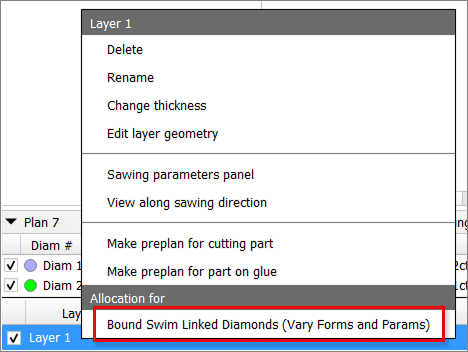
Bound Swim (Vary Forms and Params) - an extended version of Bound Swim (Vary Params) that additionally iterates through different forms.
...
Equal Price Pair (Swim) andTwin (Swim) - available only in the solution context menu.
Bound Swim (Vary Forms and Params) - available in three locations:
in the diamond context menu - applies to the selected diamond,
in the solution context menu - applies to all diamonds in the solution,
in the layer context menu - applies to diamonds linked to that layer.
|
|
|
Reports Improvements
Shape Deviation - new parameter
...
- SmartNormalize algorithm is improved for complex non-convex cuts.
- Uploading data to Cutwise is significantly accelerated
The pop-up window for the "Change layer thickness" command now correctly:
Responds to the Esc key
Handles default values properly when opened
- Fixed an issue where right-click + mouse wheel would move objects instead of zooming when object movement mode was active
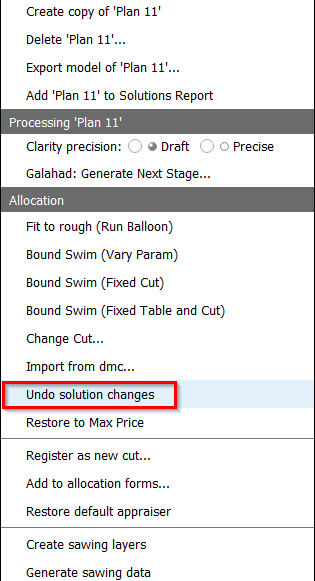
- The "Undo solution changes" function now works consistently in all scenarios, including when any layer is selected in the solution.
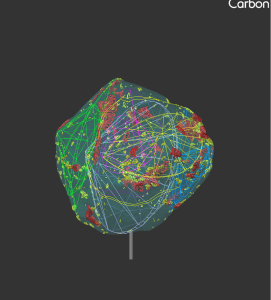
Glue Point Orientation button now centralizes the solution
Before Now 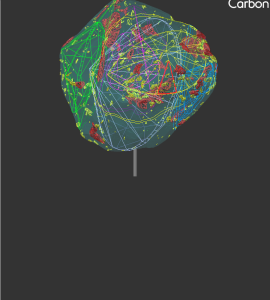
- Fixed unwanted scene rotation when closing the scene context menu
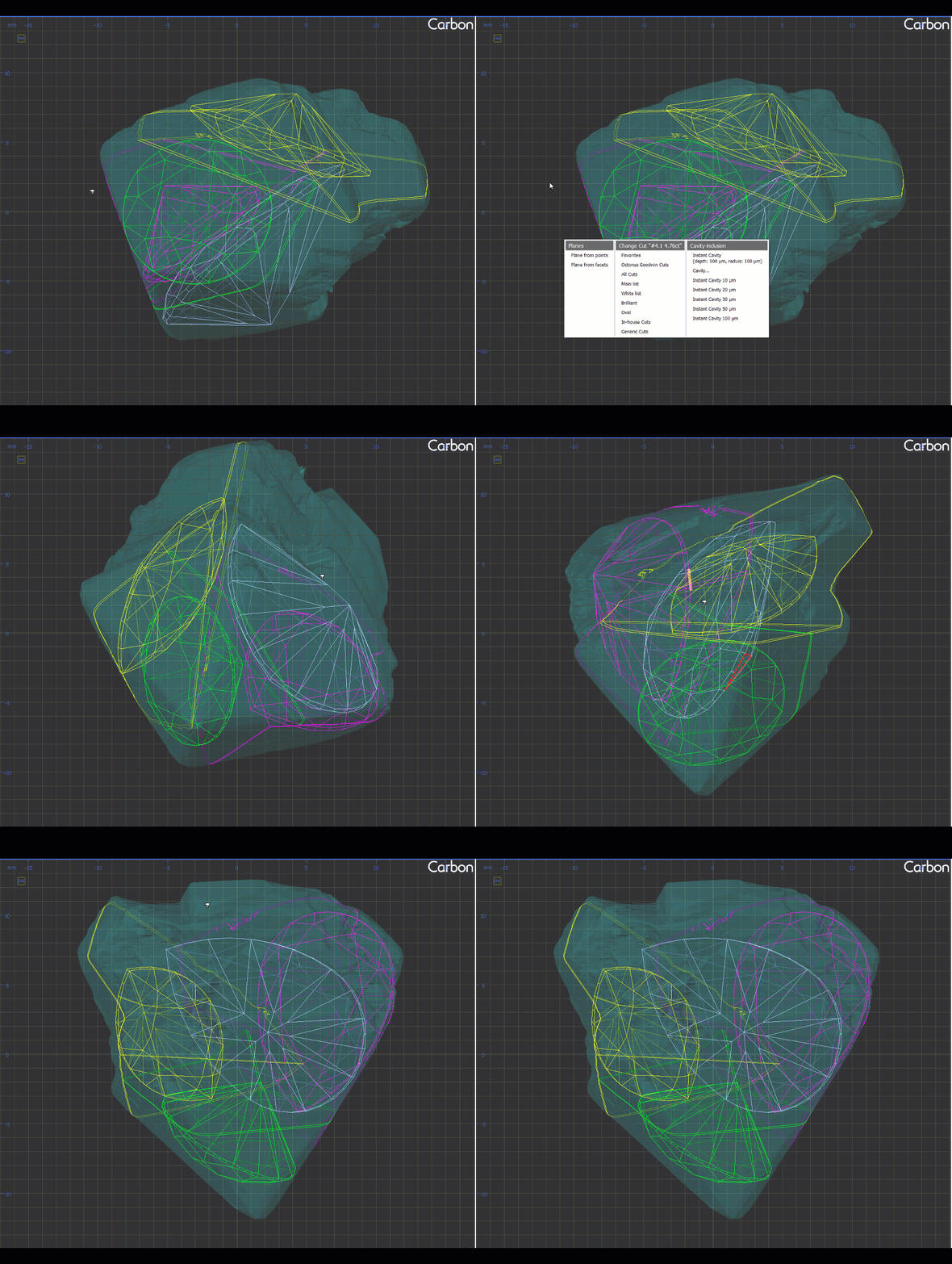
- Facet Types no longer disappear during certain actions as before:
- Adding/deleting a layer.
- Using "Create Sawing Data" or "Create Sawing Layers".
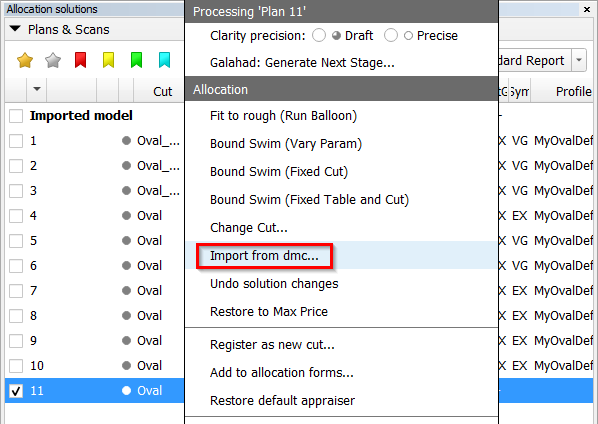
- The "Import from dmc..." item has been moved to the main context menu.
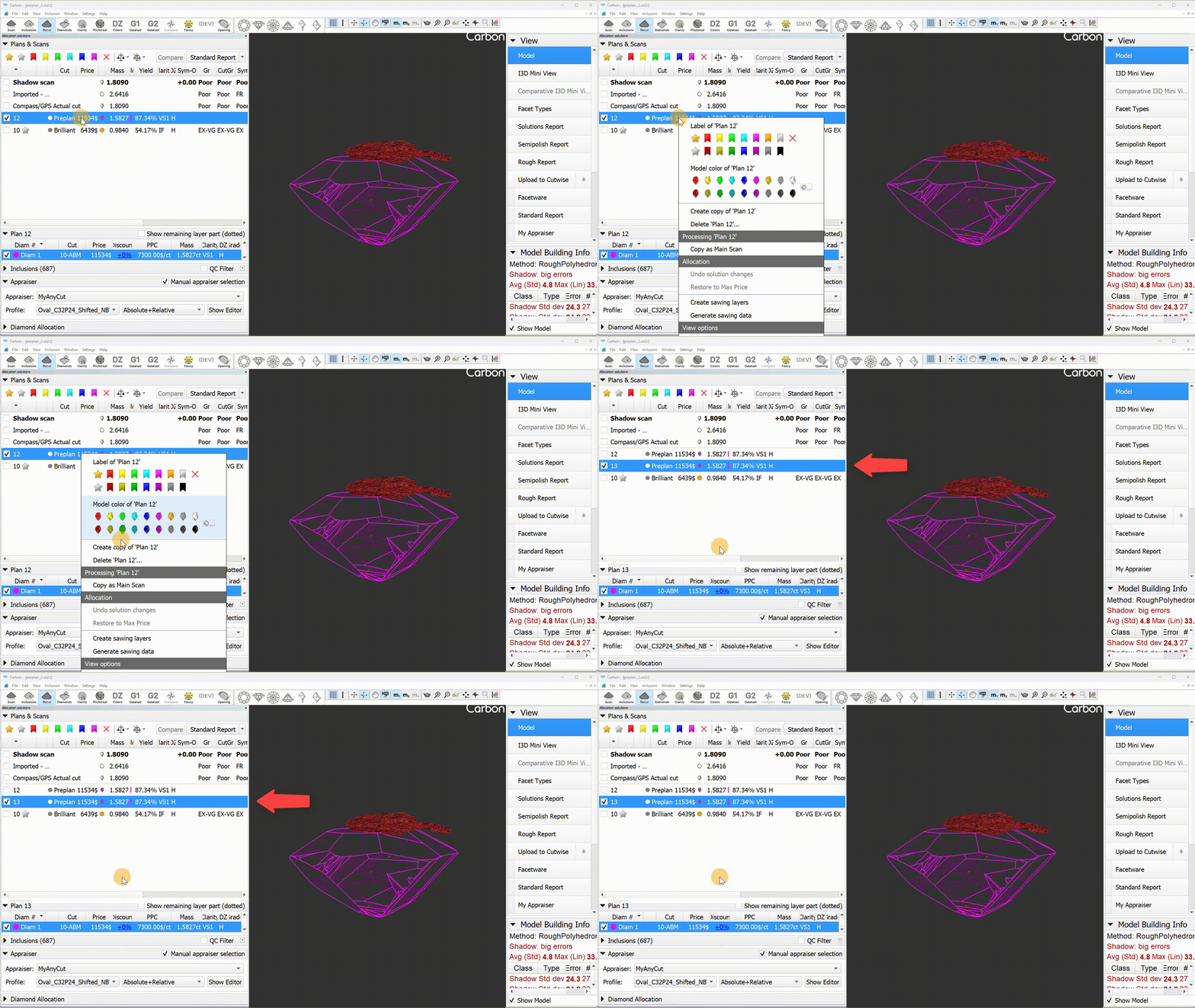
Fixed the copying of preplans. Now, a copied preplan remains a preplan.
was now 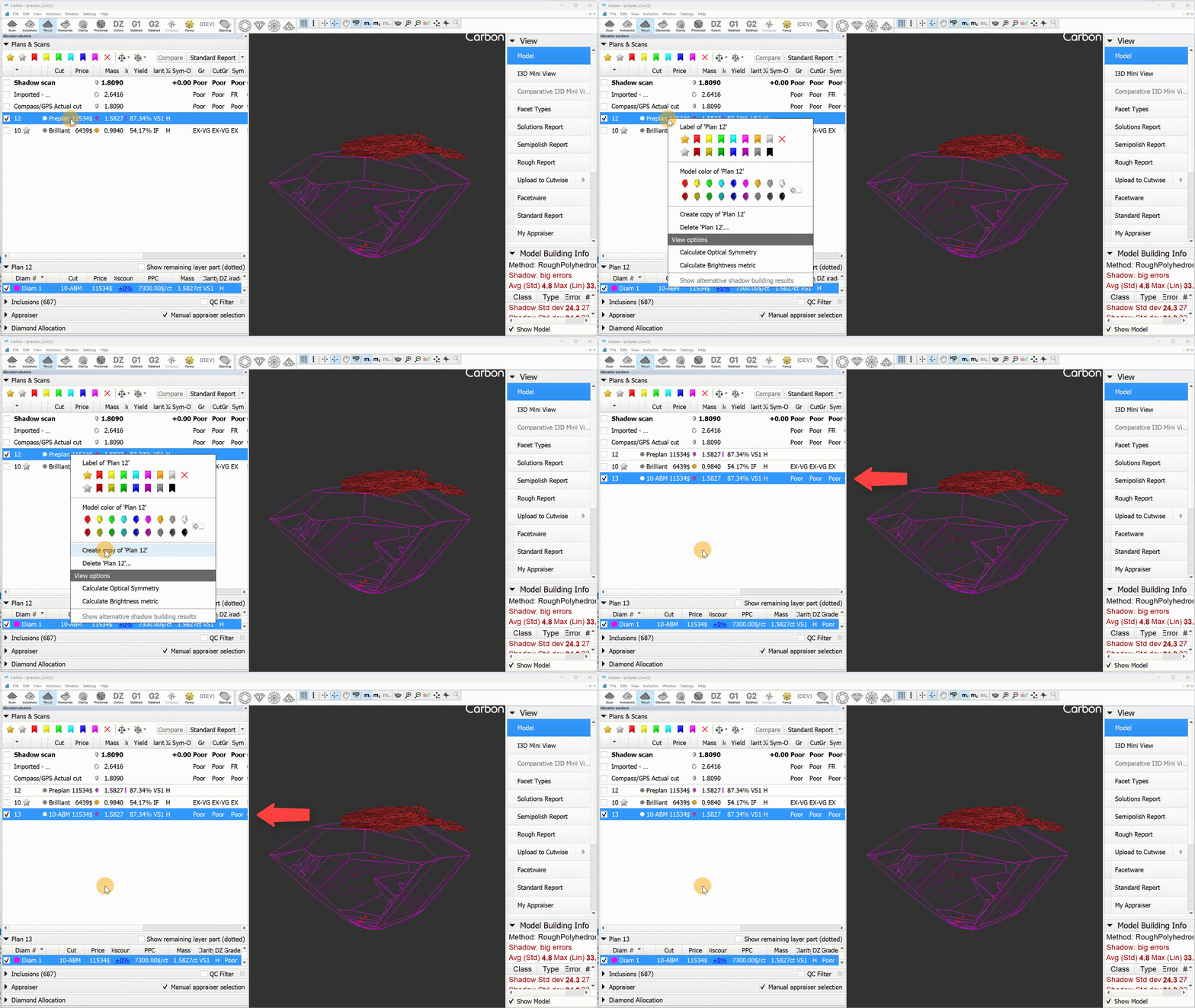
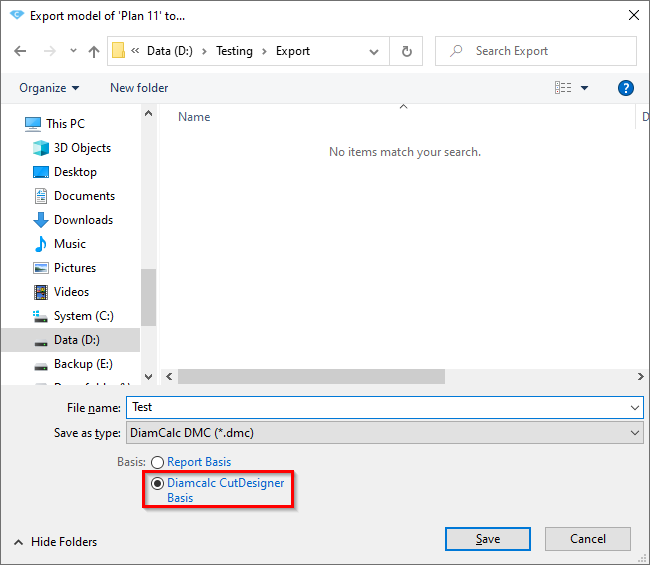
An export option "Diamcalc CutDesigner Basis" was added to HPC to address the axis misalignment between HPC and CutDesigner. Previously, DMC files exported from HPC used a coordinate basis where pear-shaped diamonds were oriented nose-down, whereas CutDesigner expects the orientation to be right-facing.
The issue with the N/A values in the report for the two-tier pear has been resolved.

