
Depth map reconstruction tool allows you to build constrained 3D models of your samples, as seen from a particular point of view. The software will shot a stack of photos with different focus position similar to EDF.
To reconstruct a depth map, you will need the "'3D reconstruction" panel' panel ('Processing' tab, right panel):

First, focus on the furthest plane position of the scene and click "'Set target depth" ' button:

Second, focus on the nearest plane position and click "'Build depth map" ' button:


The software will scan photos and reconstruct the a depth map. It will Note that only left camera will be used for scan. The depth map will appear in the data list:
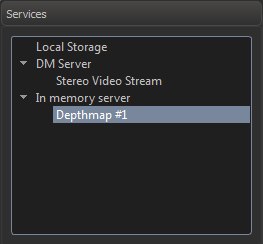
Double-click to open it in a new tab:
...
To find out how to save and open the model, see working with page about 3D modelsModels.