
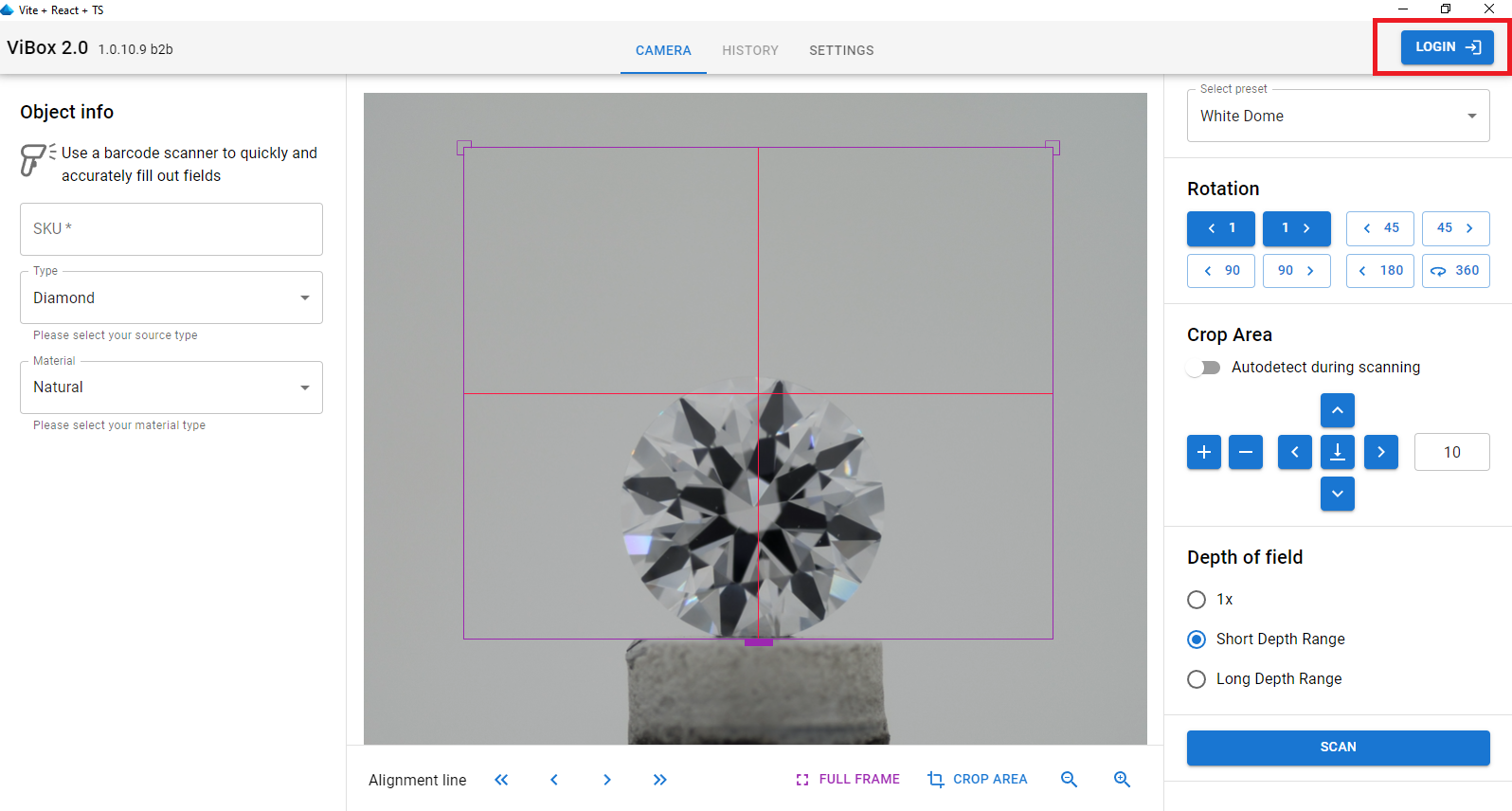
When you first launch the Vibox 2.0 software and Cutwise Agent after installation on your computer, you will need to log in to the Cutwise service. Press Login button:
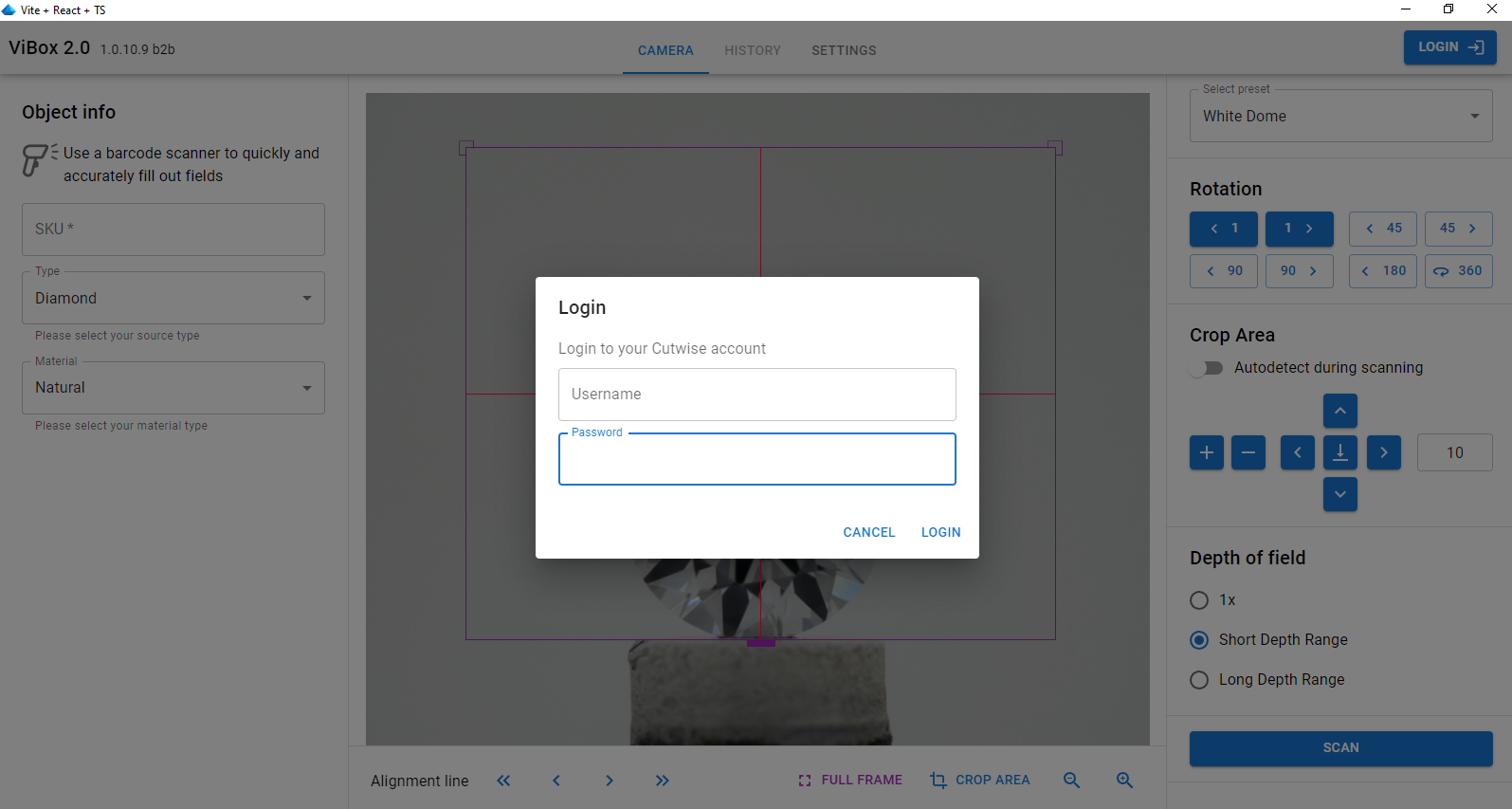
Then, enter your Cutwise login and password in the window provided.
After logging in, you will see the Cutwise username you are working under in the top right corner.
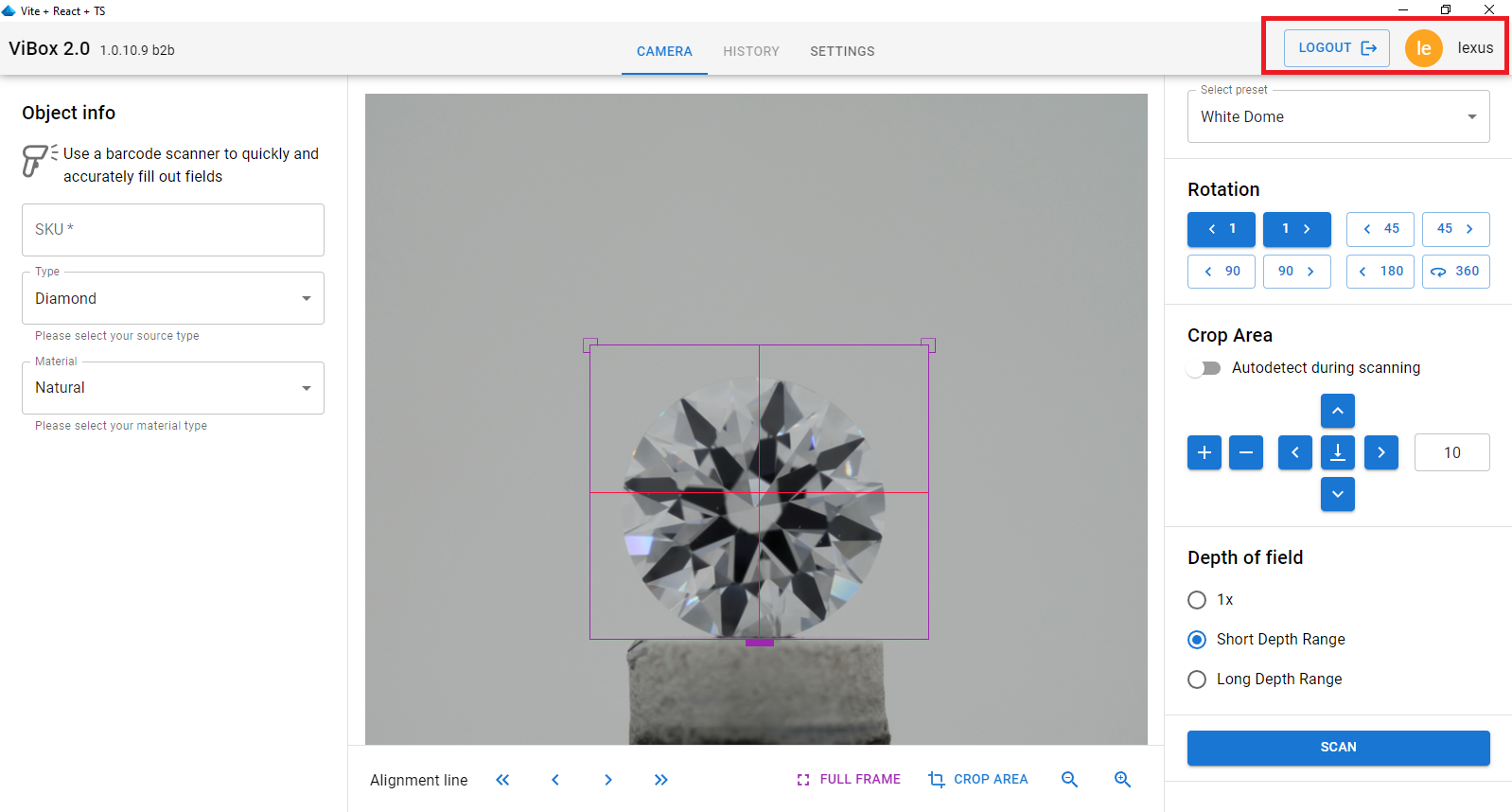
By clicking on Logout, you can log out and log in with a different user.