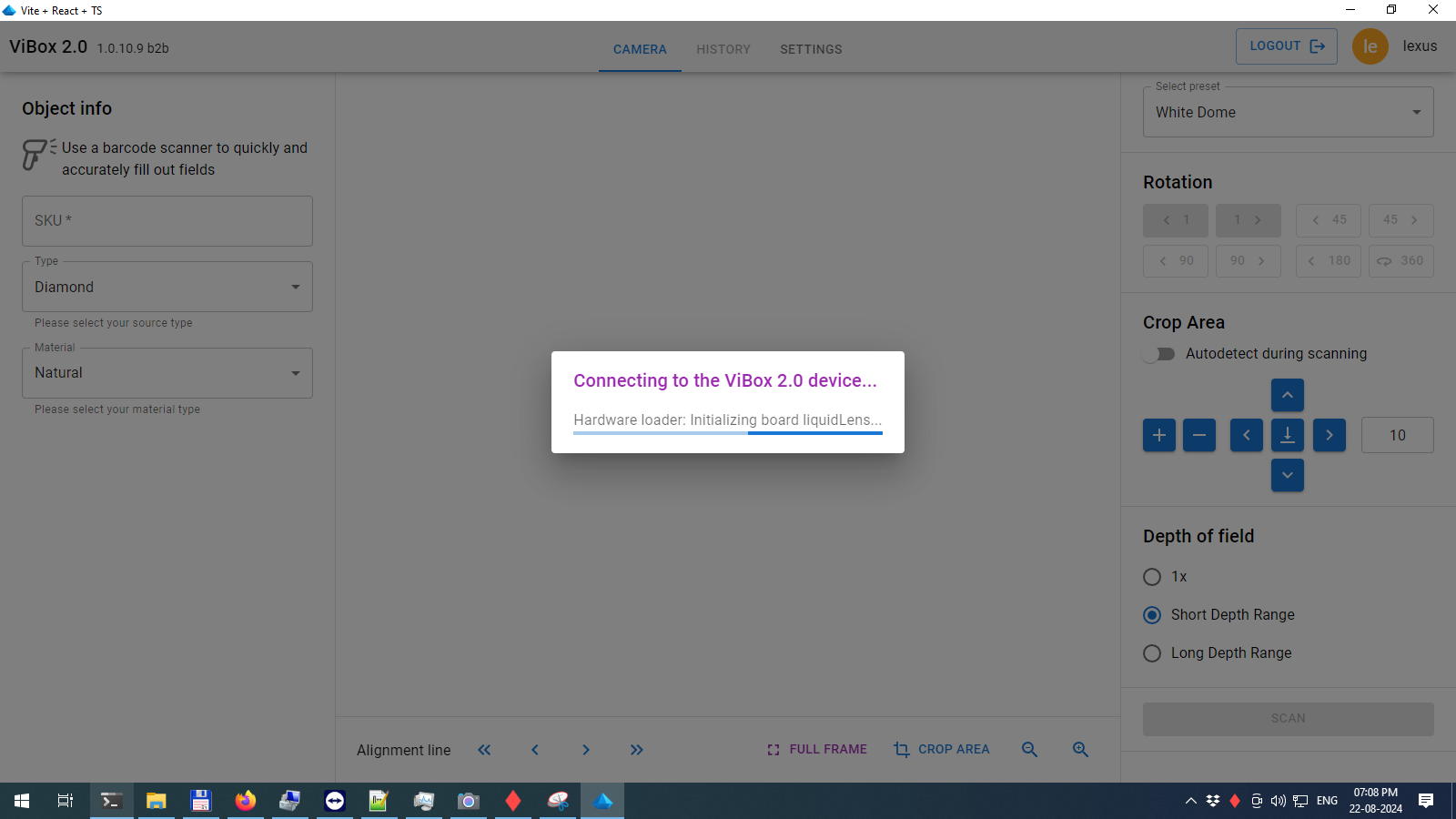
When launched, the software attempts to connect to the Vibox 2.0 hardware. During this process, a special pop-up window will display the current status of the component connections.
If something goes wrong during the connection, an error will be shown. An error may also appear at startup if you forget to insert the correct Vibox 2.0 HASP key.
If the connection to the hardware is successful, you will be taken to Camera live view