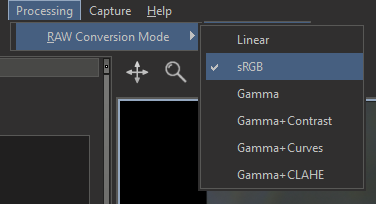
In the DALS application, starting with version 1.6.11.50, it is now possible to set the RAW conversion (tone mapping) mode.
In earlier versions of the DALS application, only the sRGB (default) mode works! |
You can change it by selecting the appropriate item of the 'Processing > RAW Conversion Mode' menu from the application main menu
The following modes are supported:
Further details about each of them
The floating point number is taken as is, without any additional transformations. This mode has no configurable parameters.
The floating point number is subjected to the sRGB space transformation. This mode is selected by default and was the only and main mode for previous versions of the DALS application. The mode has no configurable parameters.
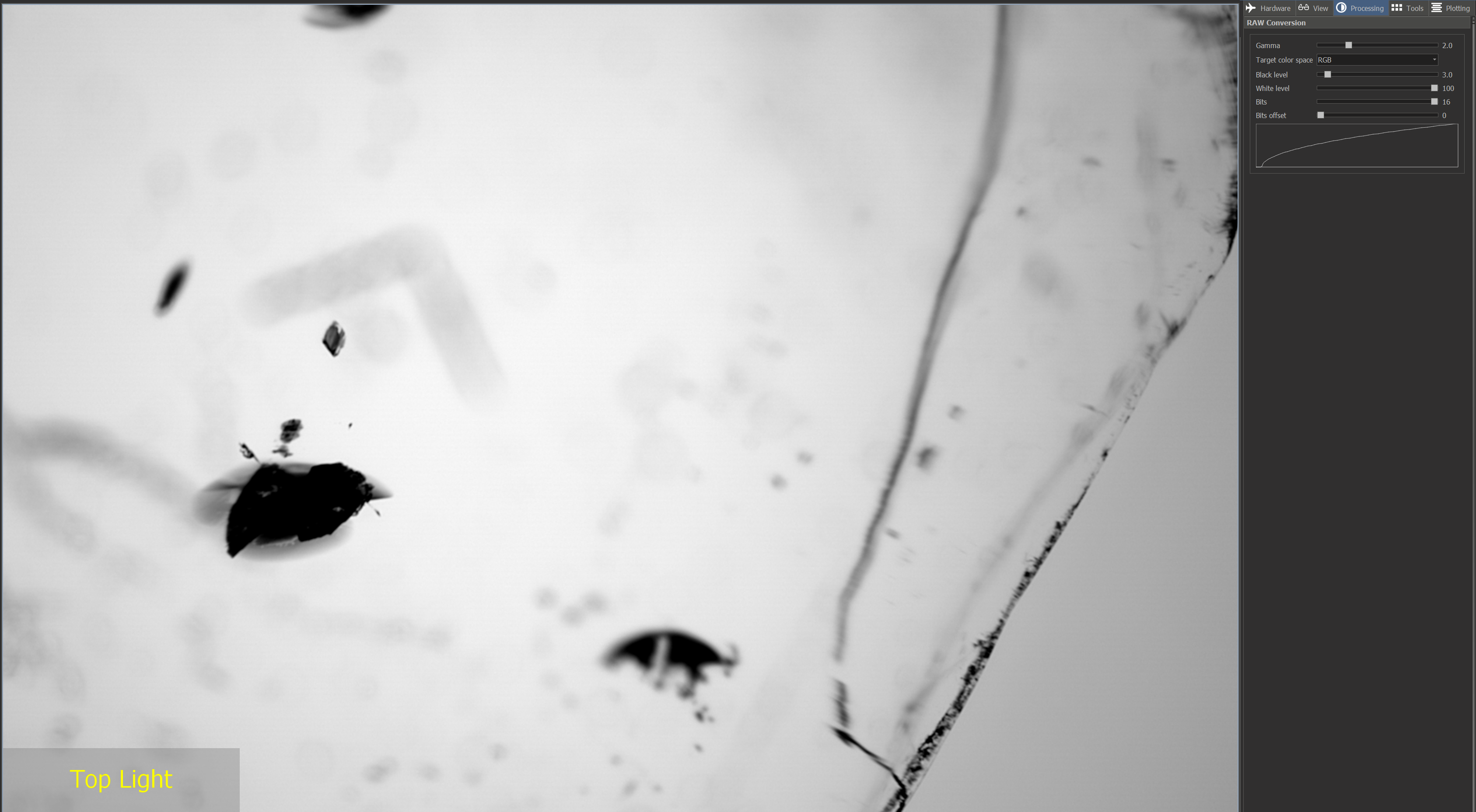
The floating point number is subjected to gamma transformation. Pixels with brightness below the 'Black level' are interpreted as pure black, those with brightness above the 'White level' are interpreted as pure white, and those in between are converted using the power law with exponent 'Gamma'. You can also set the total number of valuable bits in the source data by the 'Bits', and also, if necessary, shift the bits to the right in the source data by the 'Bits offset' value.
Parameters: Gamma, Target color space, Black level, White level, Bits, Bits offset. You can change all parameters in the 'RAW Conversion' panel located in the 'Processing' tab on the right panel of the application:
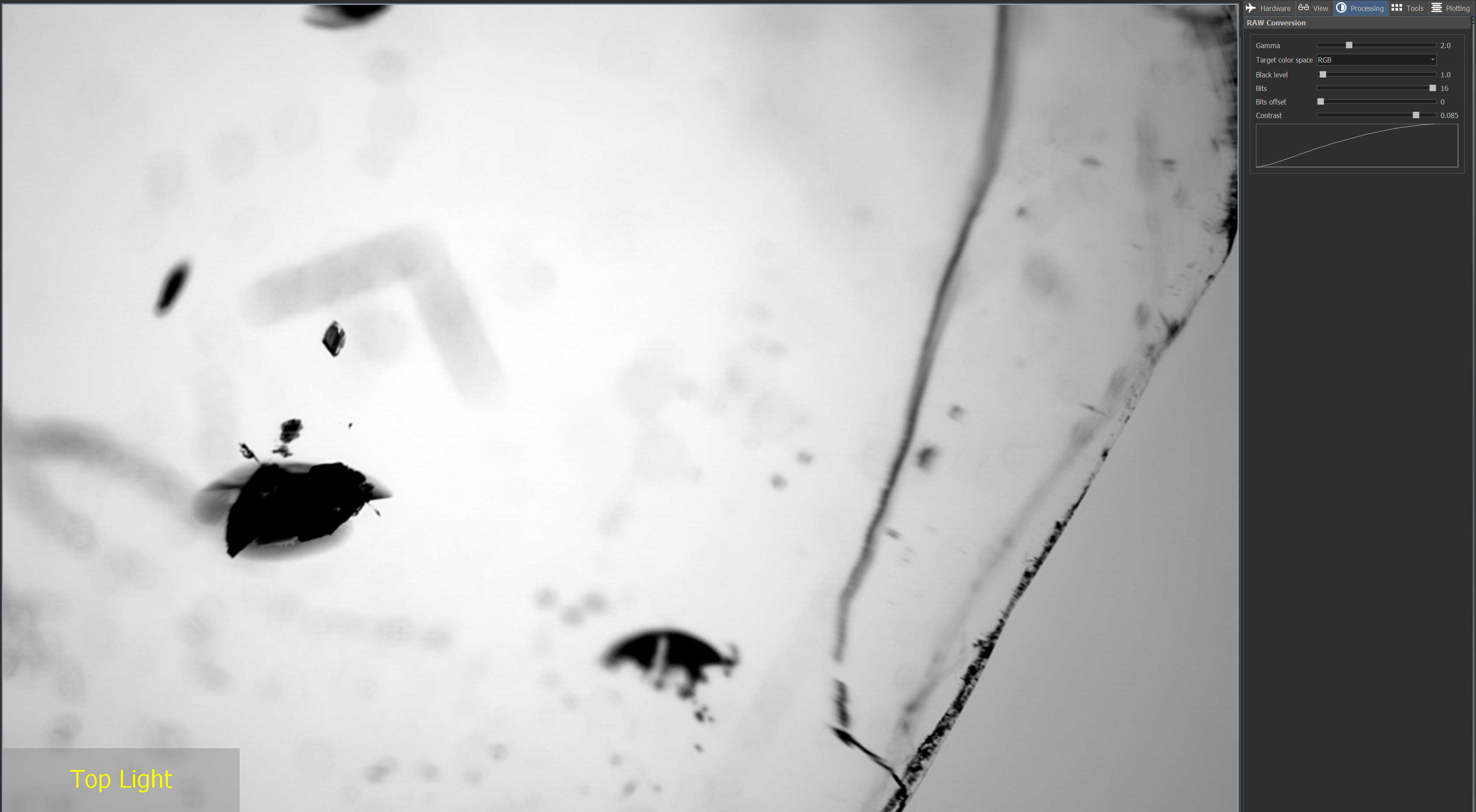
The floating point number is subjected to the following two transformations in a row:
Parameters: Gamma, Target color space, Black level, Bits, Bits offset, Contrast.
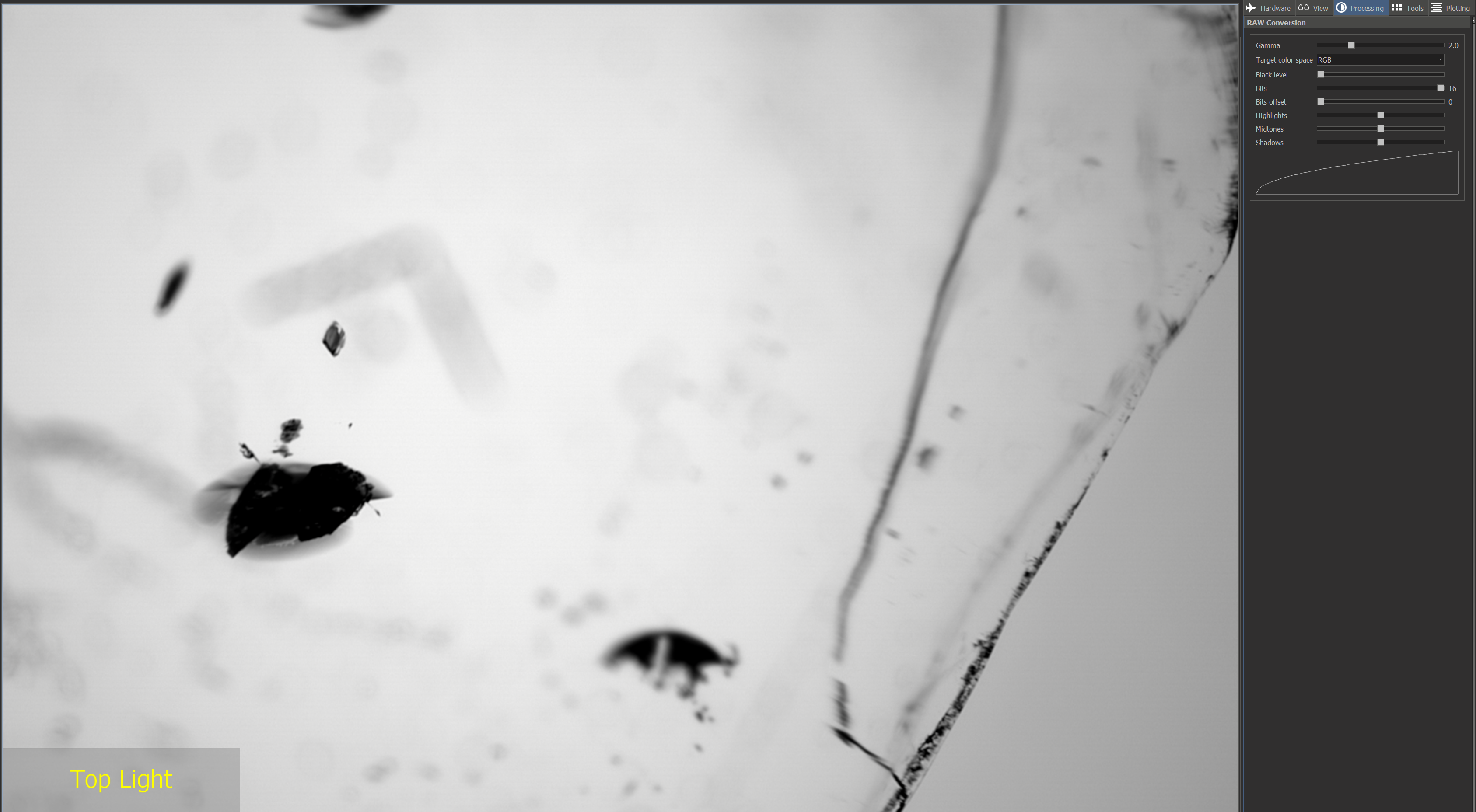
The floating point number is subjected to the following two transformations in a row:
Parameters: Gamma, Target color space, Black level, Bits, Bits offset, Highlights, Midtones, Shadows
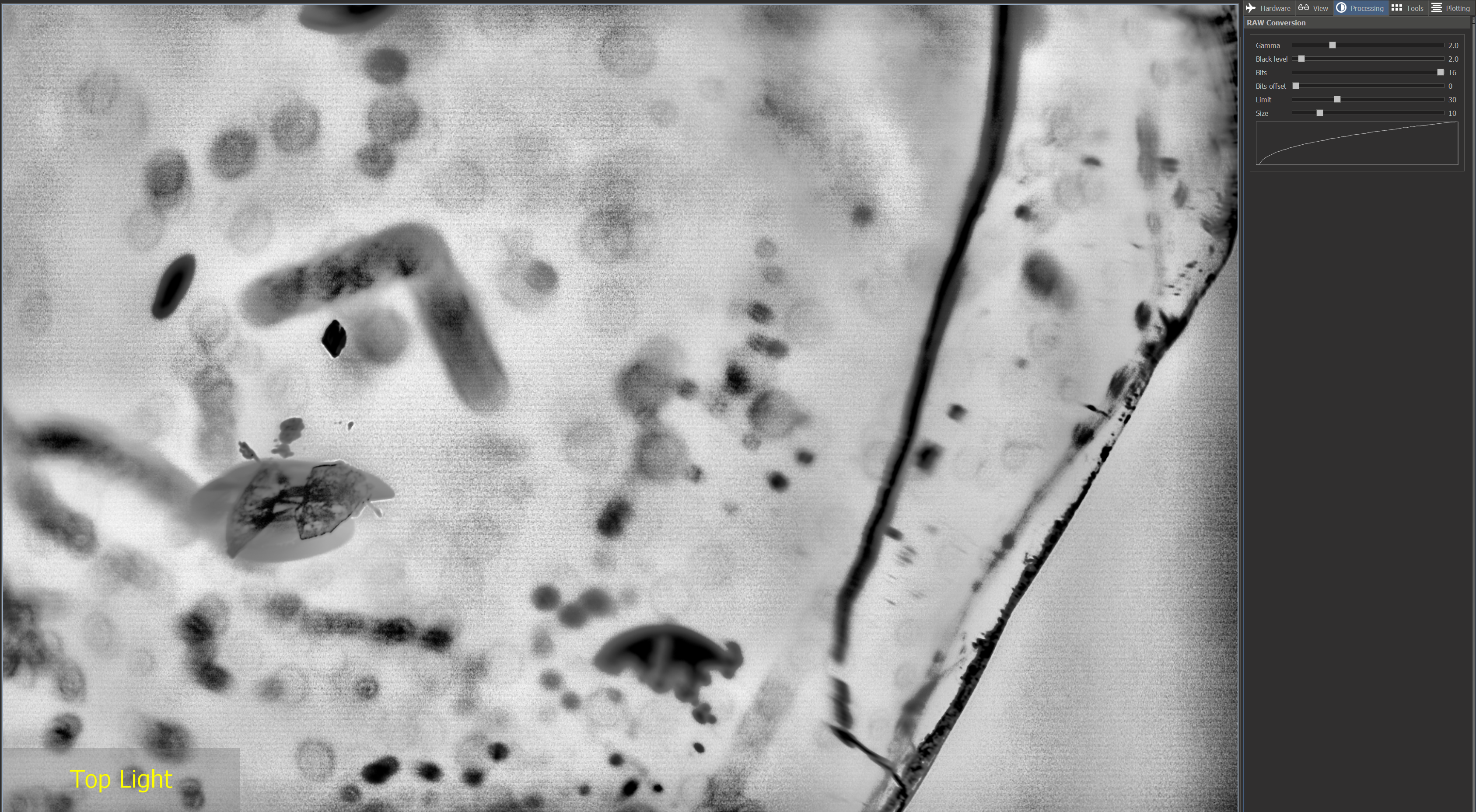
CLAHE algorithm (Contrast Limited Adaptive Histogram Equalization) splits the image into several regions ('Size' along each side) and applies the histogram equalization transformation to each region. Then an overall gamma transformation (see above) is applied.
'Limit' is the parameter that bounds contrast enhancement, so as not to enhance the background noise.
Parameters: Gamma, Black level, Bits, Bits offset, Limit, Size.
| It is worth noting that all the frame averaging and alignment options are compatible with these RAW conversion modes, which means that the resulting image will be averaged. |