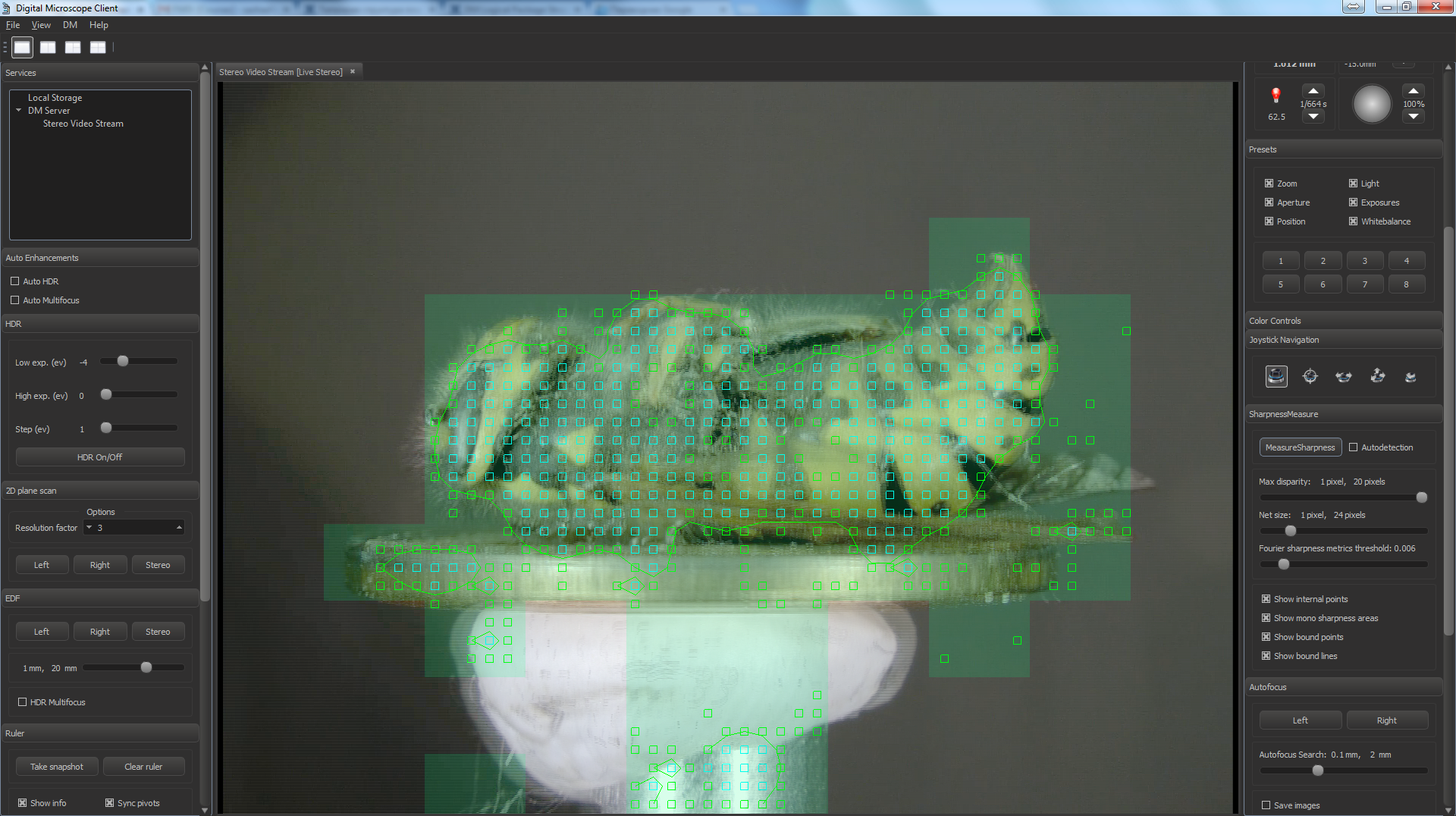
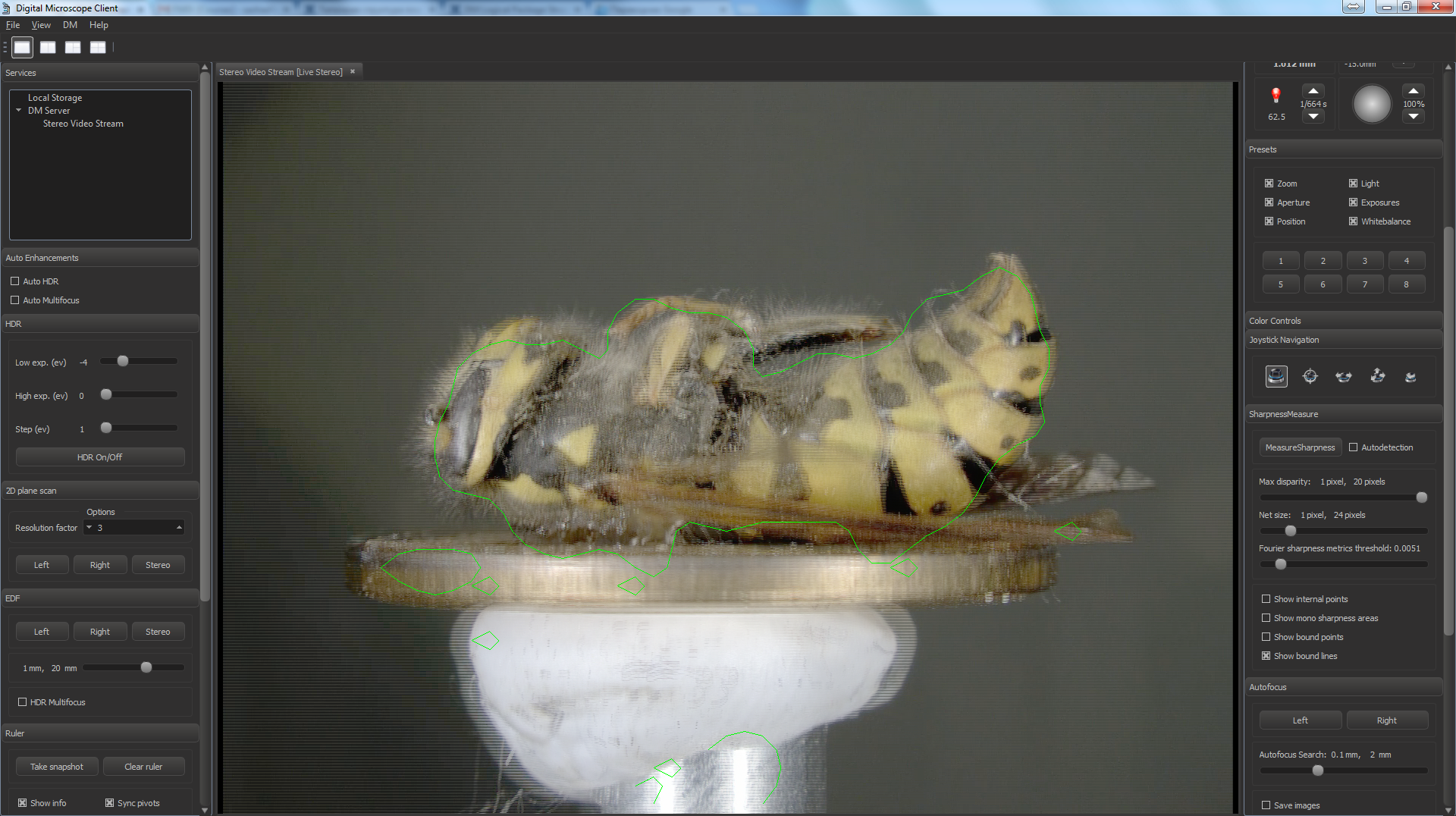
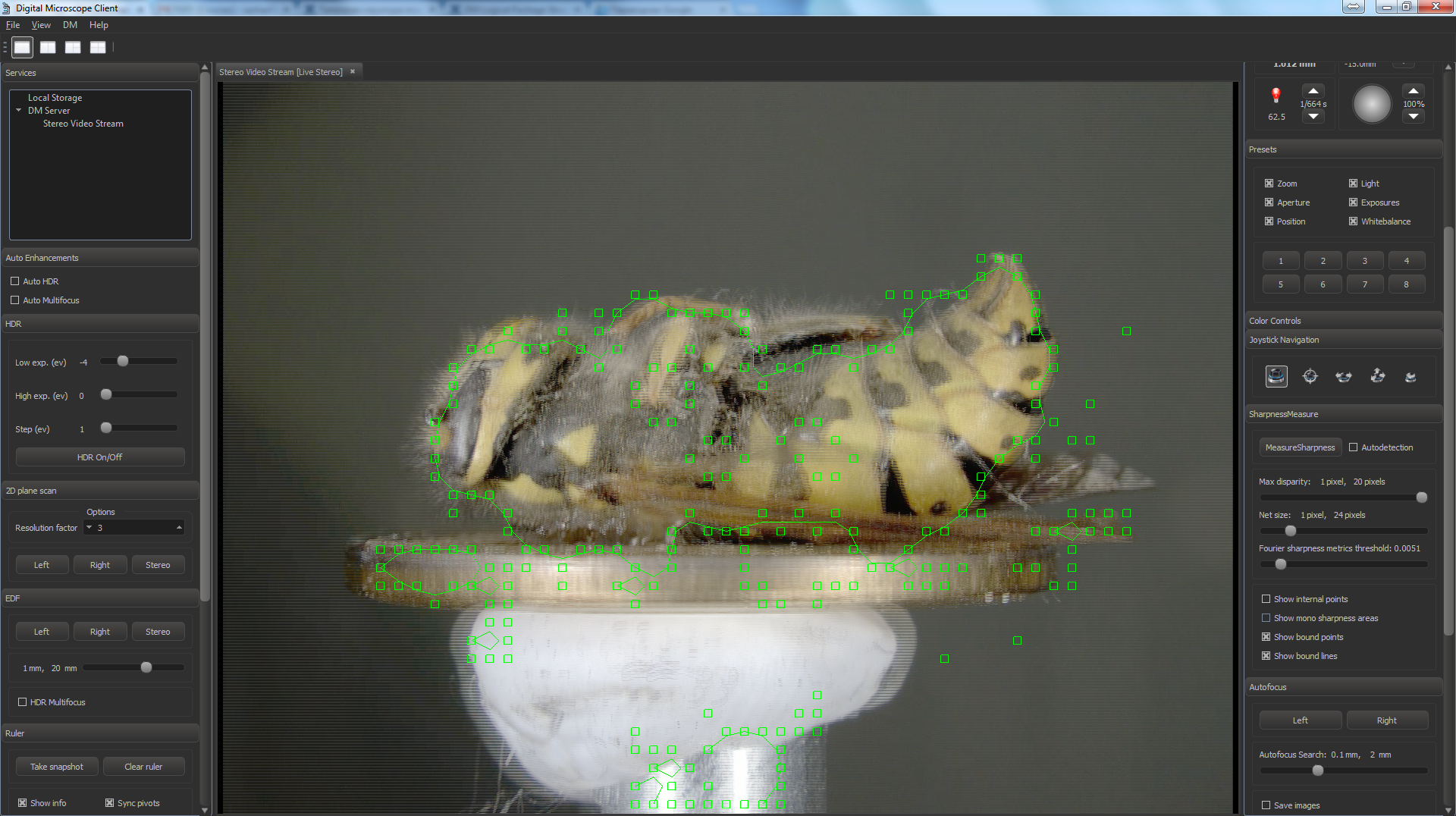
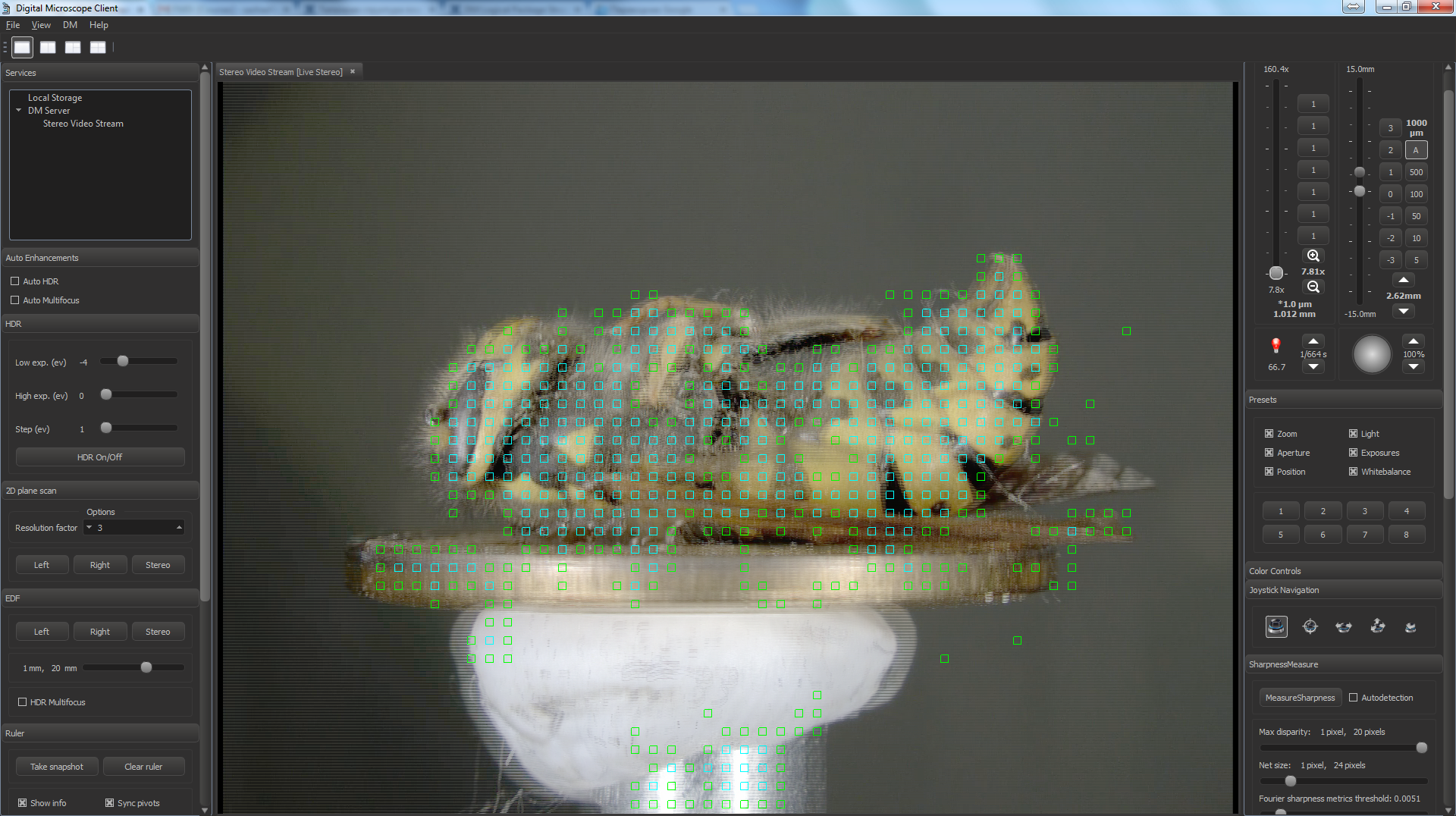
- The sharpness measure plugin view:
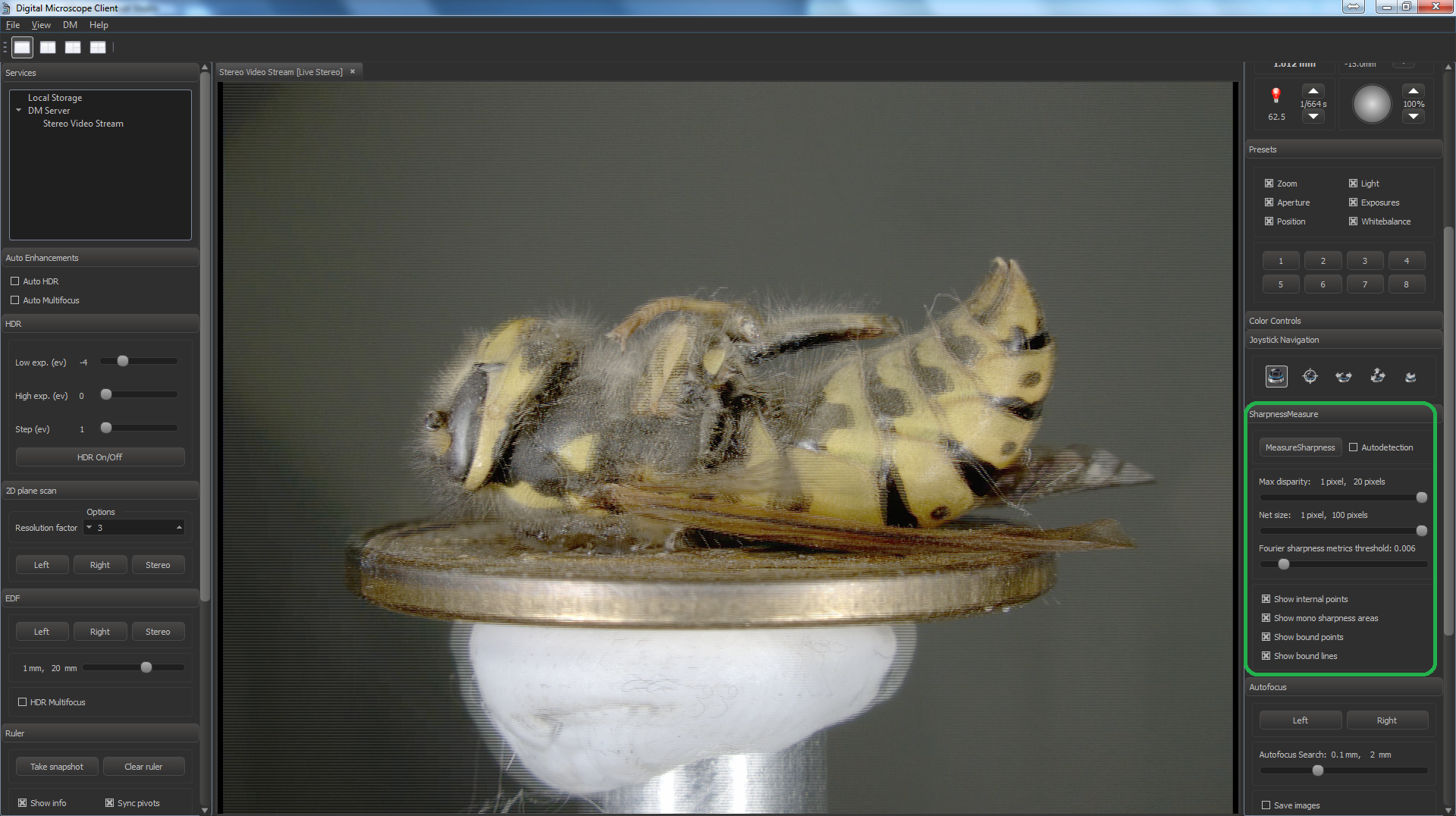
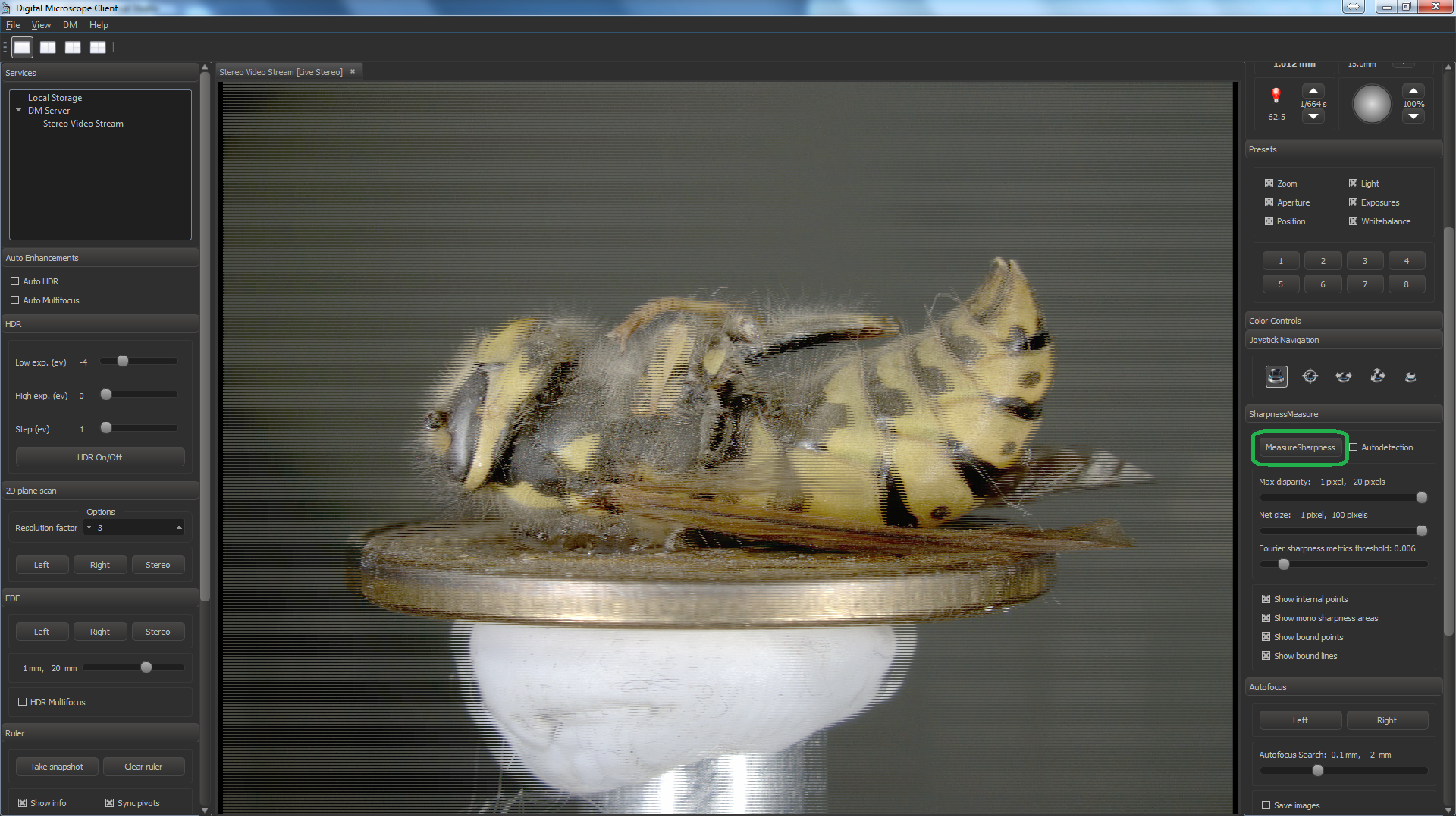
- To show the current sharpness area push the button "Measure sharpness".
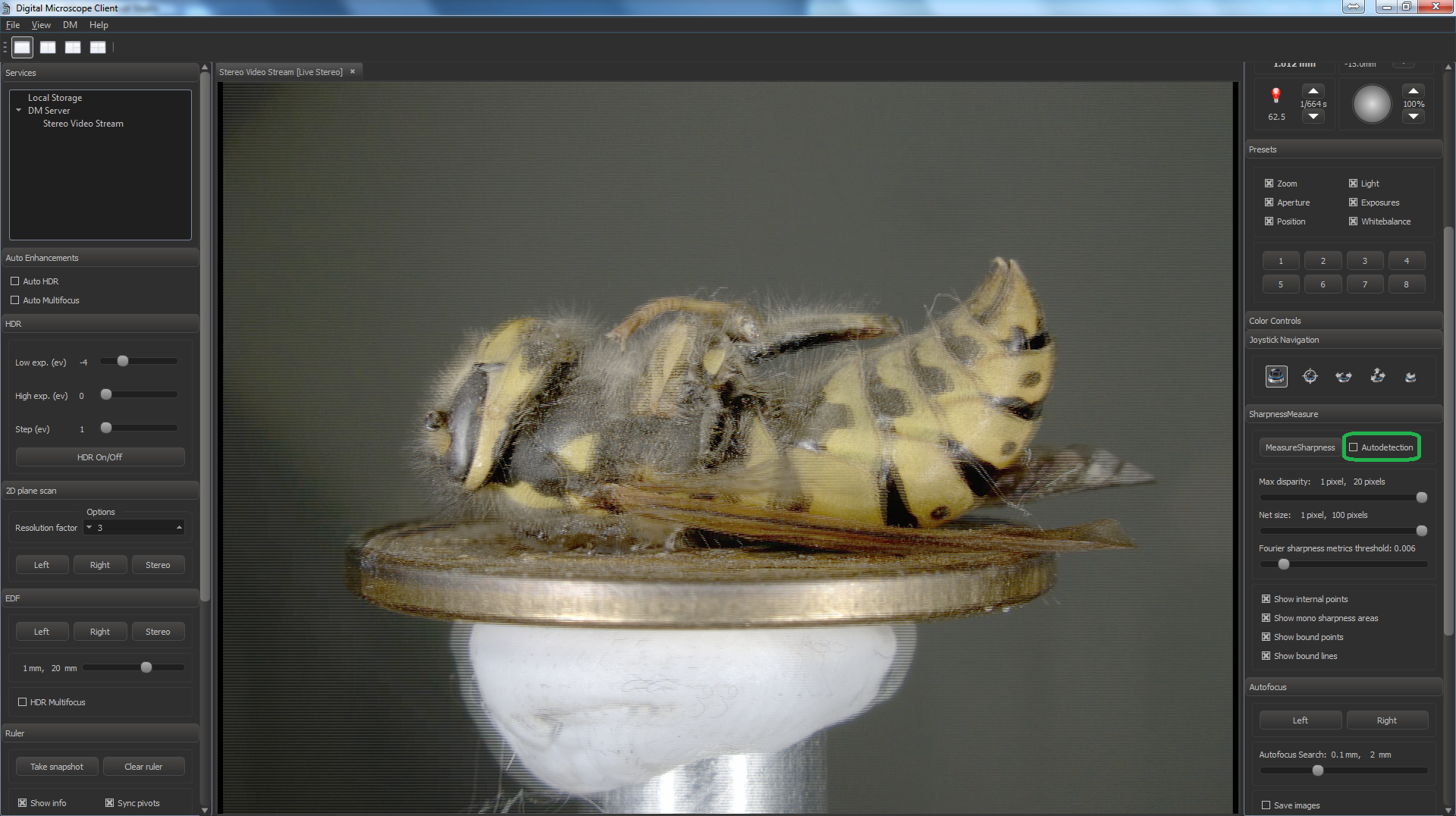
- Sharpness measure will perform automatically if you turn on the Autodetection check-box.
- You can change the algorithm parameters by changing controls:
1) Maximum disparity for stereo correspondences.
2) Net step - the accuracy of the measurements.
To show the modified result, you should move the holder of the microscope (if you are in autodetection mode) or push the button "Measure sharpness".
3) Fourier sharpness metrics threshold. The result areas are shown interactively.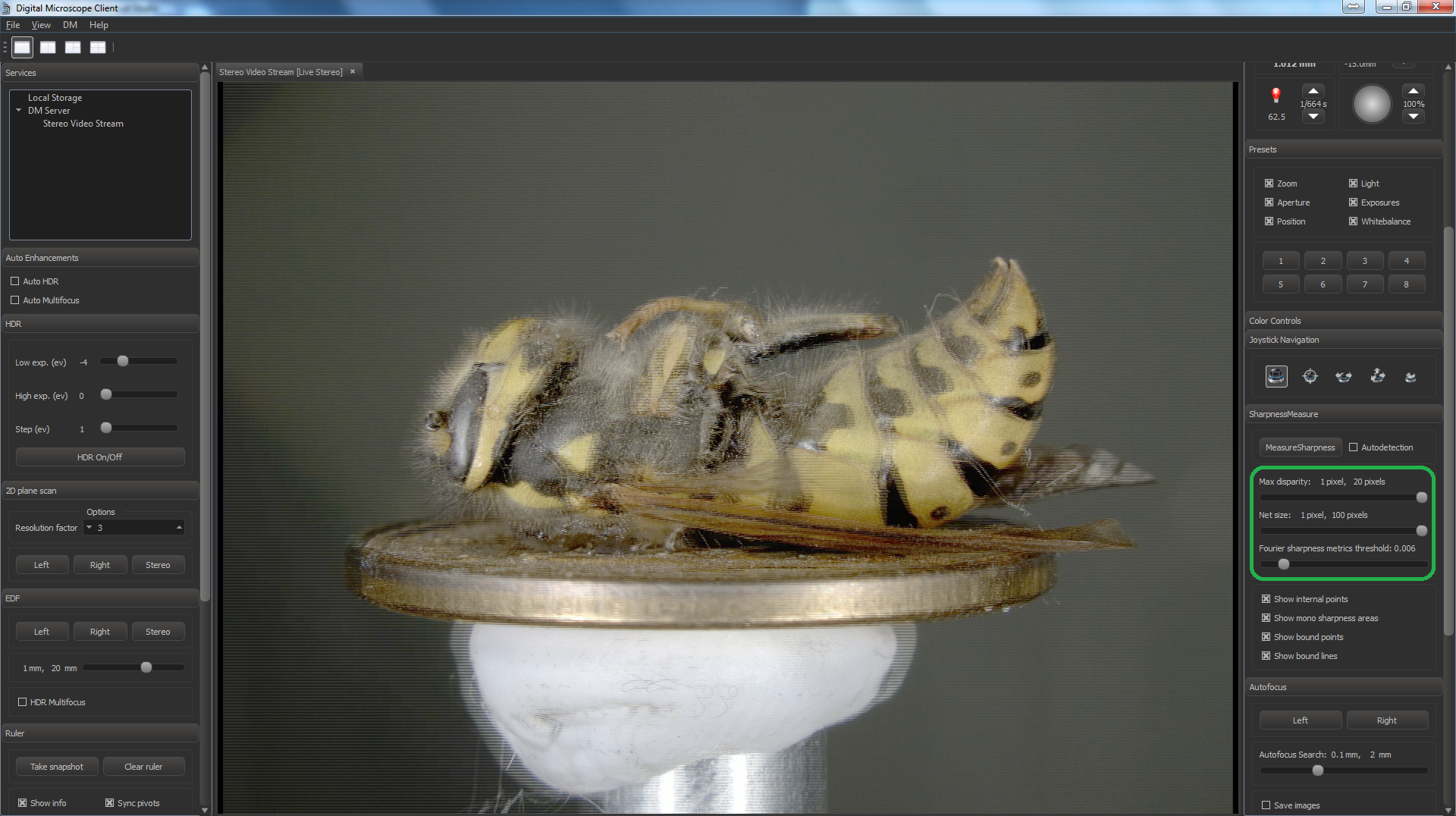
- You can also choose the most convenient view of the result with the help of checkboxes group (Show internal points, Show bound points, Show bound lines, Show mono sharpness areas)
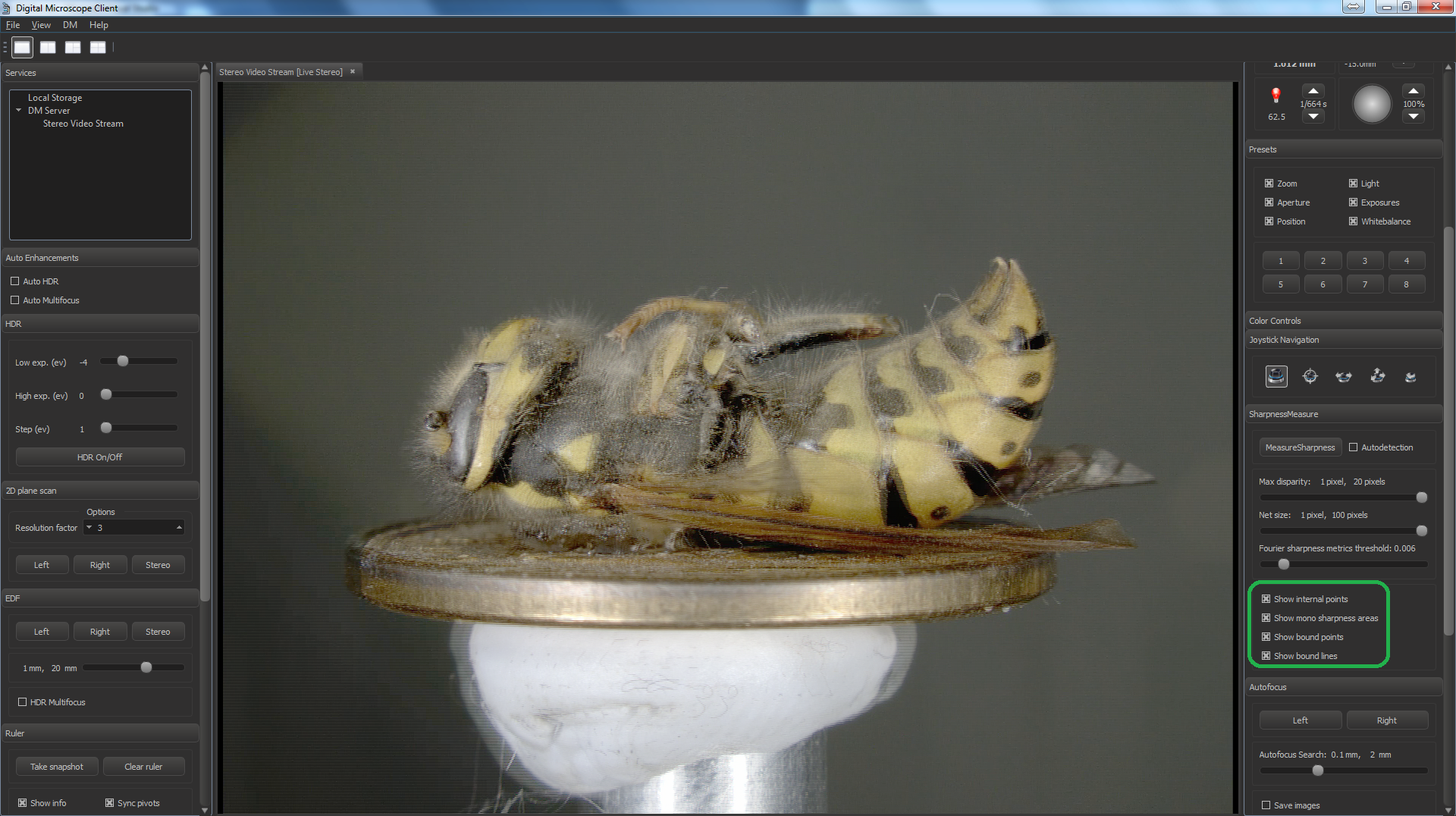
- A typical result of the work should look like this: