
This panel allows controlling the stage in 4 dimensions.
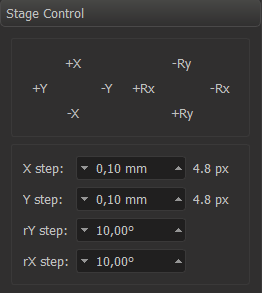
The stage can be moved or rotated by pressing the buttons. Step size (single button press) can be entered into the edit boxes below.
Linear steps are entered in millimeters. They are automatically re-calculated on zoom ratio change, to maintain the same pixel size of the step.
Angle values are entered in degrees and not changed with zoom.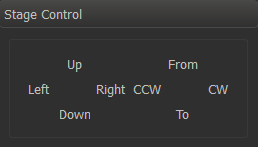
Advanced
In the configuration file (e.g. msaconfig.xml) stage the default step size can be configured as follows:.
...