History
For a full understanding of the goals of the step-by-step evolution of appraiser templates and the advantages of newer versions, you need to read the following chapters of the Release Notes:
- 1 In-house cuts and hybrid appraisers overview
- 2 Create hybrid appraiser for in-house cut
- 3 Automatic appraiser selection
Executive summary
- 1 Goodwin Cut. Process flow
- 2 Gold Stars - new attribute for Facet Types
Summary
Goodwin or ASCII ?
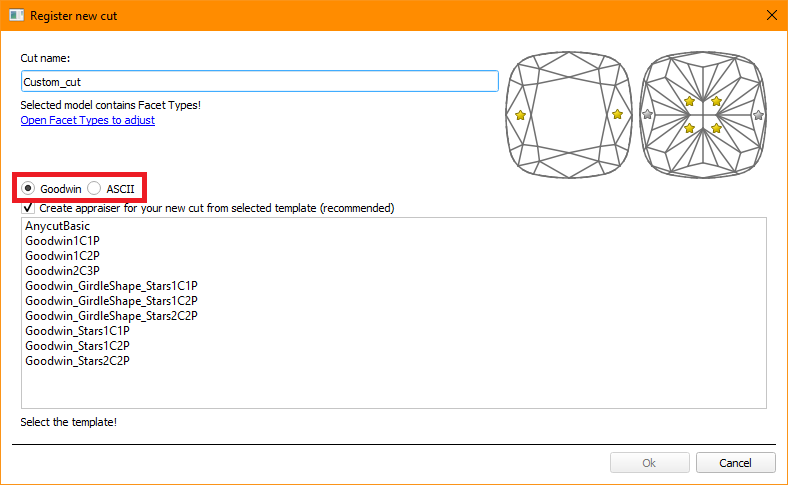
Definitely "Goodwin"!
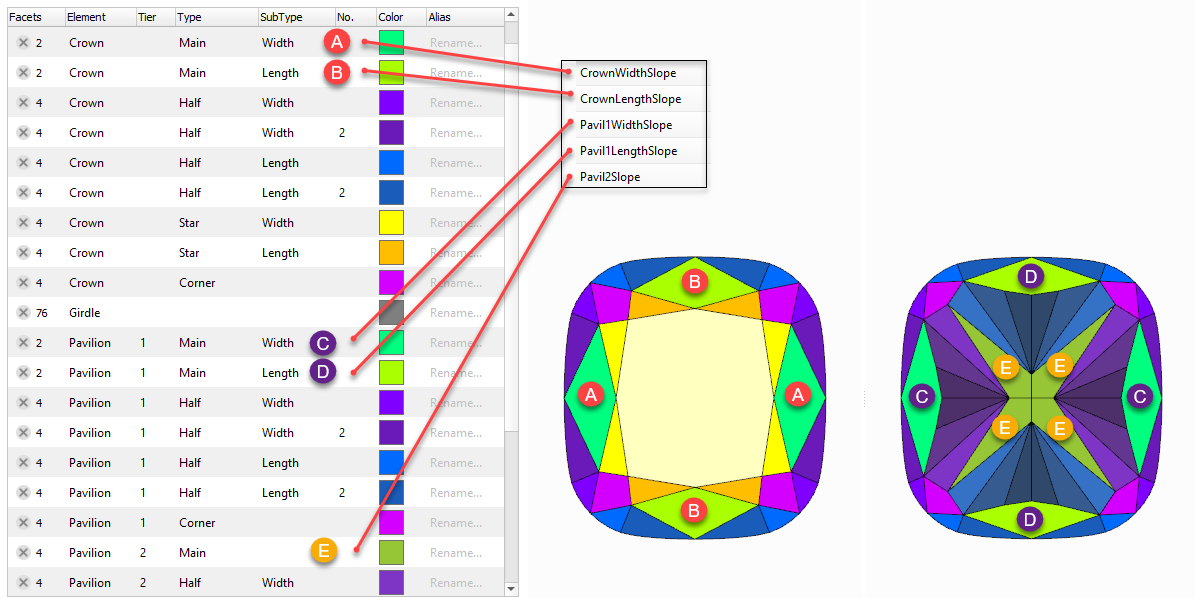
Goodwin is an advanced type of in-house cut which compared to the previous generation of cuts (aka ASCII-cuts) has more precise control over the cut geometry when changing the parameters, and also allows controlling the slopes of main facets.
The ASCII option is still present for support of clients who doesn't want to use advantages of Goodwin technology.
Create own appraiser?
- 1 In-house cuts and hybrid appraisers overview
- 2 Create hybrid appraiser for in-house cut
- 3 Automatic appraiser selection
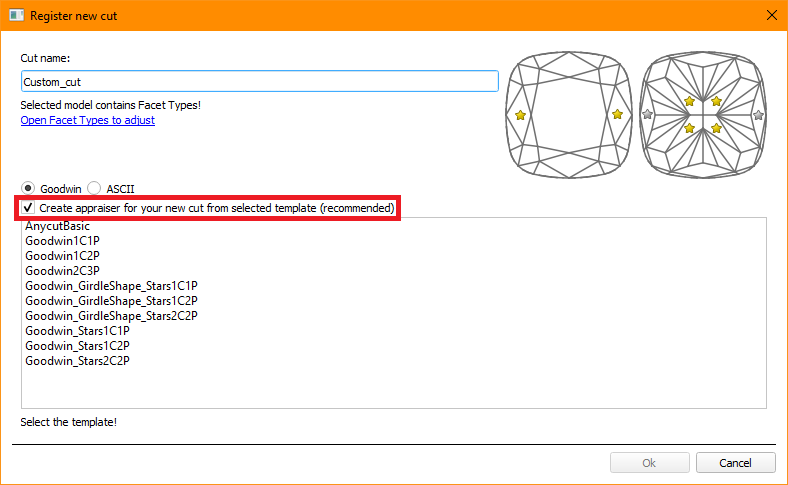
Definitely "Yes"!
| Ability | No | Yes |
|---|---|---|
| Using absolute appraisers in Multiple Cuts mode. | Yes* | Yes |
| Using composite (absolute+relative) appraisers in Multiple Cuts mode. | No | Yes |
| Creating own appraiser for each custom cut. | No | Yes |
| Editing own appraiser via the user interface. | No | Yes |
| Automatic detection and presenting in the user interface of the link between cut and its appraiser/active profile. | No | Yes |
| Using simultaneously RBC (including optimization by GIA Facetware) and Custom Cuts in Multiple Cuts mode. | No | Yes |
| Getting Smart Recut solutions for multiple selected cuts simultaneously. | No | Yes |
| Getting Smart Recut solutions for a larger diamond in the multi-diamond solutions. | Yes | Yes |
| Getting in one click Smart Recut solutions for both diamonds in the multi-diamond solutions. | No | Yes |
| Automatic switch to correct appraiser when selecting a solution with a different cut. | No | Yes |
In case of "No," the cut will be created based on the general MyAnyCut appraiser. It will operate and be graded according to its one for all boundaries.
Which appraser evolution stages to choose?
 Executive summary
  1 Goodwin Cut. Process flow
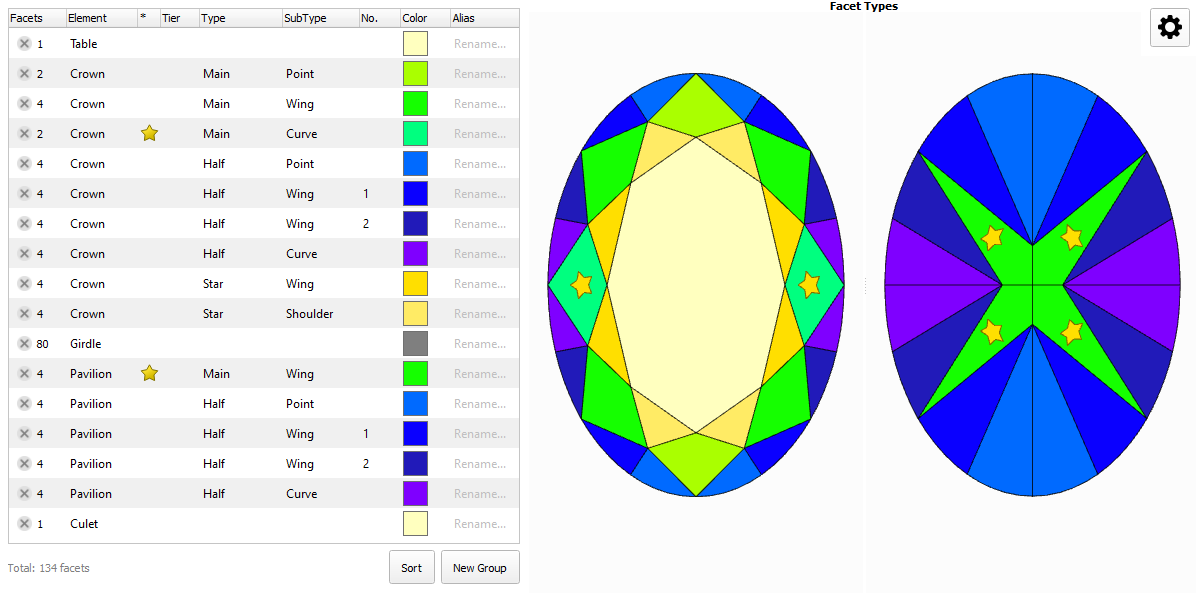
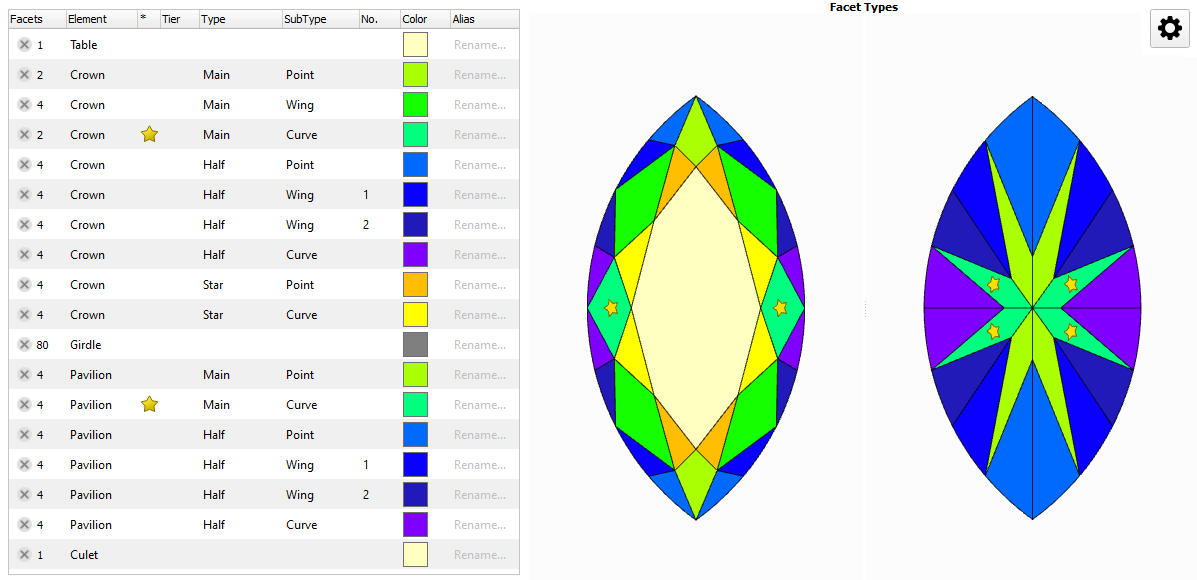
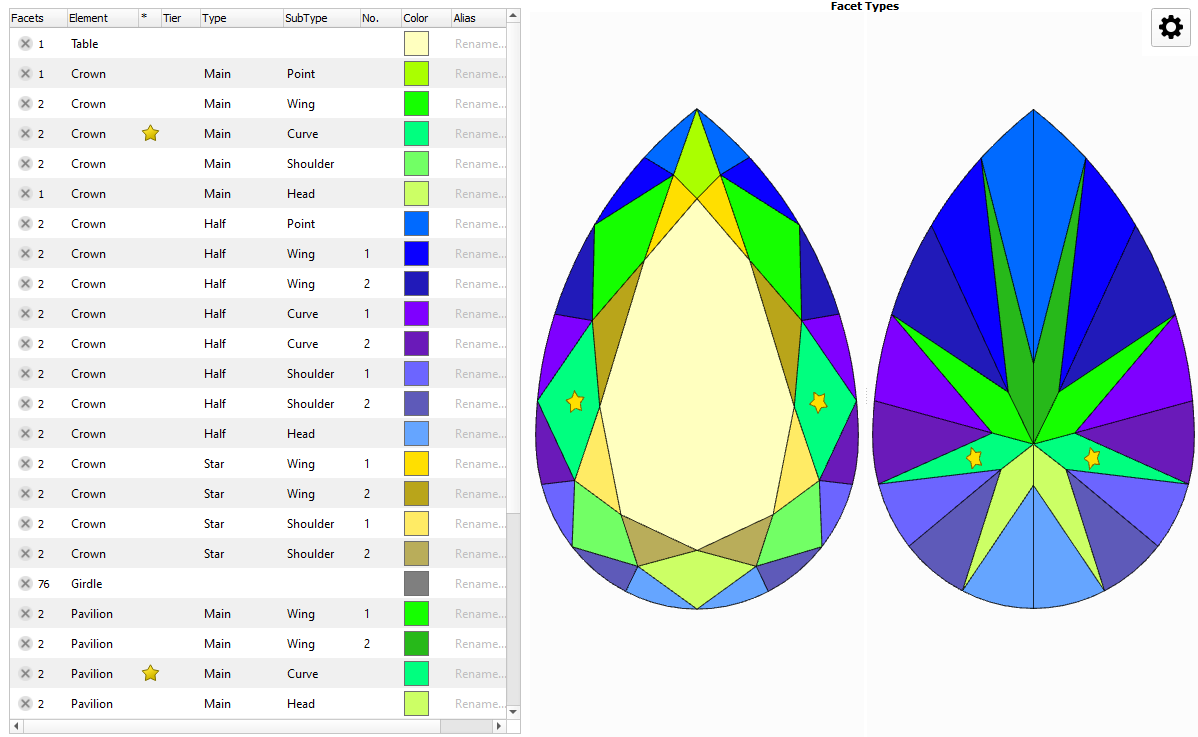
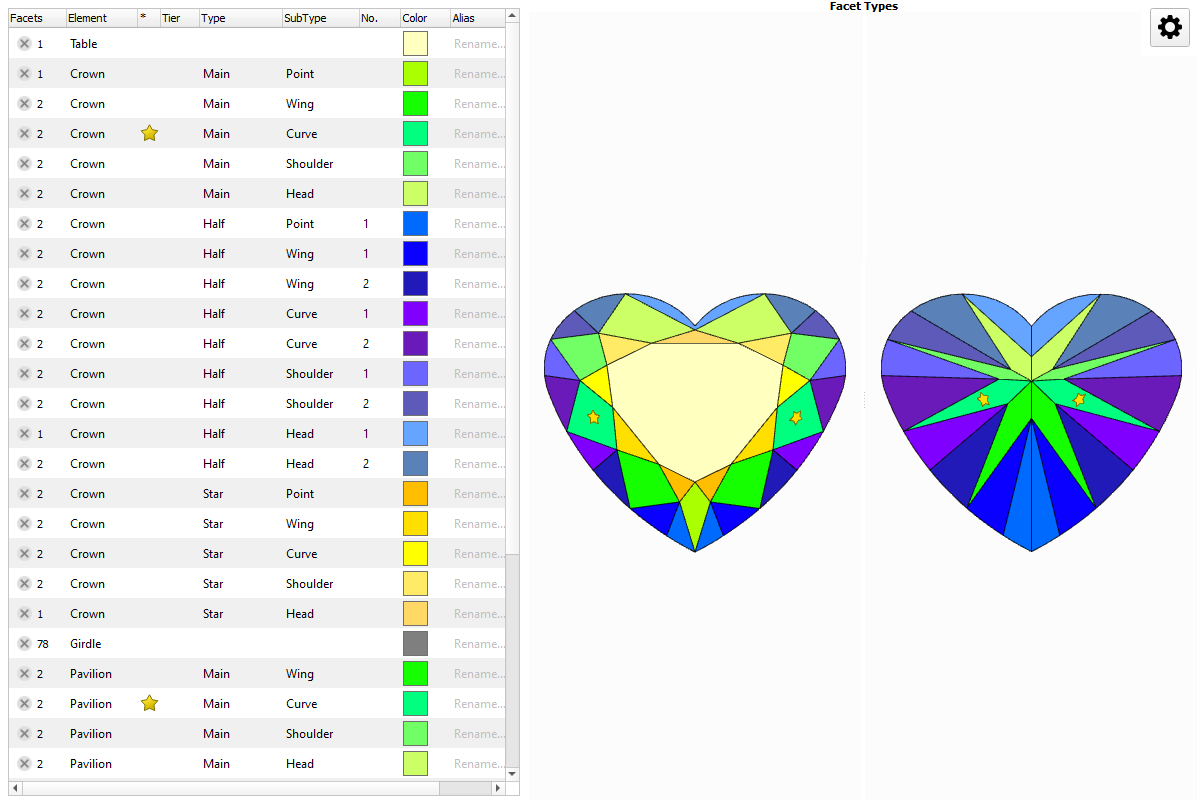
 2 Gold Stars - new attribute for Facet Types

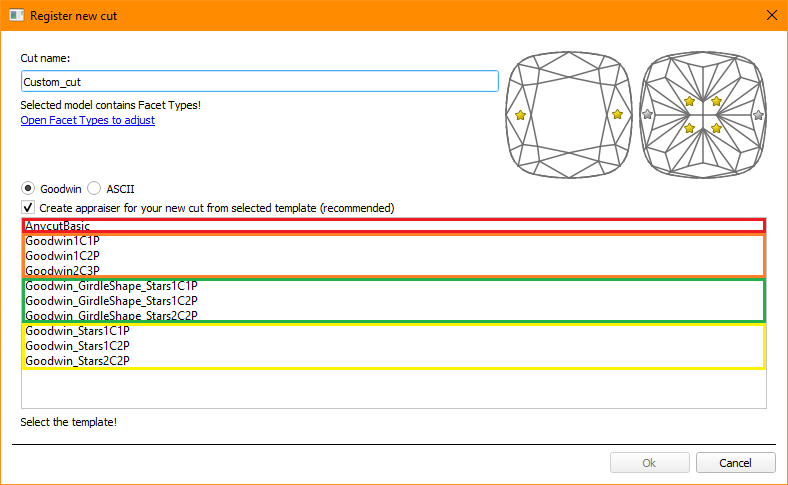
The green option is recommended for rounded fancy cuts. The necessity and usefulness of the green option for step cuts are still under question, so both green and yellow options are possible for them.
 AnycutBasic : Goodwin type cuts support AnycutBasic appraiser as well, but with the lack of important advantage of having slope angles in the appraiser.
Goodwin* : The appraiser control Crown and Pavilion Slopes. The selection of the most important cut facets is performed automatically. The only advantage of this type of templates over other options is the 2C3P version, which is well suited for rectangular cushions with a two-tier pavilion.
Goodwin_Stars* : The appraiser control Crown and Pavilion Slopes. The selection of the most important cut facets is done by the user using gold and silver stars. This prevents the desynchronization of values at all stages of the diamond's life cycle.
 Goodwin_GirdleShape_Starts* : The appraiser additionally control the Shape Deviation parameter, responsible for the beauty of the girdle shape. It includes all the advantages of the Goodwin_Stars*
Video summary: Video keywords: Gold Stars, Silver Stars, Facet Types Data: PrincessDemo.ox2zVideo | Gold and Silver Stars in Facet Types Published: 2022, December 16 Last Updated: 2021, December 16 v.2.0 Published in: Release Notes Documentation NA Playlists NA Also As Separate Page | Specification
Video summary: Video keywords: Parameters, girdle shape, comparison with ideal shape, quality control, reports Data As Separate Page | On YouTube | SpecificationVideo | Shape Deviation parameter Published: 2024, December 13 Last Updated: 2025, June 20 v.1.8 Published in: Release Notes 2025-12-11 - HP Carbon 3.0.3 Documentation N/A Playlists N/A Also
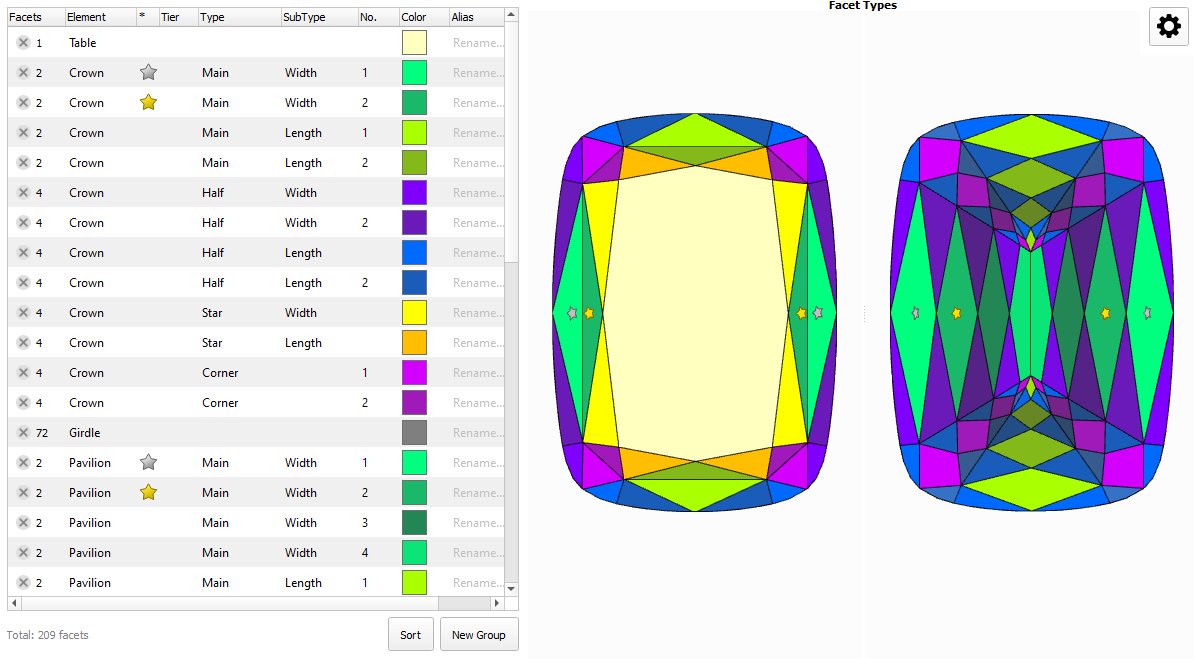
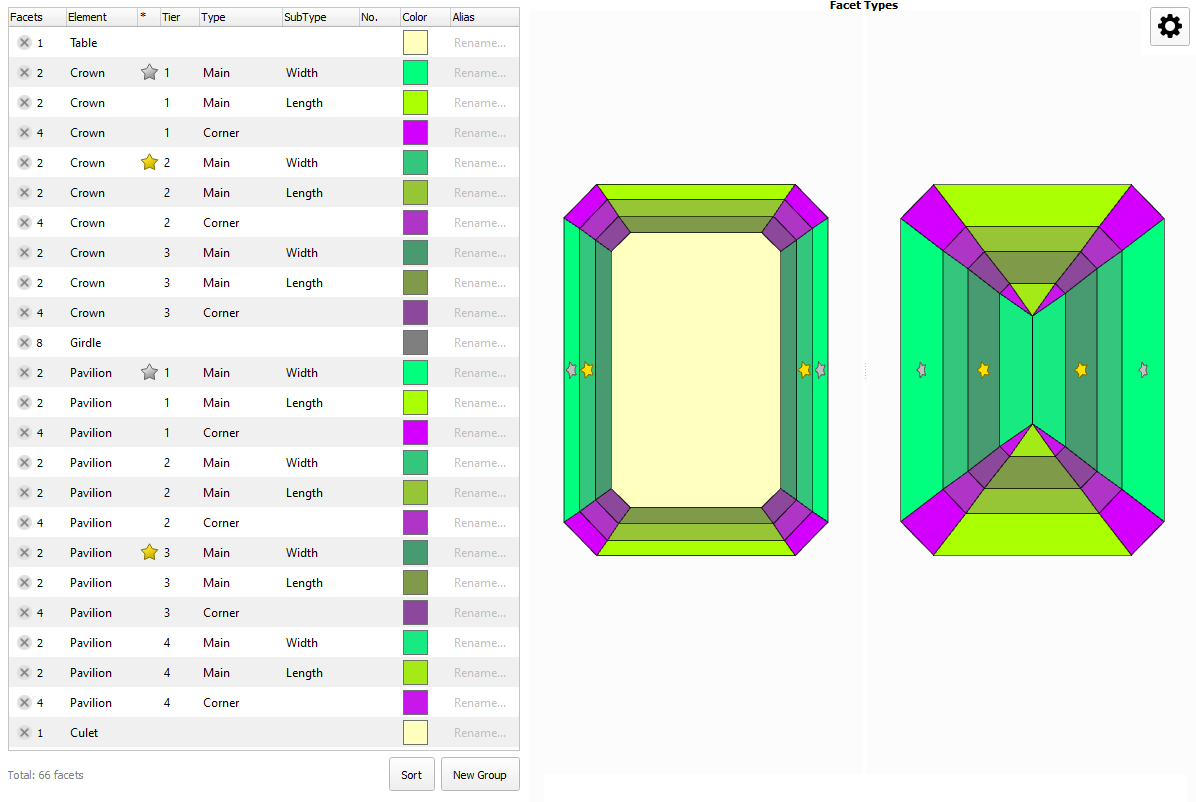
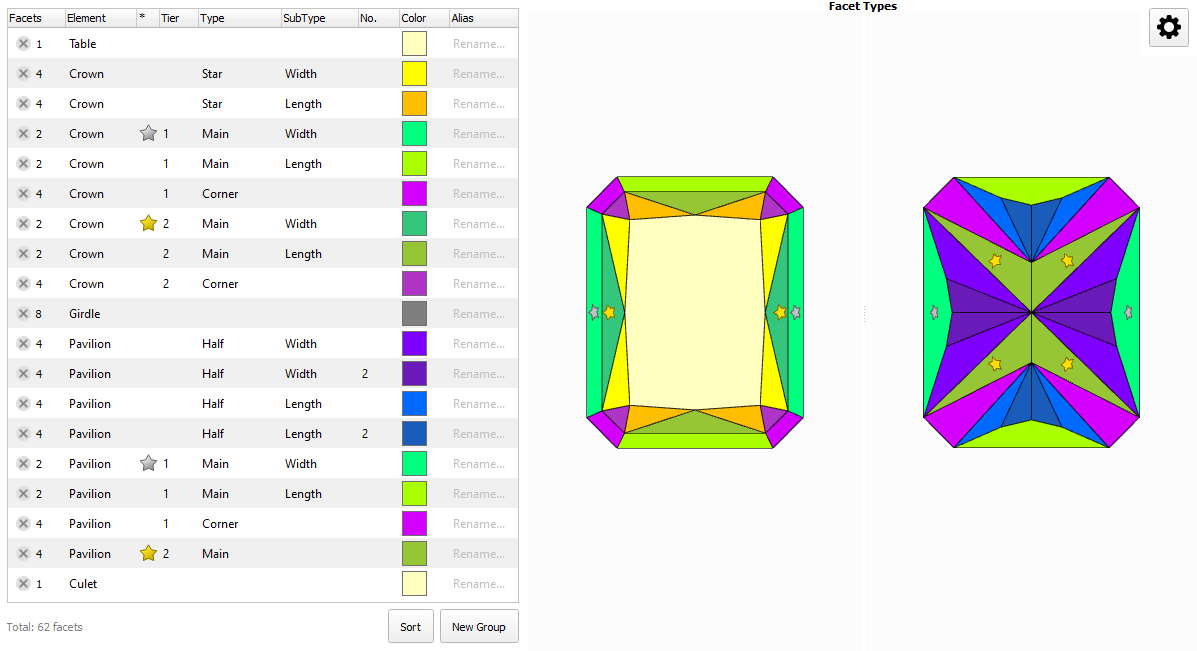
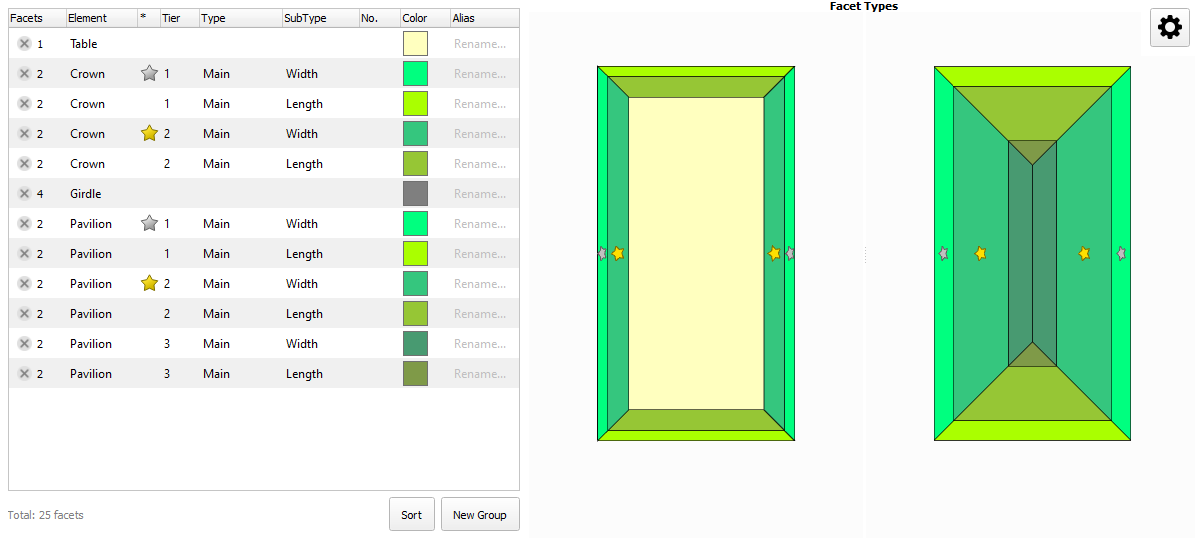
What is suffix 1C1P / 1C2P / 2C2P / 2C3P ?
Executive summary
- 1 Goodwin Cut. Process flow
- 2 Gold Stars - new attribute for Facet Types
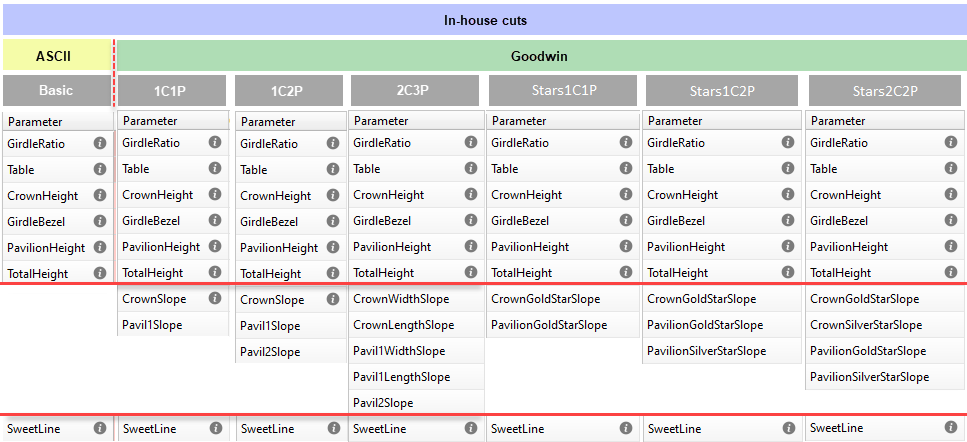
In addition to ASCII parameters, for Goodwin cuts, you will be able to control:
- 1 / 2 сrown slope
- 1 / 2 / 3 pavilion slopes
|
Examples
Cut sample | Description | Preferable template |
|---|---|---|
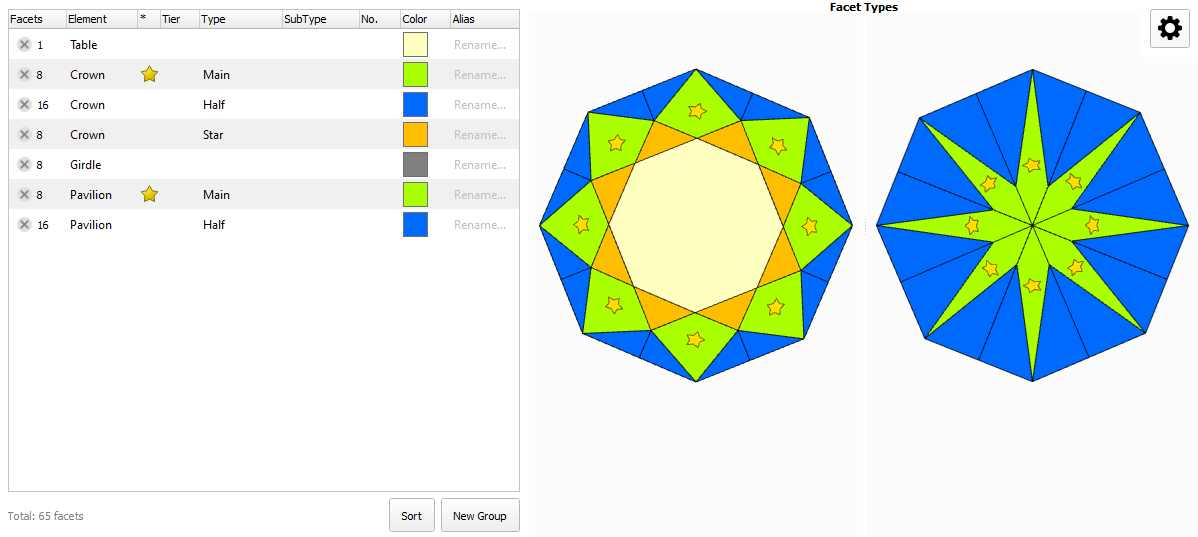
| Cuts have 1 tier for a crown and 1 tier for a pavilion. Template must control one angle of the crown (1C) and one angle of the pavilion (1P). For rounded cuts template must control girldle shape | |
| ||
| ||
| ||
| Cuts have 1 tier for a crown and 1 tier for a pavilion. Template must control one angle of the crown (1C) and one angle of the pavilion (1P). For step cuts girldle shape control is optional | |
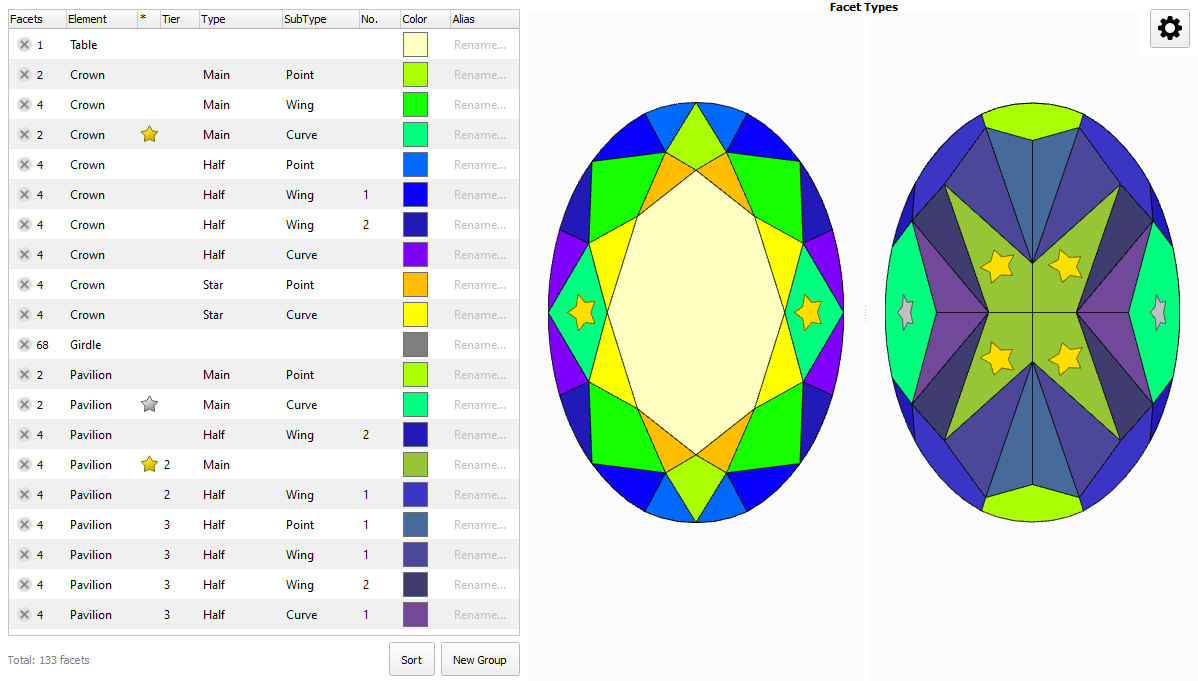
| Cuts have 1 tier for a crown and 2 tier for a pavilion. Template must control one angle of the crown (1C) and two angle of the pavilion (2P). For rounded cuts template must control girldle shape | |
| ||
| Cuts have 1 tier for a crown and 2 tier for a pavilion. Template must control one angle of the crown (1C) and two angle of the pavilion (2P). For step cuts girldle shape control is optional | |
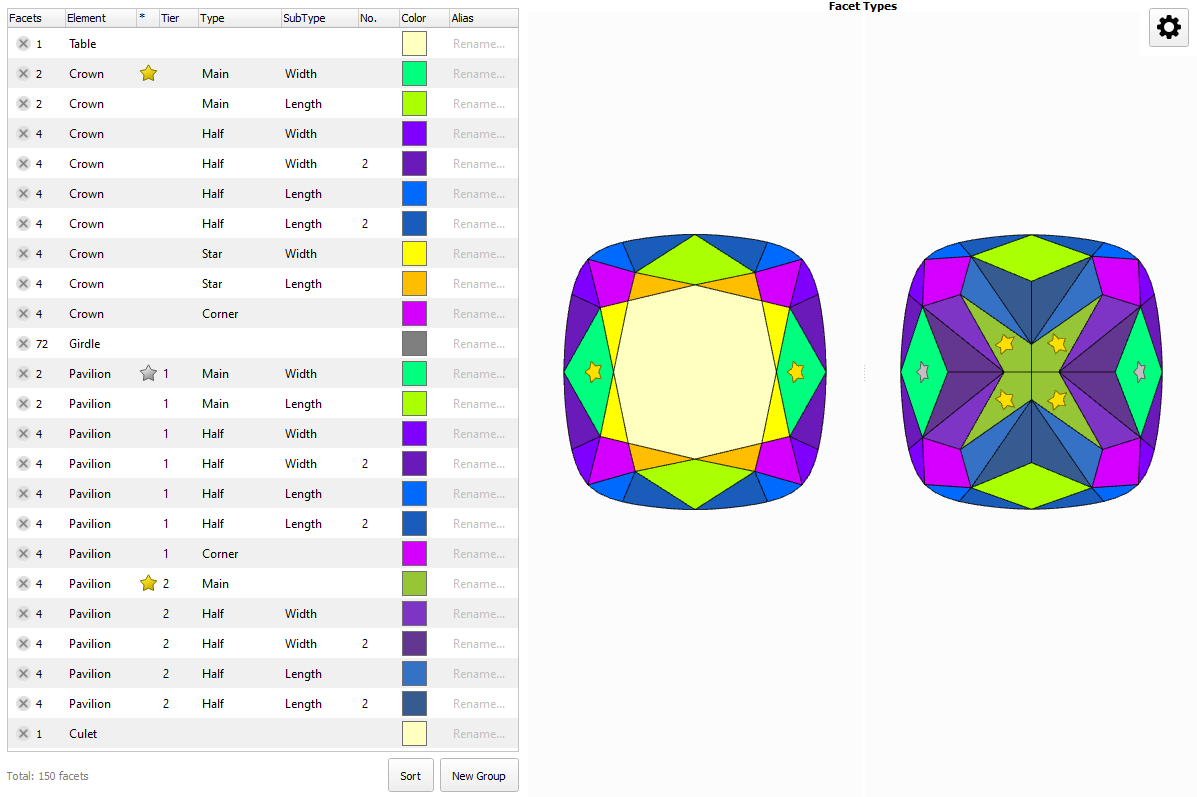
| Cuts have 2 or more tiers for a crown and pavilion. Template must control two angle of the crown (2C) and two angle of the pavilion (2P). For rounded cuts template must control girldle shape | |
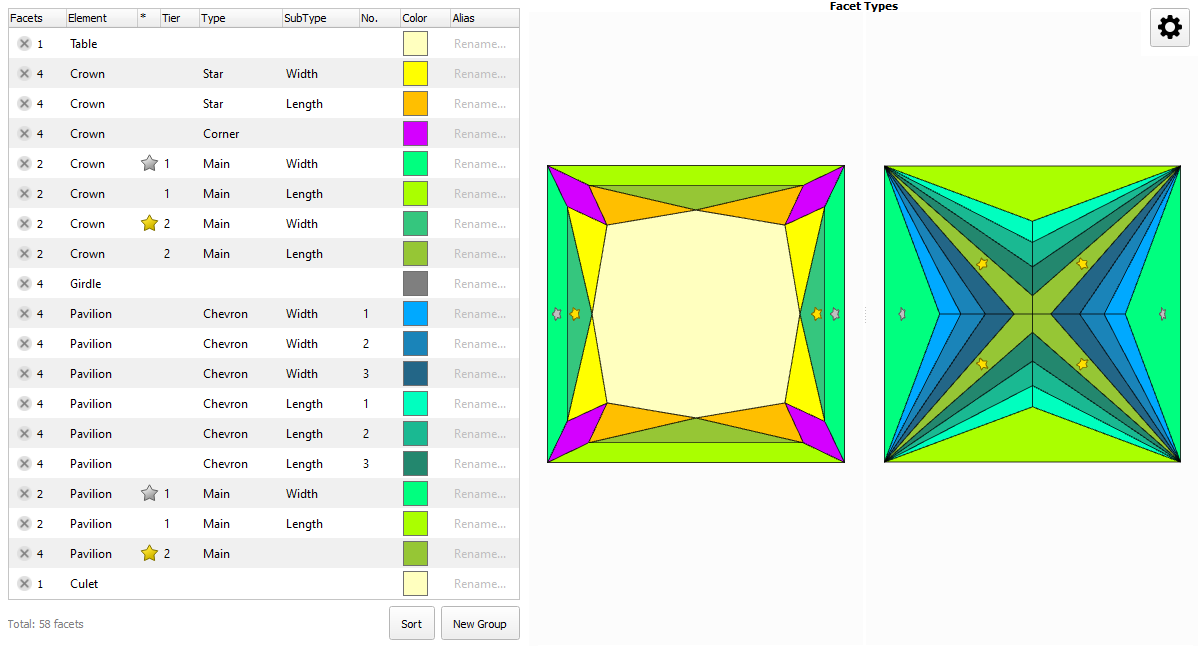 | Cuts have 1 tier for a crown 1 tier for a pavilion. Template must control two angle of the crown (2C) and two angle of the pavilion (2P). For step cuts girldle shape control is optional | |
| ||
| ||
| ||
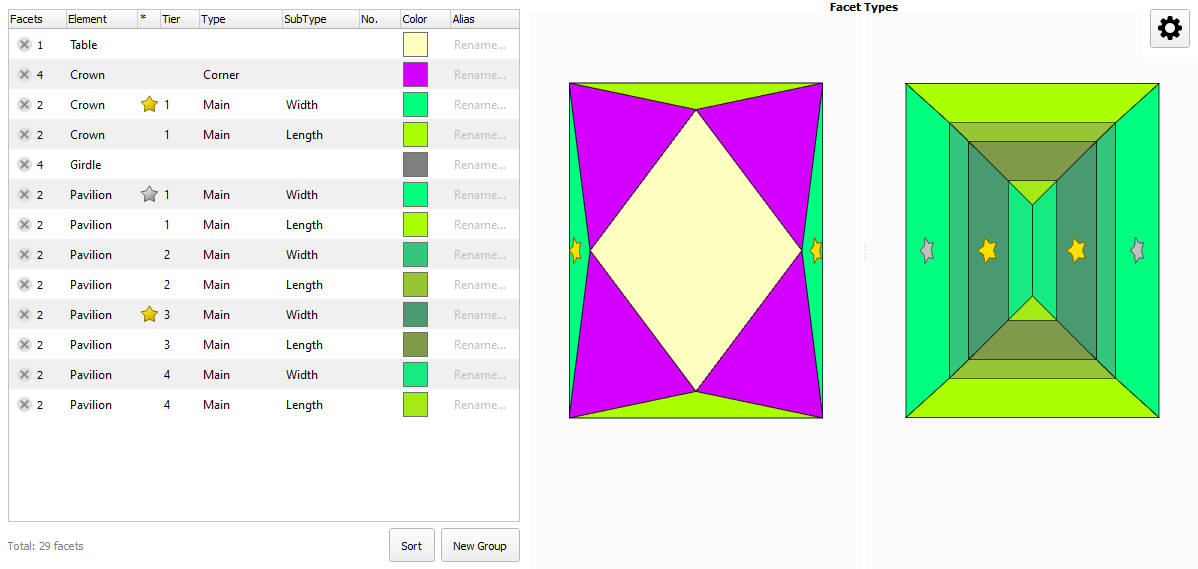
| For rectangular cuts with 2 tiers for a pavilion. llows controlling: But the ability to control the shape of the girdle is lost |