
To apply update (*.v2c file from vendor), please do the following:
- Plug the HASP key you intend to update to a USB port on your computer (only one HASP key should be plugged; unplug the other keys, if any).
- Run any modern browser (for example, Internet Explorer ver. 9.0 or later, Google Chrome ver. 35 or later).
- Open the page http://localhost:1947/_int_/checkin.html.
- Press Browse... and navigate to the *.v2c file supplied by the vendor.
- Press Apply File.
- If the update is applied successfully, you will get the following message:
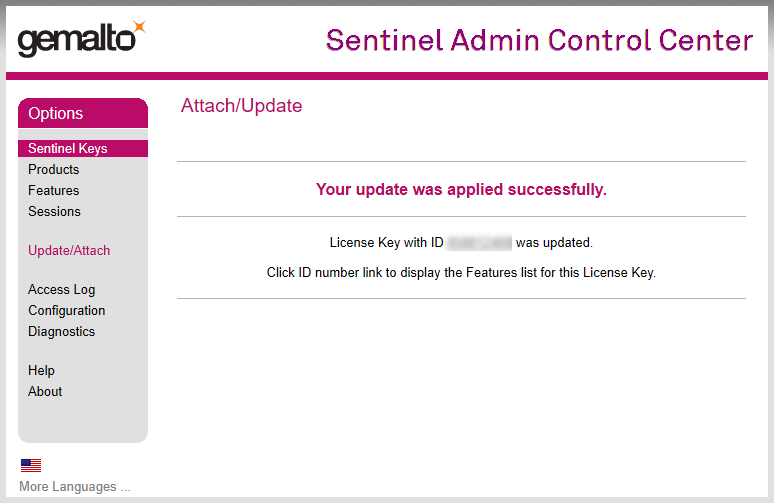
If you get another message, please take a screenshot and send it to the distributor of your software.