What is EDF
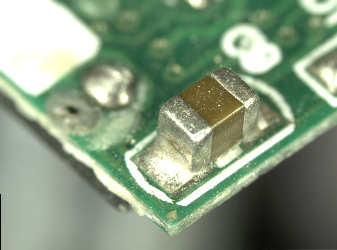
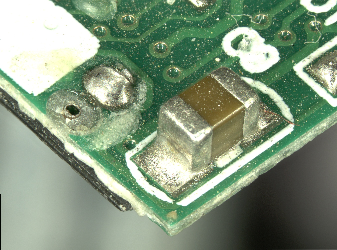
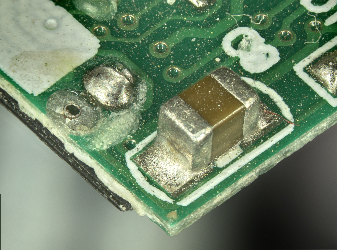
EDF stands for Extended Depth of Field. This tools creates images with deeper focused range.
| Usual image | EDF Image | HDR EDF Image |
|---|---|---|
 |  |  |
How to create EDF image
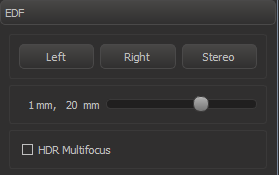
- In EDF panel, move the slider to select the focused range (note: it depends on current zoom)
- Press Left / Right / Stereo depending which camera you want to use
- Focused images will appear in the server data list (left panel).
If you want to use HDR multifocus, check the "HDR Multifocus" control. Note: HDR takes much more time to create the image.
Incremental Real-Time EDF
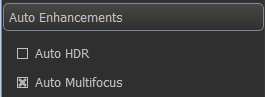
EDF can be applied automatically in real-time while the object is still. To do this, enable "Auto Multifocus" in "Auto Enhancements" panel.