
System topology for MBox 2.0, MBox 1.5
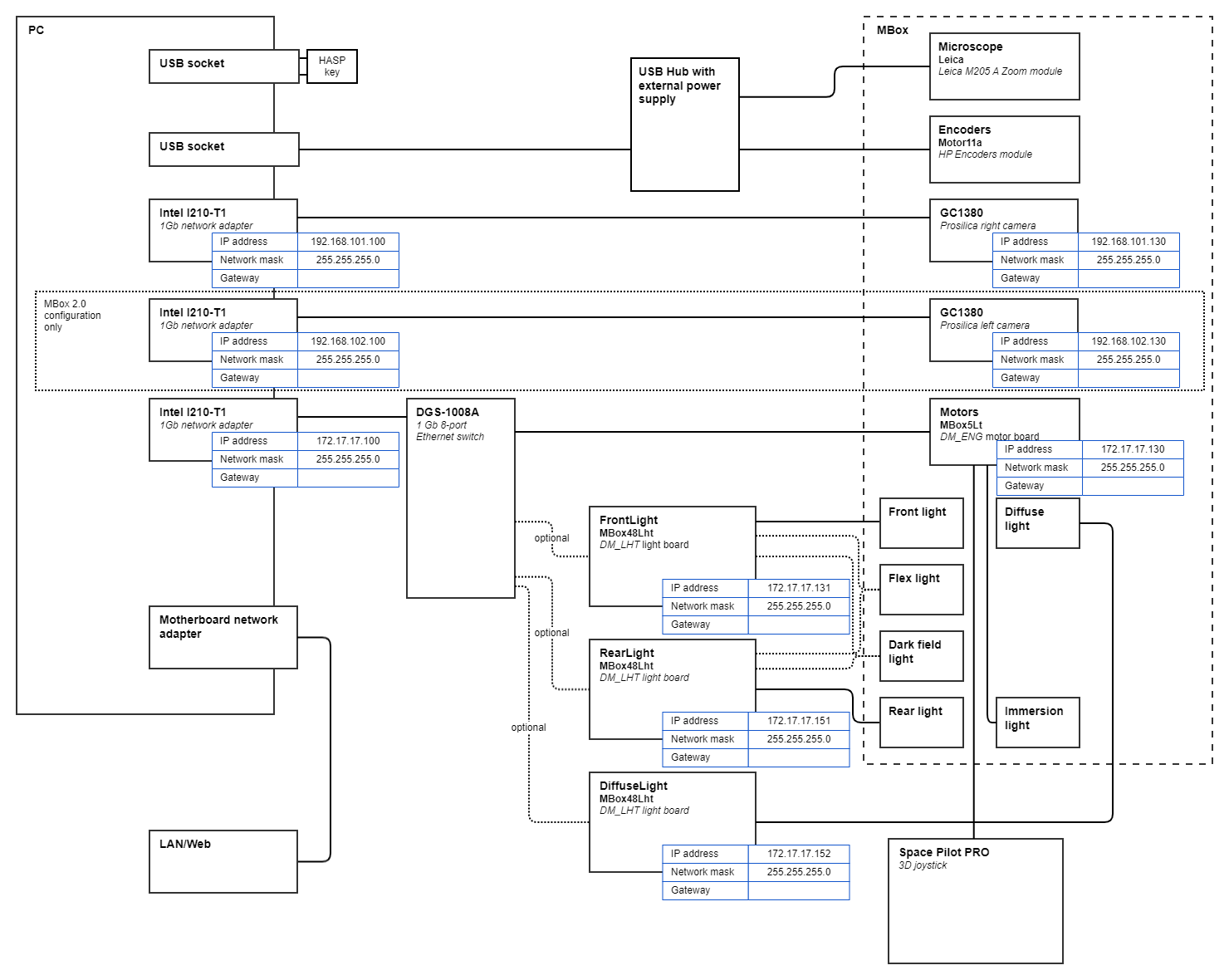
Cabling
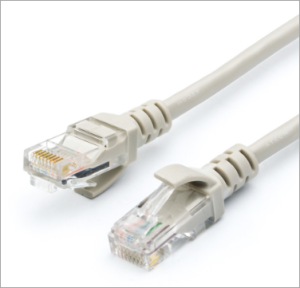
Ethernet
Use UTP Cat5E factory-made cables of appropriate length.
USB
Use USB Type A male (PC side) / USB Type B male (device side) cables, approx. 2 meters length.
Endpoints configuration
| Endpoint | Group | MicroscopeDrivers.ini table | Configuration software |
|---|---|---|---|
| Prosilica left adapter | PC | Open Control Panel\Network and Internet\Network Connections, configure each adapter's TCP/IP V4 properties | |
| Prosilica right adapter | PC | ||
| Devices adapter | PC | ||
| Prosilica left camera | MBox | Device= Photo Microscope | Run GigEIPConfig, configure IP addresses Run GigEViewer to find each adapter's UniqueId |
| Prosilica right camera | MBox | Device= Photo Microscope | |
| DM_ENG motor board | MBox | Table: Motors | Download folder dm_eng, edit network.info, lines for |
| DM_LHT light board | Light box | Table: FrontLight For rear light: Table: RearLight For diffuse light: Table: DiffuseLight | Download folder dm_lht, edit network_lt.info, lines for For single board: line For multiple boards: Every board should be configured separately, with distinct IP, disconnecting another board. Record configured IP address to the |